If you just double-clicked a file like "XX Quarter Disciplinary List" or "Disciplinary Notice Information" in a group chat and suspect a Silver Fox Trojan, follow this order—antivirus scanning and reinstalling come last:
- Disconnect from the network first: Unplug the Ethernet cable, turn off Wi-Fi and Bluetooth. Don't shut down, format, or rush to reinstall the computer yet.
- Handle accounts from a trusted device: Use your phone (mobile data is safer) to force-log out all PC sessions of WeChat, QQ, DingTalk, and WeCom, then change passwords and enable two-factor authentication.
- If this is a finance or cashier computer: Immediately unplug USB banking keys (U-shields) and other hardware tokens, and pause all payments and approvals for the day.
- Notify your group and colleagues: Use phone calls, SMS, or a separate message from your phone to tell everyone, "My computer may be infected—don't open files I sent."
- Finally, deal with this machine itself: Check for persistent remnants or simply reinstall.
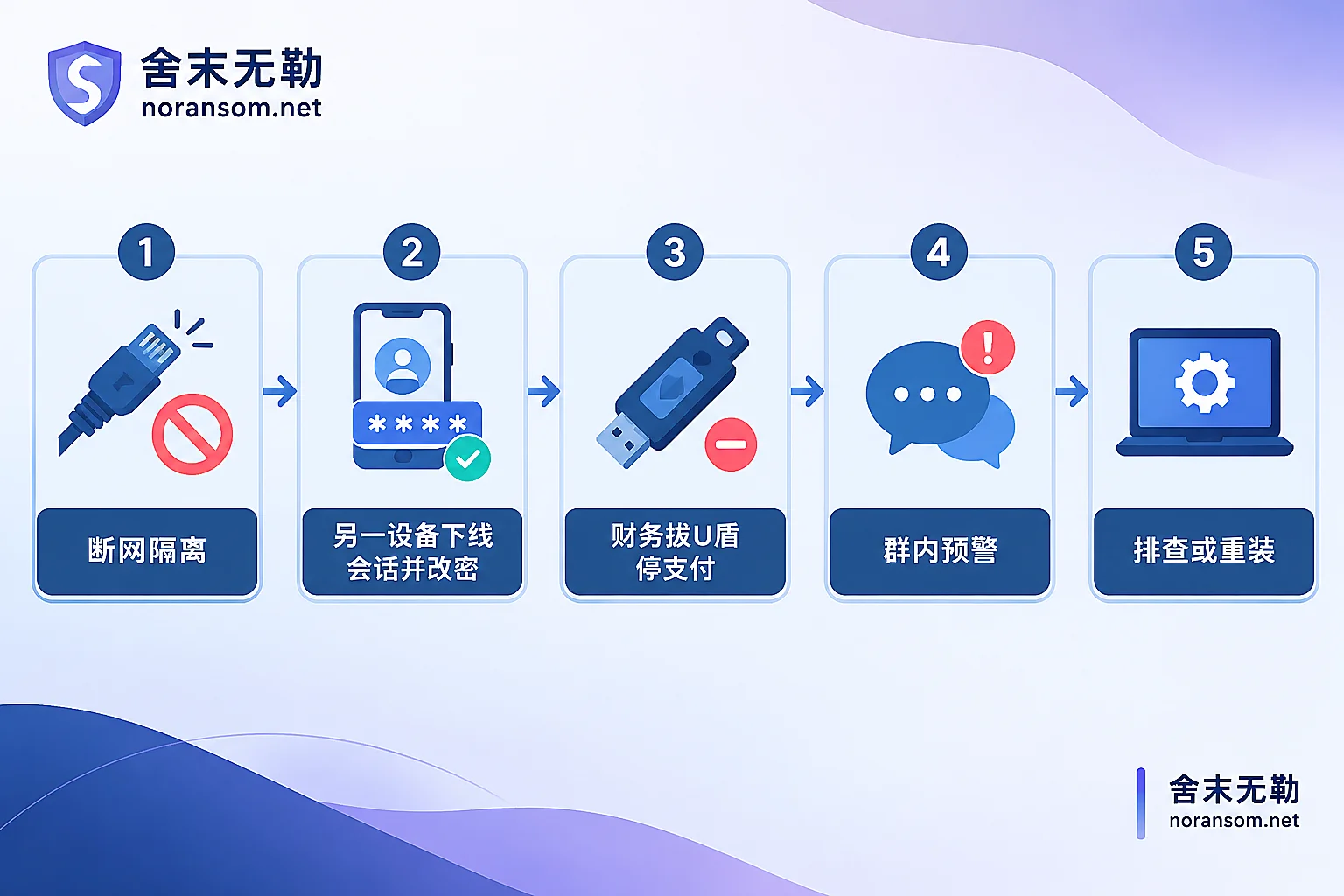
Below, I explain the reasoning behind each step, and which situations you can handle yourself versus which you can't.
First, confirm whether you actually "ran" it
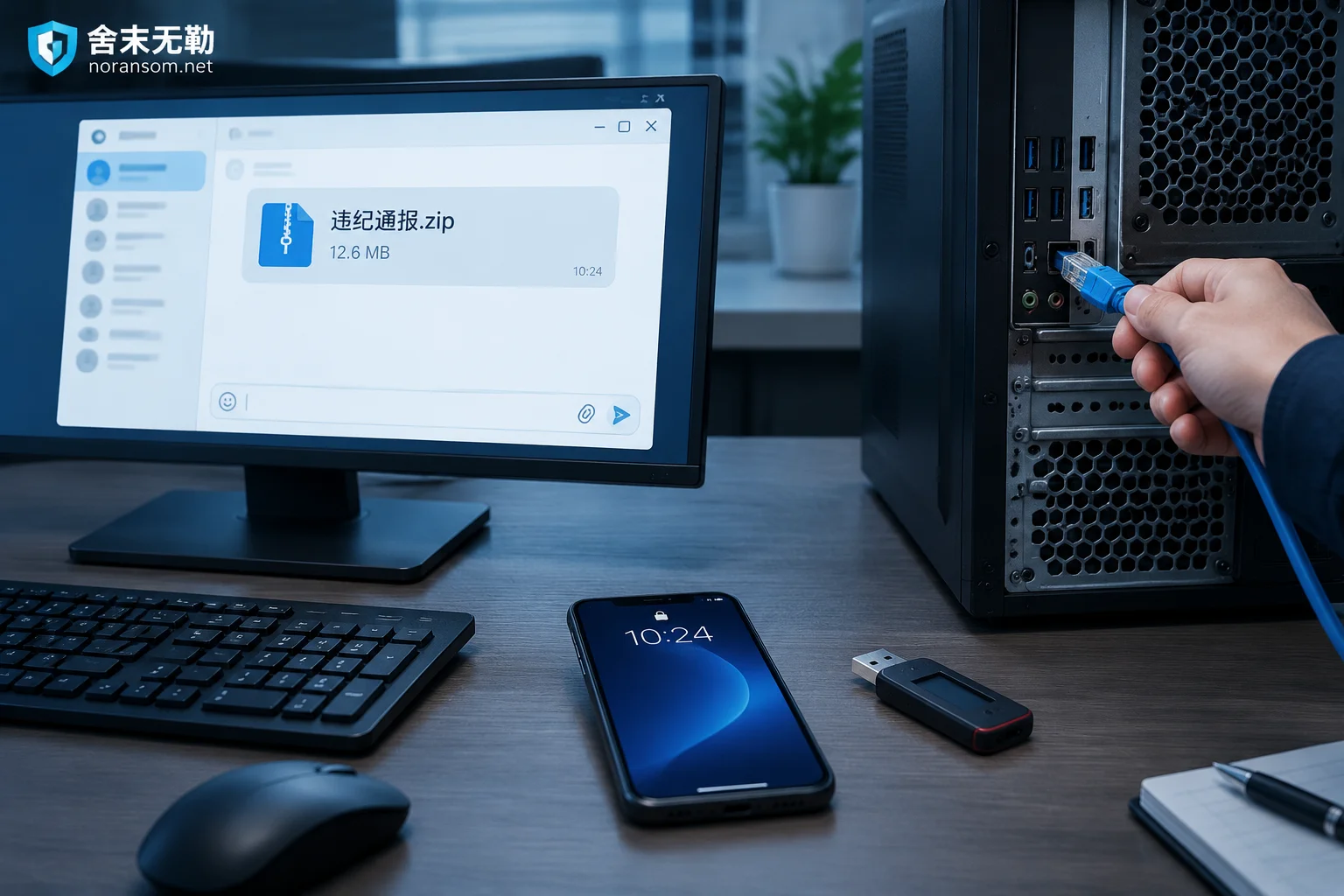
The typical delivery format is: a compressed archive (.zip / .rar) posted in a group. After extraction, it contains an .exe, .msi, .scr, or .lnk shortcut, with the icon disguised as a PDF or Word file. So the key question isn't "Did I click it?" but "How far did I double-click?"
- Only downloaded, didn't extract, or extracted but didn't double-click the program inside—risk is significantly lower, but still run a check as described in the next article.
- Double-clicked and nothing happened, a flash and it disappeared, or an error like "File corrupted" or "Unsupported version"—this is exactly how a decoy program behaves. It silently dropped a payload in the background, so treat it as an infection.
- Double-clicked and a normal PDF/DOCX opened in a reader—relatively safe, but not zero risk. For what to check in this "looks fine" situation, see Opened a suspicious attachment but the computer seems fine—do you still need to check?.
Why disconnecting comes first, and why not to shut down yet
A remote-access Trojan like Silver Fox connects back to a command-and-control server after running. The attacker can see your screen, log keystrokes, exfiltrate files, and use this machine as a pivot to scan the internal network. Disconnecting is the only action that instantly cuts off these channels—faster than any scan.
I don't recommend formatting or reinstalling immediately because scheduled tasks, service entries, dropped file paths, and outbound connection logs are the evidence needed to determine "when it came in, what data was touched, and whether it spread to other machines"—especially if the company needs an internal report or police filing.
But this isn't "never shut down." If you cannot reliably disconnect (e.g., you're not near the machine, the wireless adapter won't turn off, or it's a remote server), then cutting power is better than leaving it online. Isolate if you can; cut power if you can't.
Accounts and sessions must be handled from another device
This computer may still be recording keystrokes and screen activity. Typing a new password on it is handing the new password directly to the attacker.
The order matters too: first force-log out PC sessions via the phone app's "Login Device Management / Security Center," then change the password. Changing the password without logging out may leave existing sessions alive.
The scope usually includes: instant messaging, corporate email, OA, ERP / business systems, online banking and third-party payments, remote desktop and VPN accounts, and passwords saved in browsers. The complete checklist and priorities are detailed in Which account passwords to change after discovering a Silver Fox Trojan.
Extra steps for finance staff
Impersonating a leader to request transfers is the most direct way this Trojan is monetized—attackers lurk first to learn your communication patterns with your boss, then pick the moment to issue instructions.
- Unplug USB keys/tokens, and suspend online banking approvals and payments for the day.
- Re-verify all recent "leader requests transfer" instructions using a phone call or in person—don't confirm via chat tools, as that channel may no longer be trustworthy.
- If a suspicious transfer already happened: immediately call the bank's official customer service to request emergency stop-payment/freeze, report to local anti-fraud police, and preserve chat logs, transfer receipts, original files, and a timeline. Recovery depends on fund flow and timing—no one can promise results, but the sooner you contact the bank and police, the more options you have.
For specific online banking handling, see Finance computer infected with Silver Fox Trojan—what to do about online banking.
Don't skip the group warning
This type of Trojan often uses your logged-in account to forward files with the same name to work groups and contacts while you're not active—or even creates new groups and invites people. Many organizations' "multiple people infected at once" incidents start this way.
So send the notification through another channel, and check your account for groups you didn't create or messages you didn't send. If you're a group admin, remind other admins to recall and clean up together.
A clean full antivirus scan doesn't mean "all clear"
Variants iterate quickly. Common techniques include fileless execution, white-plus-black DLL hijacking, driver-level evasion, and some even tamper with security software whitelists or trust settings. A clean scan could mean you're fine, or simply that it wasn't detected.
Manually check a few places: recently added scheduled tasks, new service entries, startup folders and registry autoruns, recently created local user accounts, and whether any suspicious outbound connections remain after reconnecting. If you spot something suspicious, screenshot and document it first, then remove it.
Bottom-line advice: For critical office computers and production machines, rather than relying on repeated scans to confirm cleanliness, back up necessary non-executable documents (doc, xls, pdf, etc.—do not include exe, lnk, bat, shortcuts, or unknown installers) and reinstall the system. After reinstallation, verify once more in a clean environment that no abnormal logins occurred. For the trade-off between reinstalling and continuing to use the machine, Can a computer still be used after removing a Silver Fox Trojan? gives more specific conclusions by device type.
Also check for accompanying file encryption
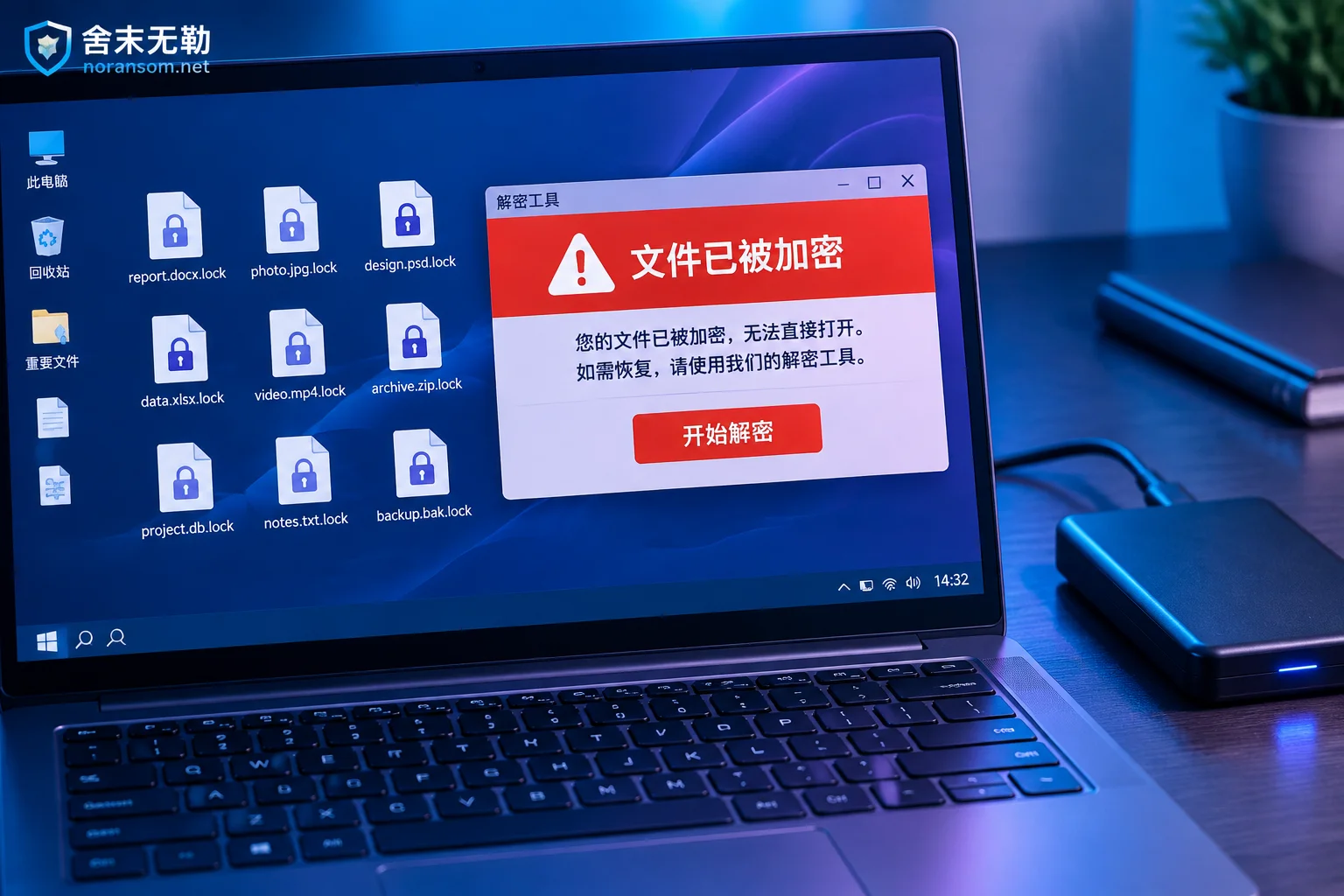
Silver Fox is a remote-access Trojan; the core risk is accounts, data, and funds—not file encryption. But ransomware dropped in the same intrusion does happen. Take a minute to check: are file extensions uniformly changed? Are there ransom notes (txt/html/hta) in desktop or various directories?
If yes, that's a different response logic—stop writing to affected disks, don't repeatedly run various decryption tools on the only original copy, and first determine the family and recoverability before deciding the path. See Family identification and recoverability assessment. These two types of problems must be handled separately; removing the Trojan doesn't mean files can be restored.
When you can wrap up yourself vs. when to seek help
Usually can wrap up yourself: A single personal office computer, no funds or financial systems involved, no domain environment or shared drives, all sessions logged out and passwords changed, machine reinstalled, and no anomalies observed after reinstallation.
Recommend professional help:
- Multiple people or machines in the group opened the same file, or cross-machine abnormal logins have occurred;
- Finance, online banking, business accounting systems are involved, or suspicious transfers have occurred;
- The infected machine is a server, domain controller, or can access servers and shared drives;
- After reinstallation, abnormal outbound connections persist or accounts are still logged in from other locations;
- The organization needs an incident report, timeline, or forensic materials.
In these cases, the risk often extends beyond this one computer, and both the account level and internal network level must be investigated separately. For situation-specific judgment, see Silver Fox and remote-access Trojan response guide, or if it's still spreading and multiple people are affected, directly use emergency response communication. When submitting materials, note: do not post production passwords, customer data, or suspicious executable files in public comment sections or arbitrary upload sites.
One final reminder about a common timing mistake—many people's first reaction is to open antivirus and run a full scan. The scan takes twenty minutes, and during those twenty minutes the Ethernet cable is still plugged in, WeChat is still logged in, and the USB banking key is still in the machine. Cut the channels first, then investigate slowly.


Comments(0)