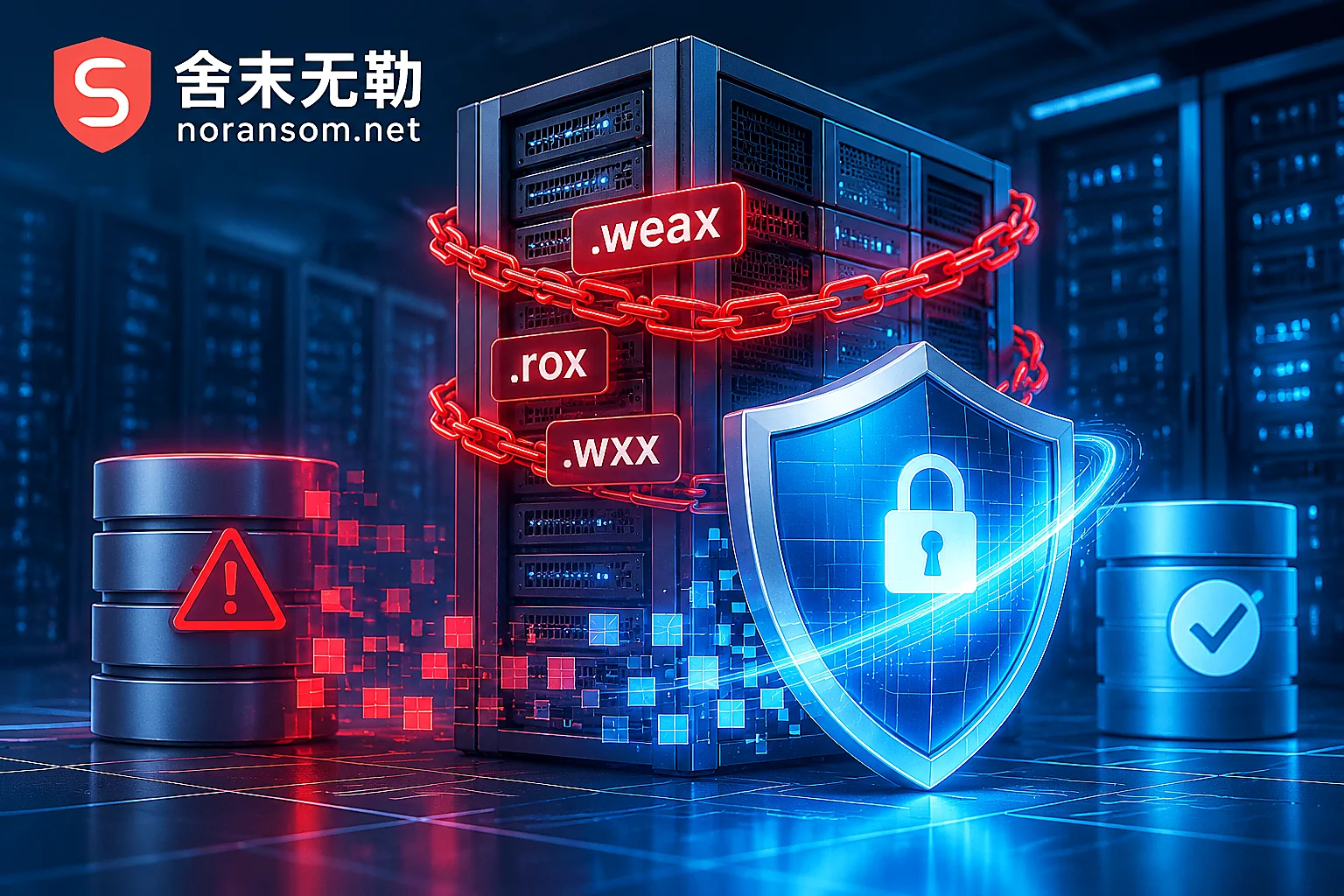
National Emergency Center Warns of Weaxor Ransomware: How to Rescue Databases and ERP Systems When Files Become .weax/.rox/.wxx?
In response to the recent active warning issued by the National Computer Virus Emergency Response Center, this article deeply analyzes the attack characteristics and credential theft risks of Weaxor ransomware variants such as .weax, .rox, and .wxx on both Windows and Linux platforms, as well as enterprise databases, OA, and ERP systems, and provides a complete emergency guide from network disconnection and damage control, variant identification, and account set data rescue to backdoor investigation.

After a Ransomware Attack on Your Server, Avoid These 5 Mistakes: Preserve the Scene to Recover Databases and Virtual Machines
When a corporate server is hit by ransomware, the greatest loss often comes not from the encryption itself but from panicked reboots, antivirus scans, forced database mounts, and in-place backup restores. This article breaks down the five most destructive actions to avoid after a server infection and provides a standard self-rescue path from freezing the scene and identifying the ransomware family to data recovery and hardening.

How to Recover a SQL Server Database Encrypted by Ransomware: Don't Force-Attach MDF, Evaluate Recovery Chances in Three Steps
When a SQL Server database (MDF, NDF, BAK) is encrypted by ransomware, blindly running DBCC CHECKDB or forcing attachment can cause further damage. This article explains emergency actions, page-level recovery principles, and how to assess ransomware data recovery feasibility without paying the ransom.
Ransomware Decryption Files Won't Open: Determine If They're Undecrypted or Corrupted
When decrypted files won't open, it's often not a simple 'decryption failure.' This article outlines the first forensic steps after stopping, teaches you to use file headers to determine if files were truly restored, and explains what to do in cases of tool mismatch, decryptor flaws, interrupted encryption, multiple encryption, and database corruption.
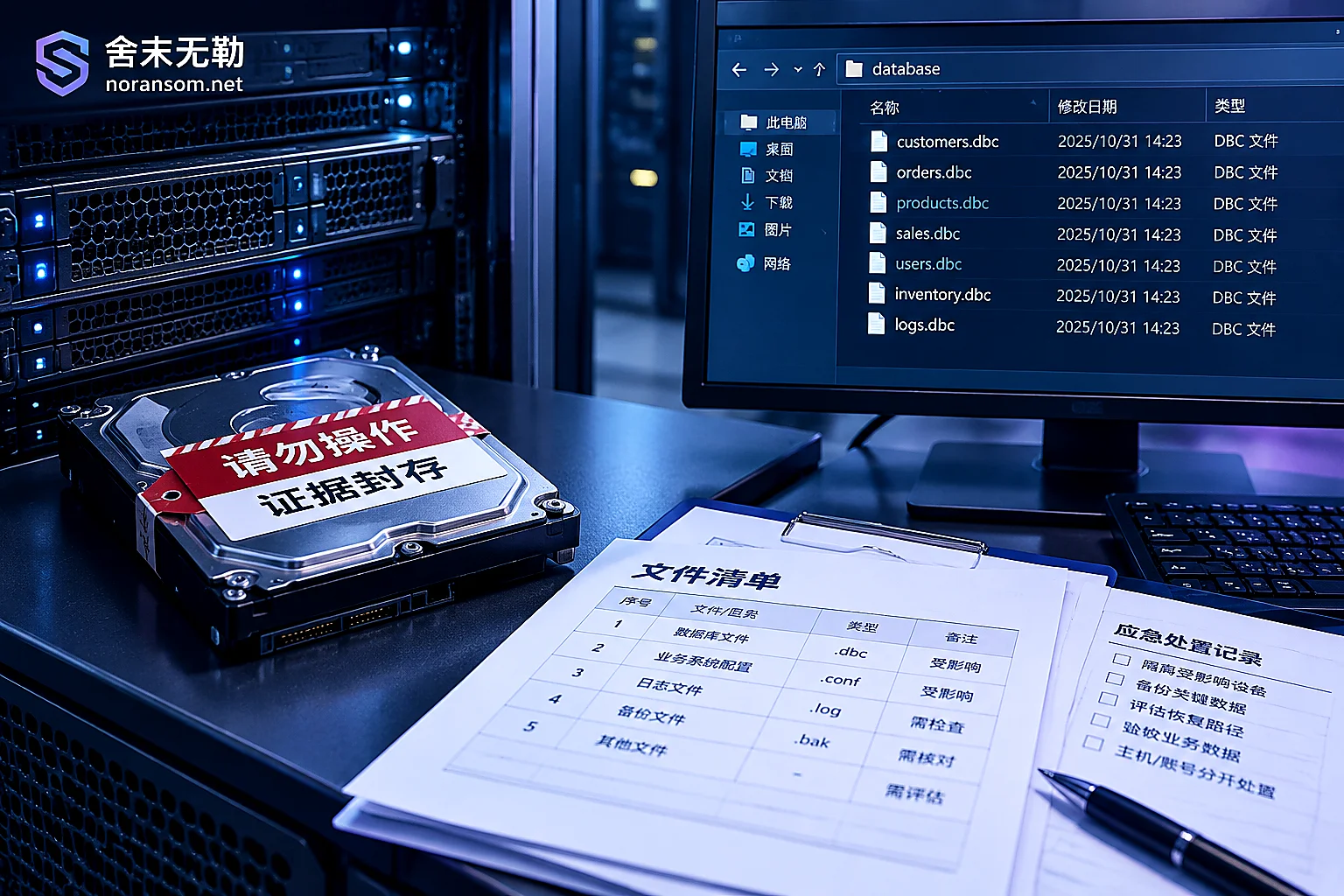
Which Files to Keep After a Yonyou Database Is Encrypted: Delete These and They're Gone for Good
After a Yonyou account set is encrypted by ransomware, what determines how much can be recovered is often not antivirus software but whether you kept the right files. This article provides a checklist of files that must be preserved (data files, logs, UFSystem system database, historical backups, ransom notes and sample pairs, system and database logs), explains correct preservation methods, several actions that directly destroy recovery chances, and how to determine the recovery path after preservation.