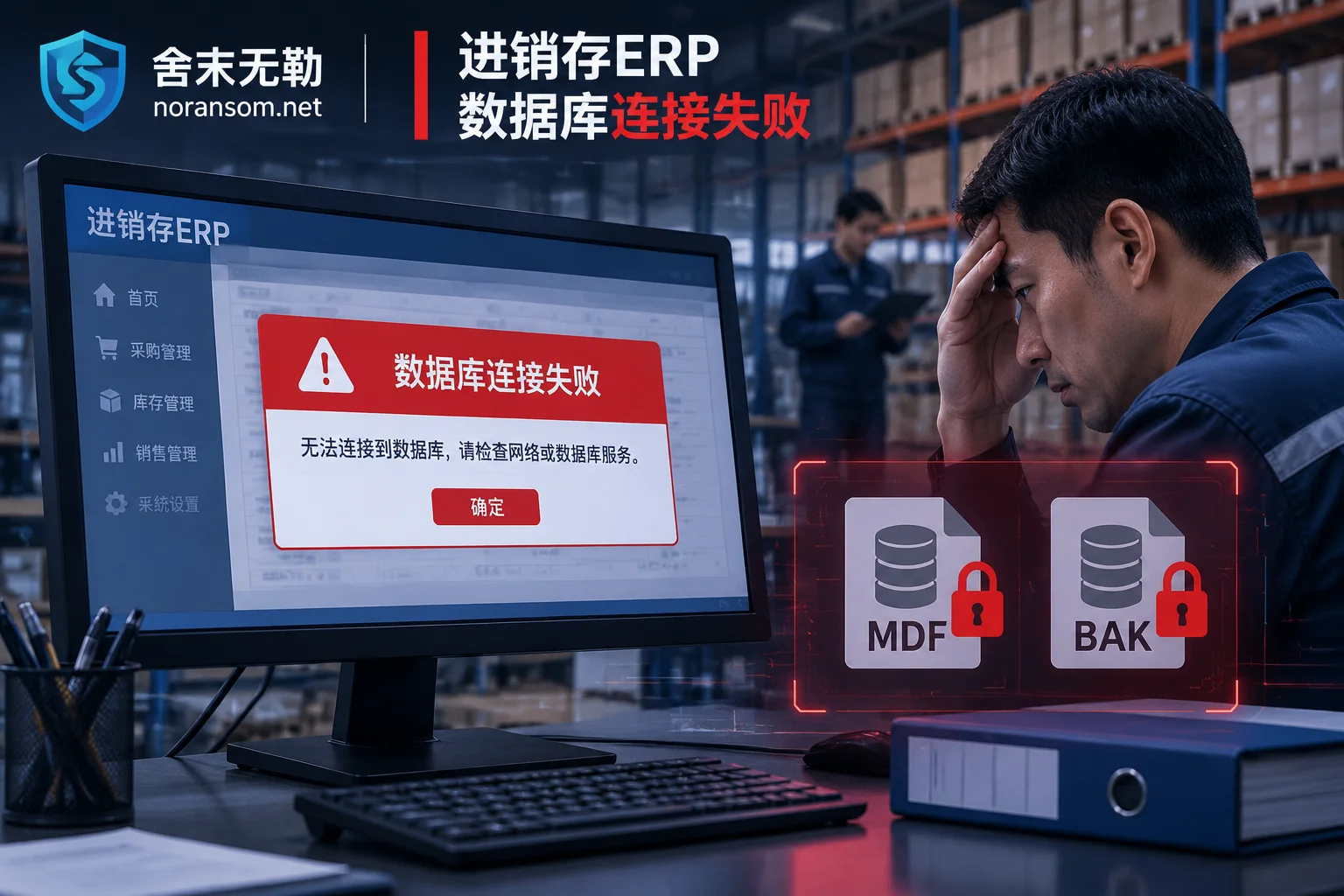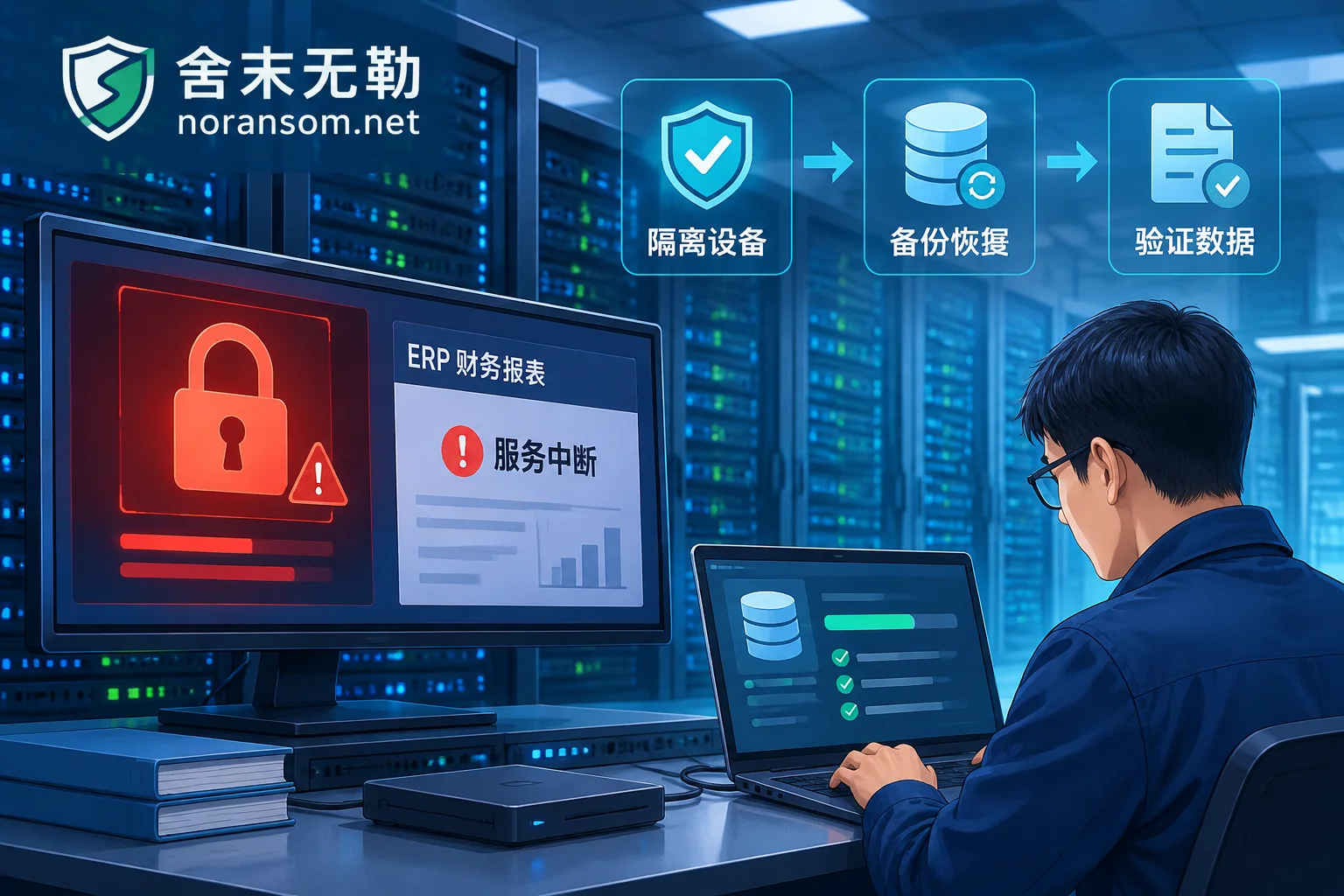
Lock3d Ransomware Resurfaces: Expert Warnings and Solutions from SheMoWuLe
Recent monitoring shows a resurgence of Lock3d ransomware activity, with multiple incidents of enterprise database encryption. In the face of high-risk ransomware attacks, SheMoWuLe experts recommend that enterprises adopt a scientific response path of 'stop loss - analyze - recover,' refuse to pay ransoms blindly, and rely on professional assessment and data recovery technology to ensure the security of core business.
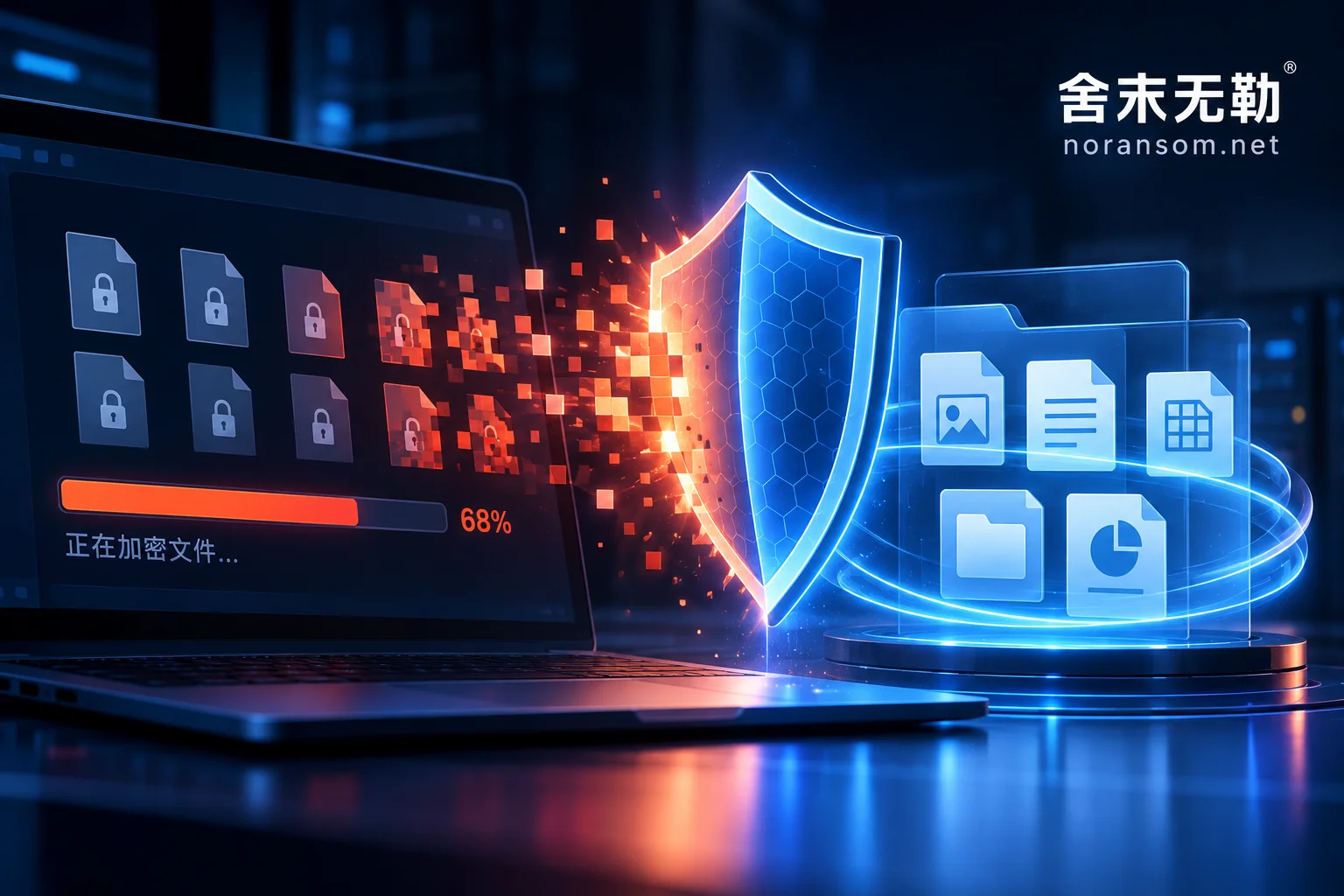
Ransomware Mutating Again? Don't Panic—Take Control Against 'Unstoppable' Attacks
Ransomware evolves rapidly, and conventional defenses often fall short. In the face of sudden attacks, enterprises should break free from the 'passive antivirus' mindset and adopt a 'closed-loop protection' strategy that includes emergency response, data recovery, and deep security hardening.
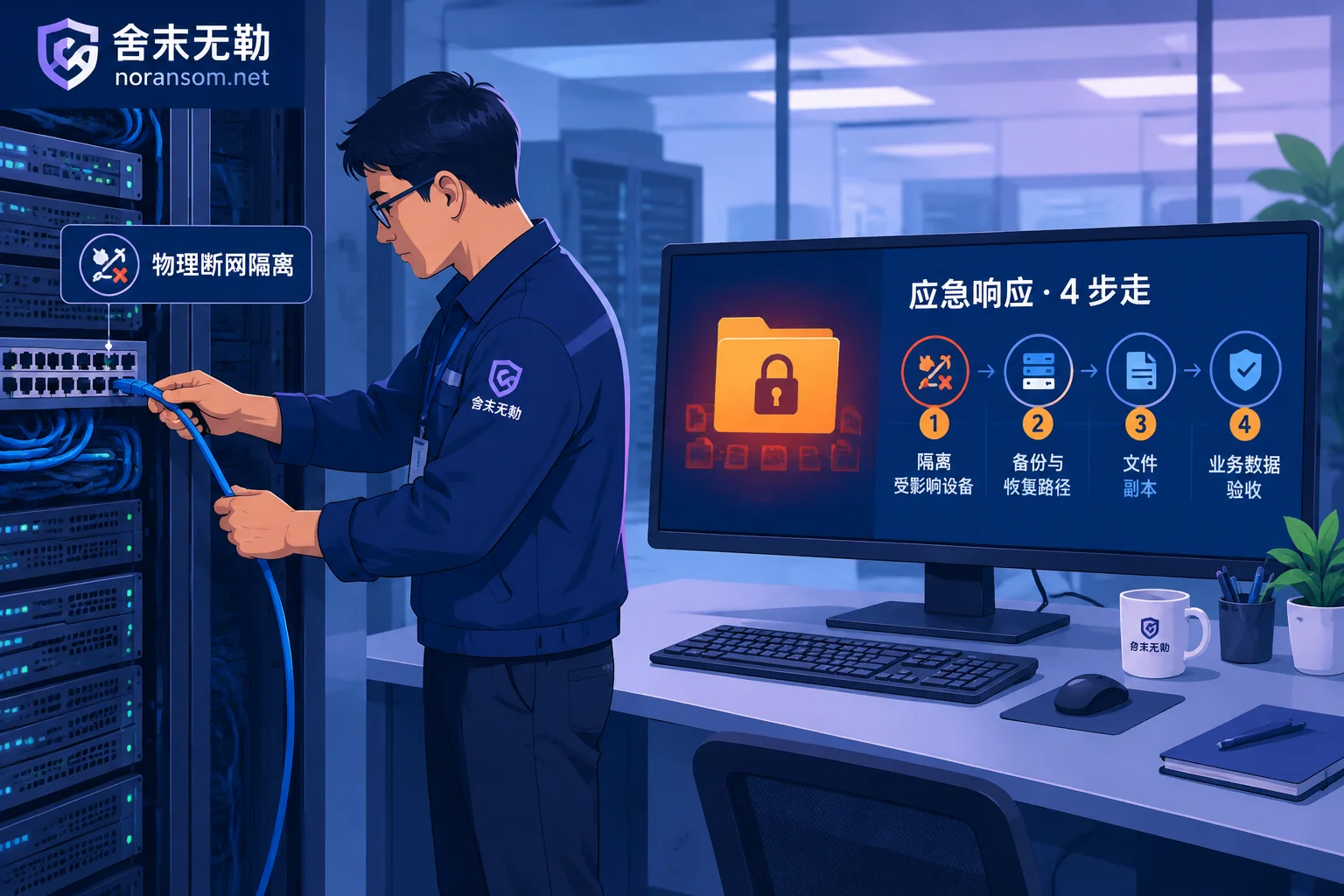
What to Do If You're Hit by Ransomware: A Complete Emergency Decision Checklist from the First 30 Minutes of Loss Control to Business Restoration
After discovering that your computer or server has been encrypted by ransomware, blindly restarting, running antivirus scans, or contacting the hackers often reduces the originally available data recovery space. This article is aimed at business leaders and IT operations staff, outlining a four-step standardized emergency response process: isolating the network and preserving the scene within the first 30 minutes, identifying the ransomware family, choosing between decryption and data extraction paths, and eradicating backdoors to rebuild defenses after cleanup.
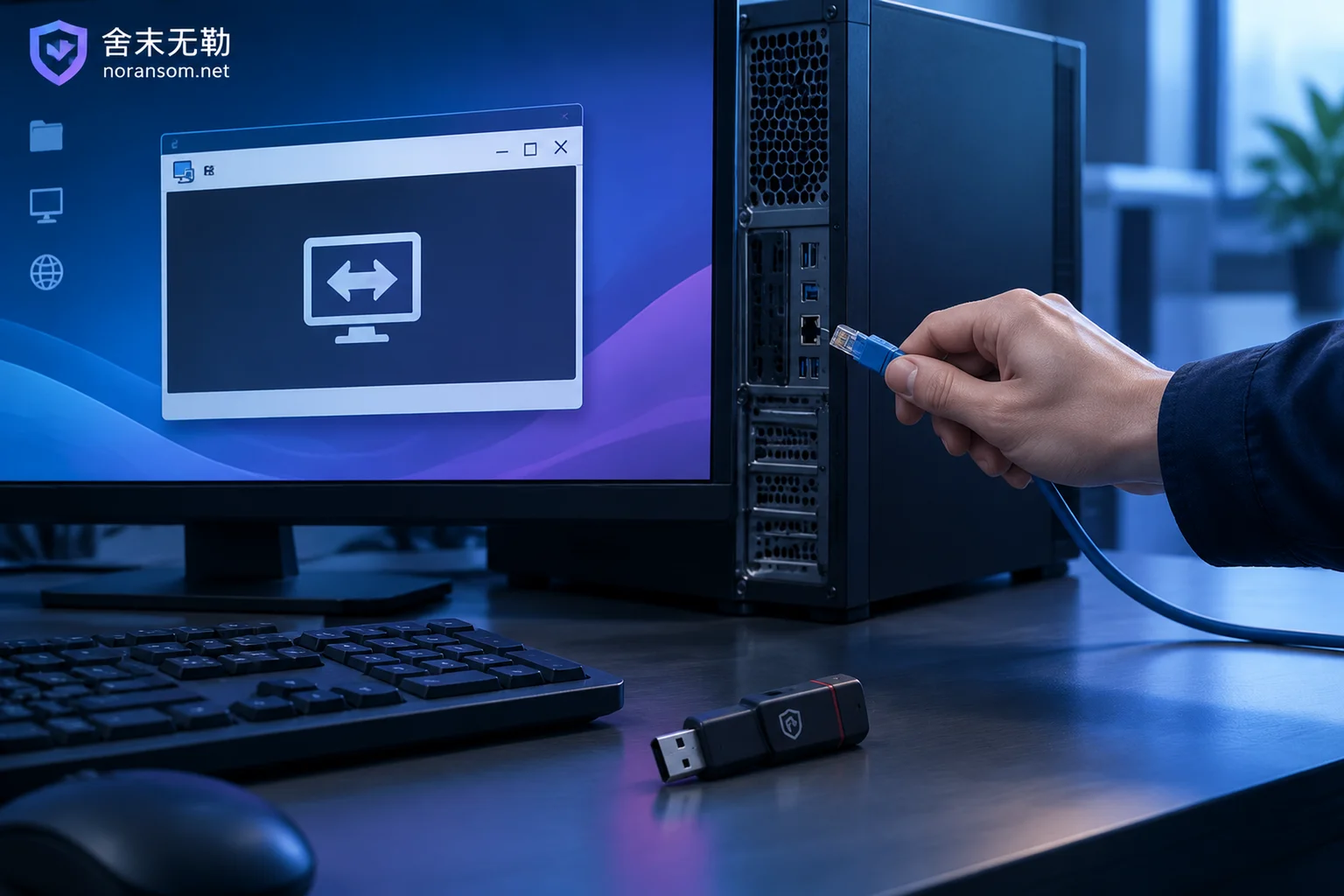
Unknown Remote Control Software Appears Automatically on Your Computer: First Disconnect Network and Unplug USB Tokens, Then Troubleshoot in This Orde
When remote control software you didn't install suddenly appears on your desktop or system tray, the first action is not to run a virus scan, but to physically disconnect the network, unplug USB tokens, and stop using any accounts on that machine. This article explains how to choose between keeping the computer on or shutting it down, how to verify who installed the remote control software, common reasons antivirus software doesn't flag it, the persistence locations that need to be checked item by item, and the separate process for handling accounts and funds that must be done on a different device.
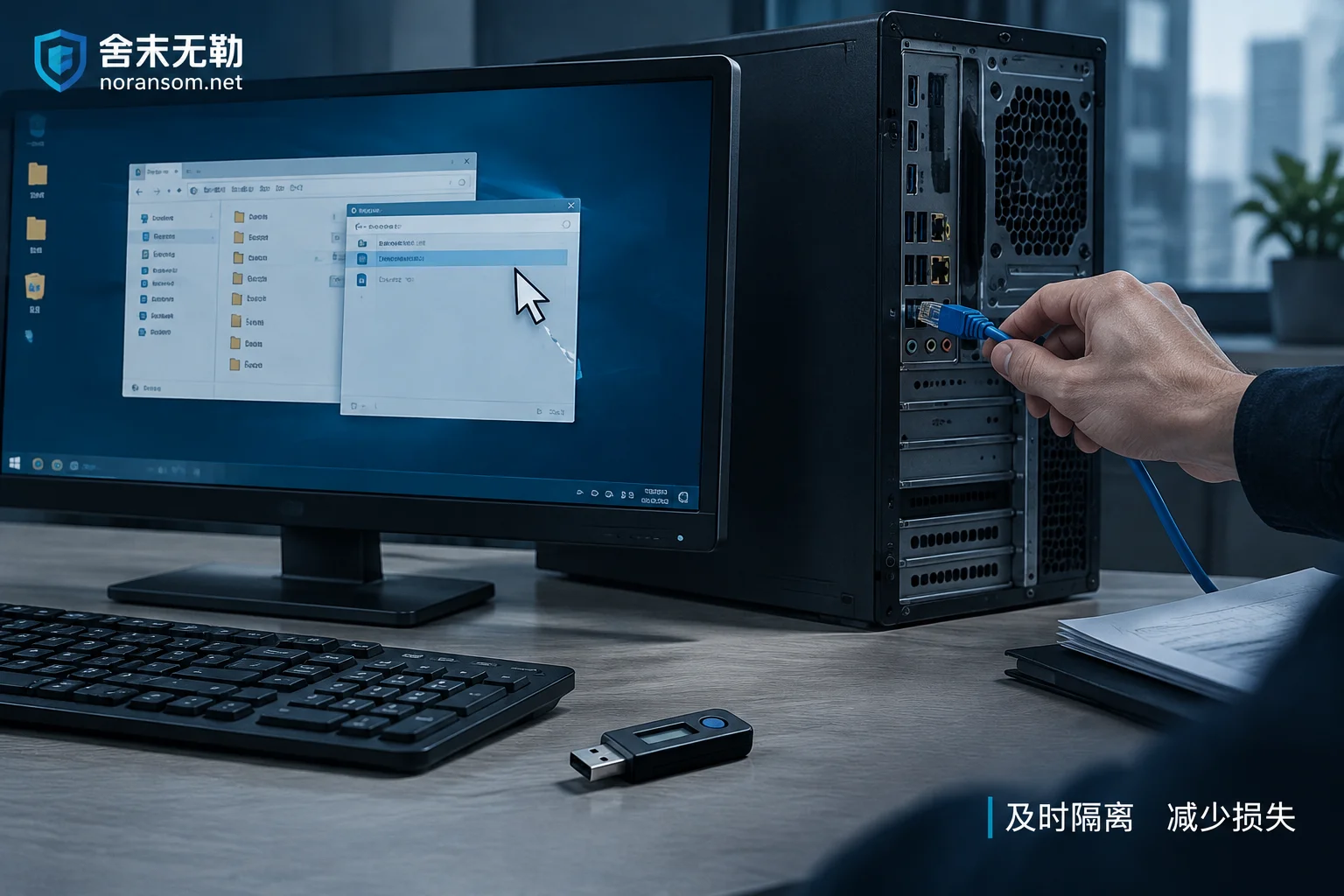
Mouse Controlled Remotely but Antivirus Reports Clean: Disconnect Network, Remove USB Shield, Then Handle Accounts on Another Device
When the mouse moves on its own and antivirus finds nothing, it's often a remote-access trojan using signed loaders or legitimate remote tools. This article gives the immediate action order: disconnect the physical network, pull the USB shield, change passwords and terminate sessions on another trusted device, then investigate persistence such as scheduled tasks.