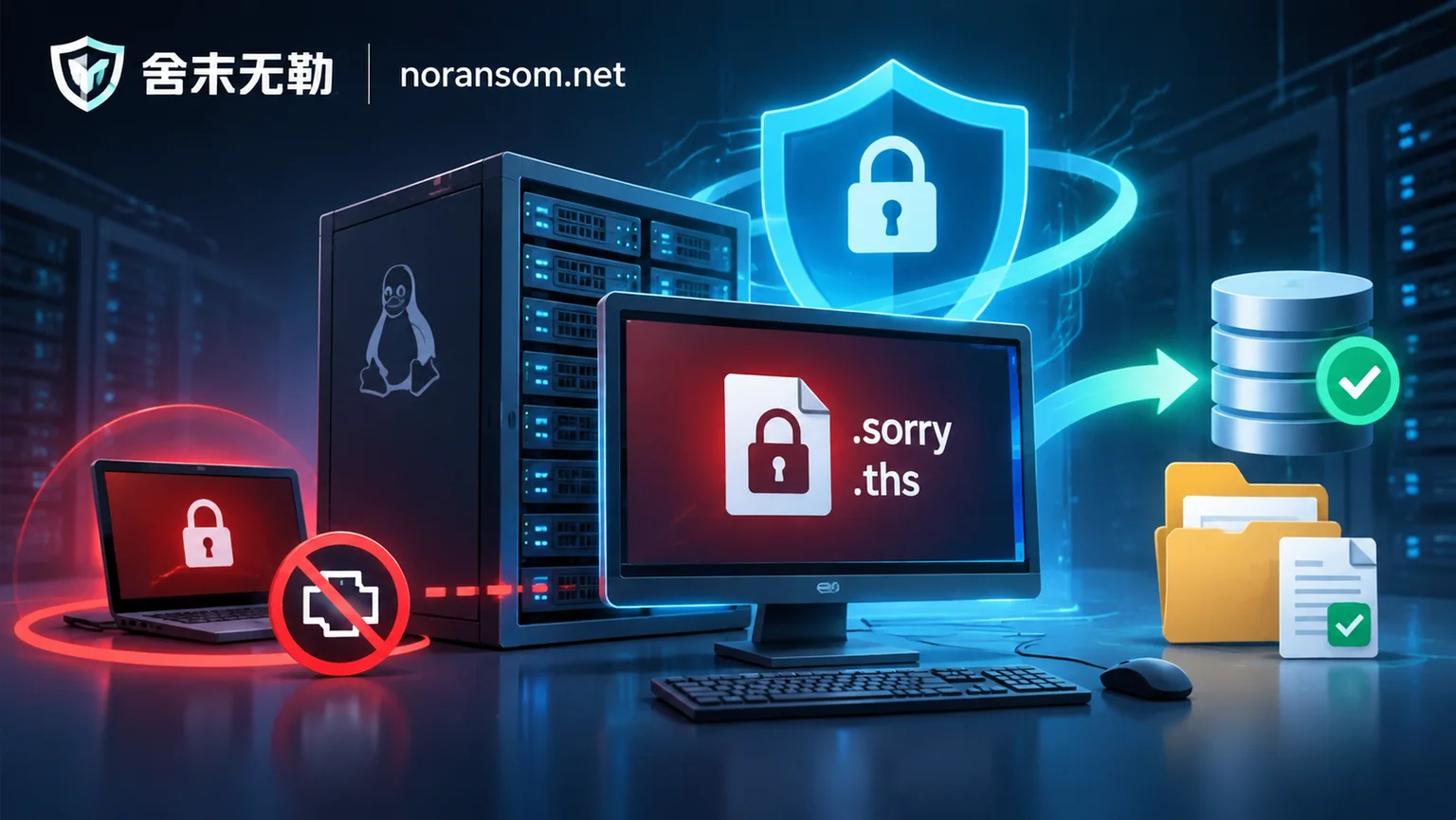
Why Silver Fox Trojan Removal Always Fails: Dissecting White+Black, Exclusion Tampering, and Plugin Resurrection Mechanisms
Many individuals and enterprises find that even after antivirus or specialized tools detect and remove the Silver Fox Trojan, their computers are remotely controlled again or alerts reappear within days. This article deeply analyzes the persistence mechanisms of the Silver Fox Trojan, including white+black loading, Defender exclusion tampering, plugin-based dynamic updates, and silent installation of legitimate management software, and provides a closed-loop removal plan that separates host cleanup, account sessions, and financial risk.
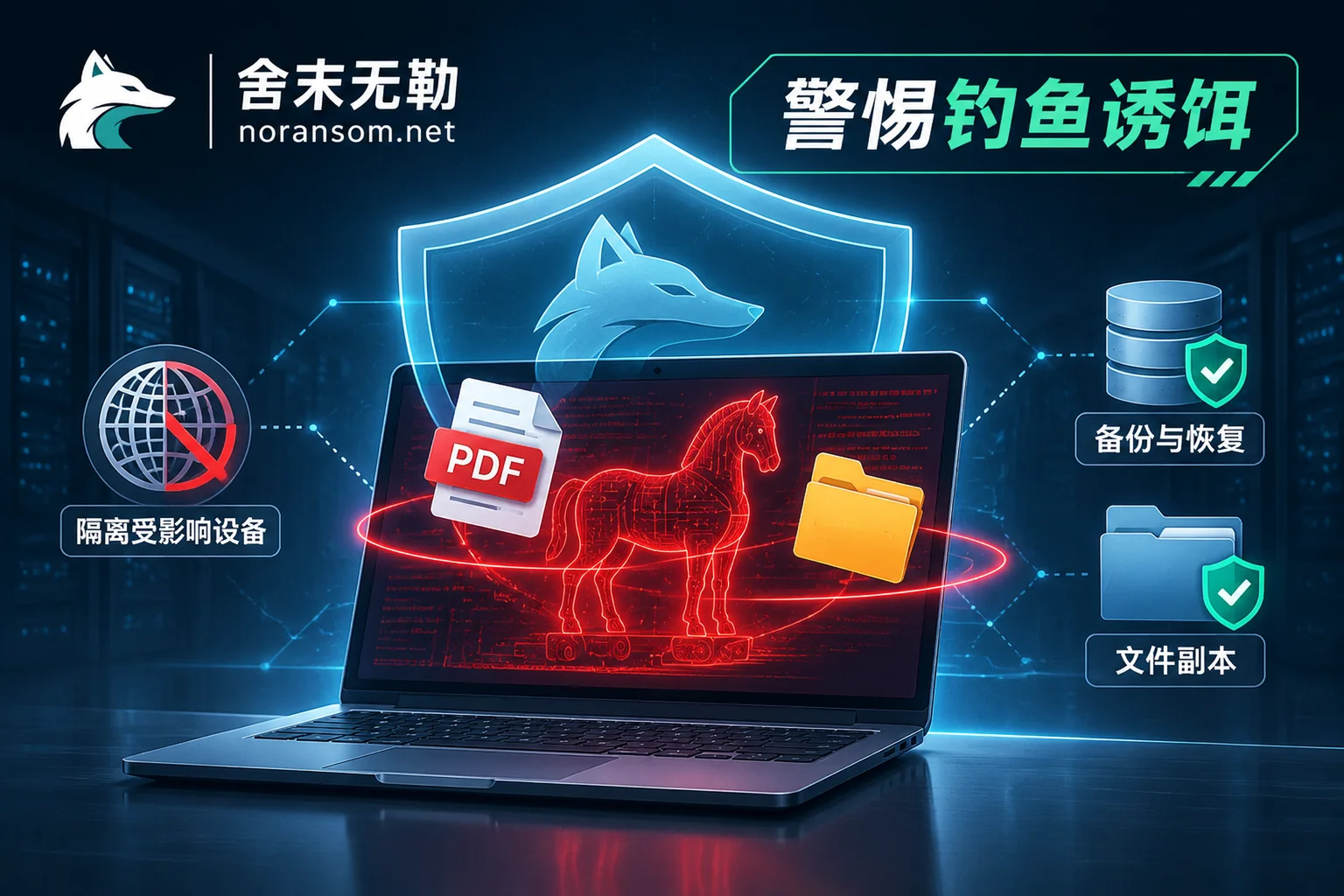
Silver Fox Trojan Returns via "Layoff Compensation" and Fake Software: From Single-Machine Control to Internal Ransomware—How Enterprises Can Cut the
In response to recent alerts from CNCERT and CVERC about the Silver Fox Trojan's highly realistic phishing sites and new variants disguised as "layoff compensation" and "disciplinary lists," this article analyzes its multi-stage white-plus-black evasion, in-memory reflective loading, and penetration into core internal servers, and provides a closed-loop response plan from disconnecting financial terminals to account session takeover, internal ransomware prevention, and data recovery.
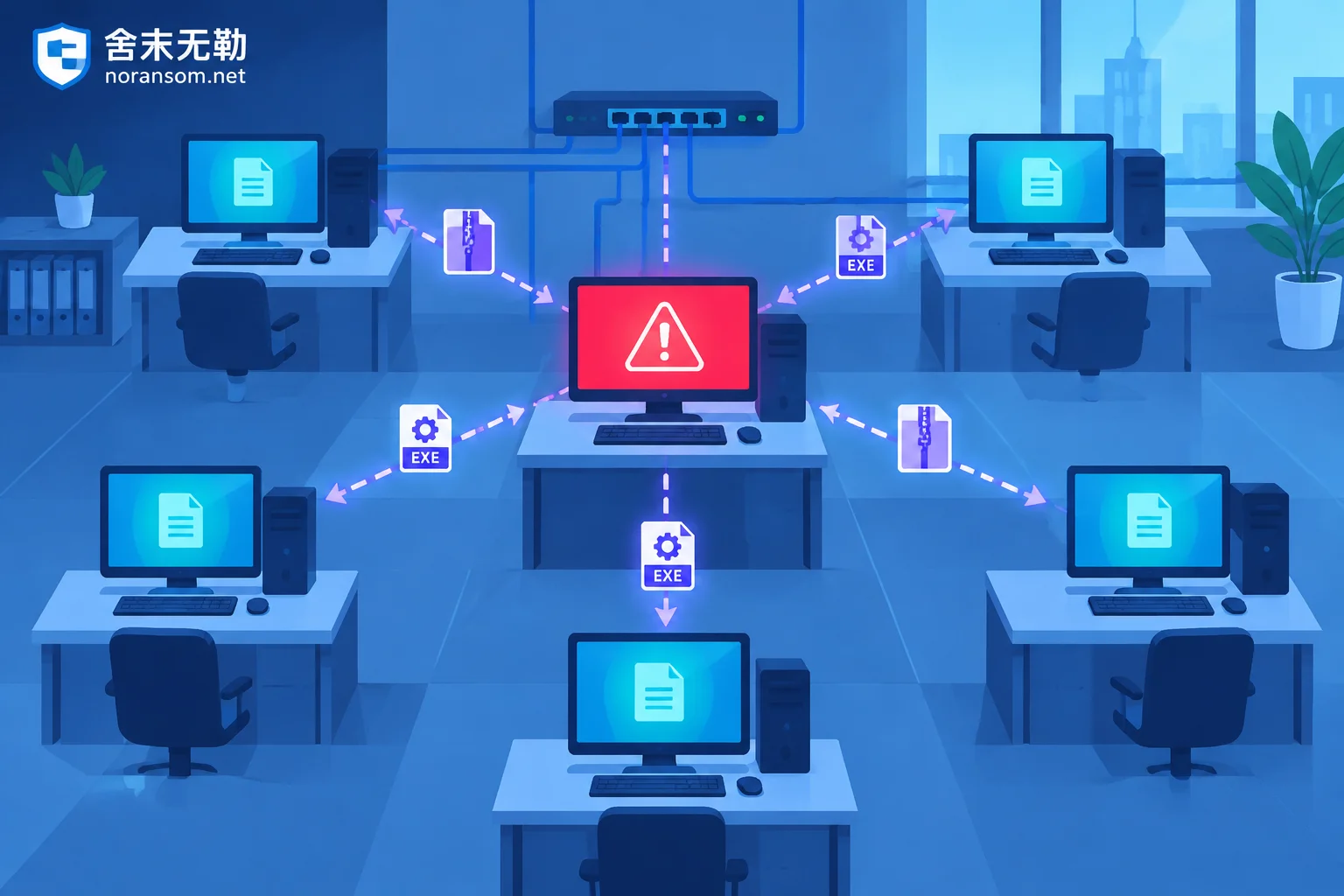
How to Investigate Other Office Computers After One PC Is Infected with the Silver Fox Trojan: First Obtain the Spread List, Then Check Each Machine f
The Silver Fox Trojan spreads in office networks mainly by taking over the victim's logged-in WeChat, DingTalk, QQ, and corporate email to send files to colleagues, not by scanning for intranet vulnerabilities. Therefore, the starting point for investigating other computers is to extract from the infected machine 'who was sent what file and when', then check each machine on the list for file drop traces, processes and security software status, and startup items, and handle host remediation, account sessions, and financial risks separately.

After Silver Fox Trojan Cleanup: How to Confirm Your Accounts Are Truly No Longer Controlled
A 'threat removed' message from antivirus doesn't mean the attacker's login sessions, authorization codes, and forwarding rules are invalidated. This article provides checklists across four areas—trusted devices, account sessions, host remnants, and financial/business operations—to verify no control remains, and explains which signs indicate ongoing compromise and when to reinstall or seek expert help.
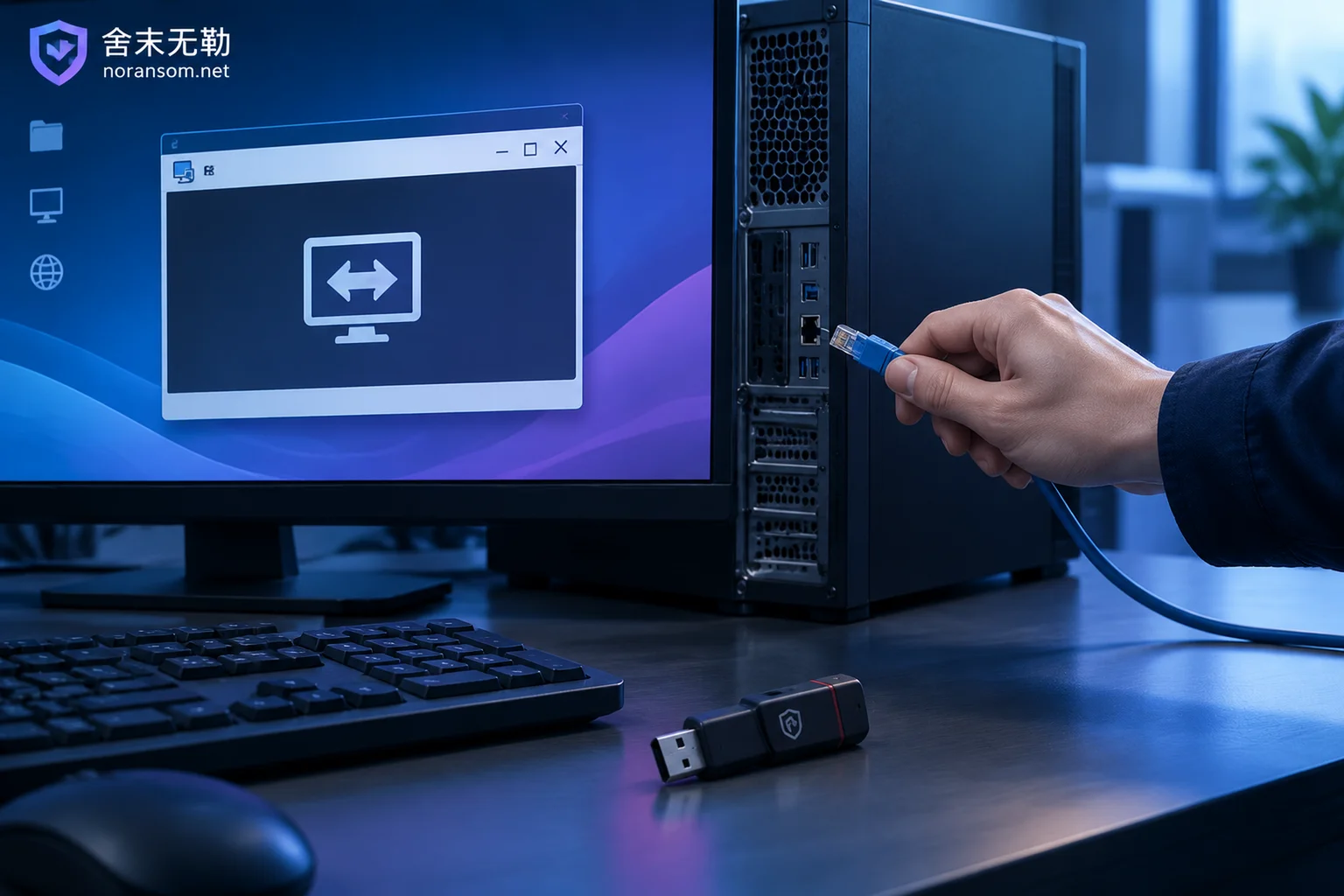
Unknown Remote Control Software Appears Automatically on Your Computer: First Disconnect Network and Unplug USB Tokens, Then Troubleshoot in This Orde
When remote control software you didn't install suddenly appears on your desktop or system tray, the first action is not to run a virus scan, but to physically disconnect the network, unplug USB tokens, and stop using any accounts on that machine. This article explains how to choose between keeping the computer on or shutting it down, how to verify who installed the remote control software, common reasons antivirus software doesn't flag it, the persistence locations that need to be checked item by item, and the separate process for handling accounts and funds that must be done on a different device.