The antivirus just cleaned it, but after a reboot it reports the threat again, or the mouse is still moving on its own, or pop-ups keep appearing. In this situation, what you should do first is not click "full scan" again, but stop the damage in the following order:
- Physically disconnect from the network: Unplug the network cable, turn off the Wi-Fi switch. Do not just exit a software or kill a process. The goal is to cut off communication between this machine and the command-and-control server, and to prevent it from continuing to deliver to other computers on the intranet.
- Change passwords on a clean device: Use mobile data, or a computer that has never connected to the same network segment, to change passwords for WeChat, WeCom, DingTalk, work email, OA, financial software, and online banking. Force logout all historical sessions in "login device management," and enable two-factor authentication wherever possible. Never change passwords on the infected computer—it is very likely still recording keystrokes and screenshots.
- Check funds and outbound messages: Look for transfers or payment approvals you did not make, and check if anyone used your account to send files in group chats or notify others of "changes to receiving accounts." If there are abnormal transfers, immediately call the bank's customer service to request stop payment/freeze, and report to the police. Keep chat records, transfer receipts, and suspicious files as they are. No institution can promise whether such funds can be recovered, but the earlier you report and the more complete the materials, the greater the room for action.
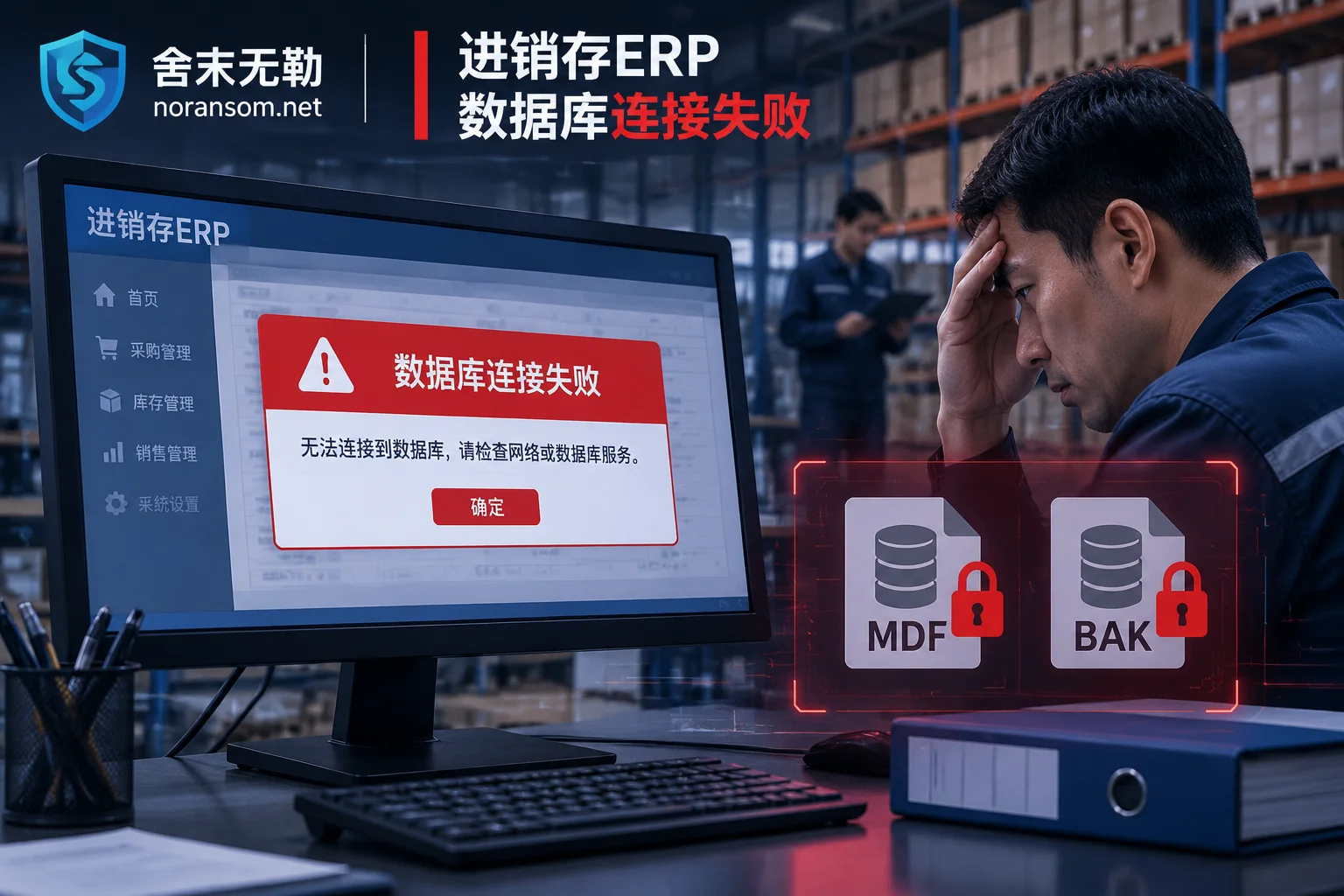
Do not rush to restart and "repair" this computer. If you also find files with changed extensions in bulk and cannot open them, that is another type of problem with a different priority. You can refer to How to handle files still being encrypted after disconnecting from the network.
Why it reappears after cleaning
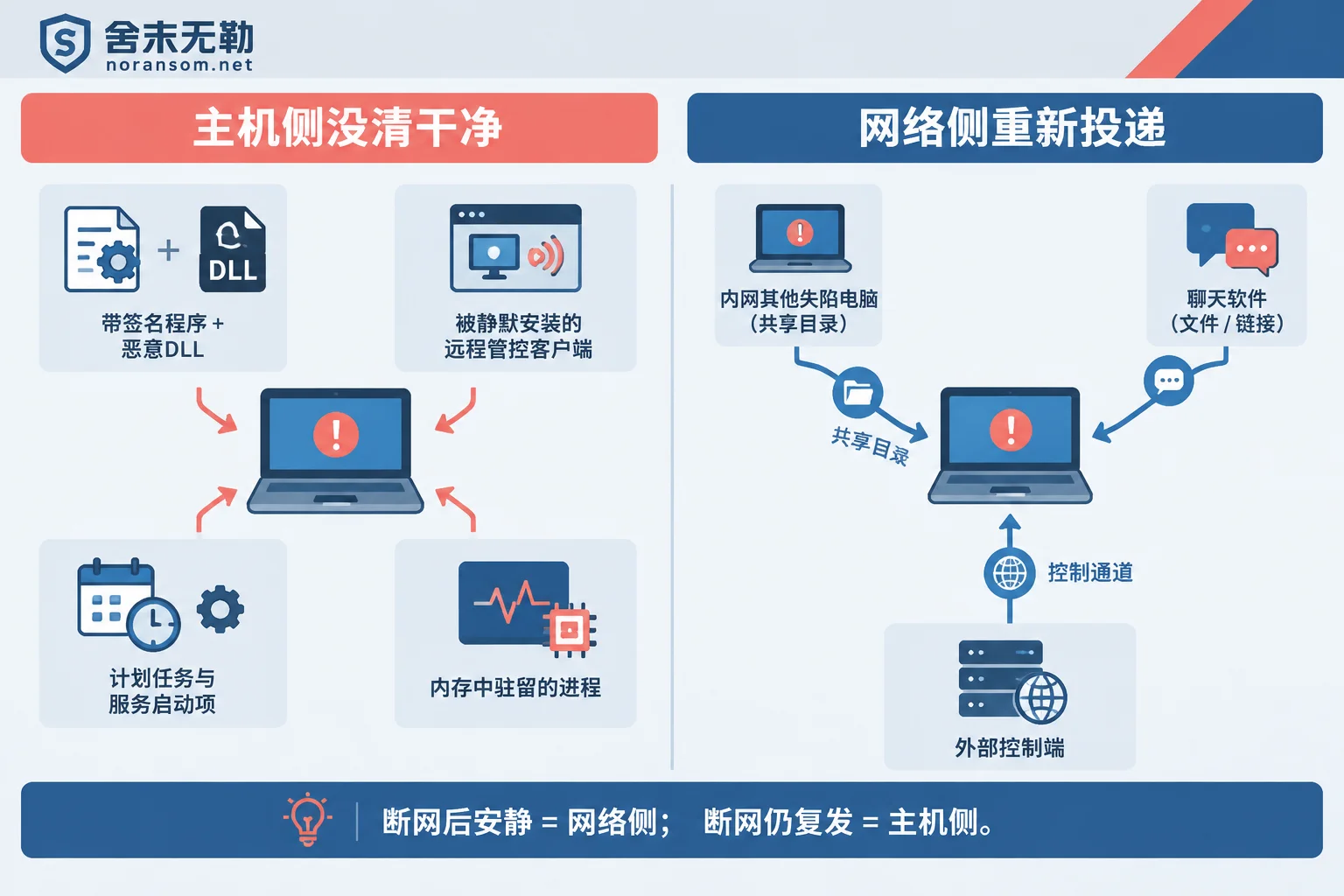
Recurrence generally comes from two independent loops. Determine which one first, so the subsequent actions are not wasted.
Host not cleaned thoroughly, with four common forms:
- White plus black (legitimate signed program plus malicious DLL): What actually executes is a normal program with a legitimate signature (a system built-in program or some third-party management software). The malicious code is hidden in a sideloaded DLL next to it. Antivirus may only delete half of it, and the rest remains.
- "Legitimate" remote control software installed: Silver Fox-type attacks often silently install compliant remote operations or endpoint management clients available on the market for long-term control. These have normal signatures, are usually not flagged by antivirus, and some even have anti-uninstall mechanisms, so uninstalling from Control Panel fails.
- Scheduled tasks, services, and registry startup items: Names are often disguised as system components, hidden in the Task Scheduler library to trigger periodically, or registered as services that start on boot. As long as one remains, it will pull the payload back after reboot.
- Memory-resident, fileless execution: The file on disk is deleted, but the process is still running in memory, writes the file back, or downloads a new copy from outside.
Network side delivered again:
- There are other compromised computers on the same intranet that have not been handled, and they automatically send the file again through shared directories or internal group chat sessions;
- The channel between this machine and the control end has never been disconnected. The attacker sees the cleanup and directly delivers a new antivirus-evading variant.
A very practical way to distinguish: If it is quiet after disconnecting from the network and recurs as soon as it connects, it is basically intranet or external re-delivery; if it is disconnected, and after reboot it still repeatedly reports the same path, then the local persistence item has not been cleaned.
To what extent is it considered clean
The most dangerous judgment is "the antivirus no longer reports a threat, so it should be fine." Antivirus-evading variants and compliant remote control software do not trigger alerts in the first place. Whether it alerts or not cannot be the sole conclusion.
Relatively reliable observation points: whether there are tasks in Task Scheduler that you do not recognize and whose creation time is concentrated around the infection period; whether there are new entries in the service list and startup items; whether remote control or management clients you never requested are installed; whether there is continuous outbound connection to unknown addresses before disconnecting. Only when all these are clean and multiple reboots after disconnecting show no recurrence can you have preliminary confidence.
However, for financial, cashier, HR, management, and endpoints that can access production systems, I recommend not spending too long on "whether it is completely clean":
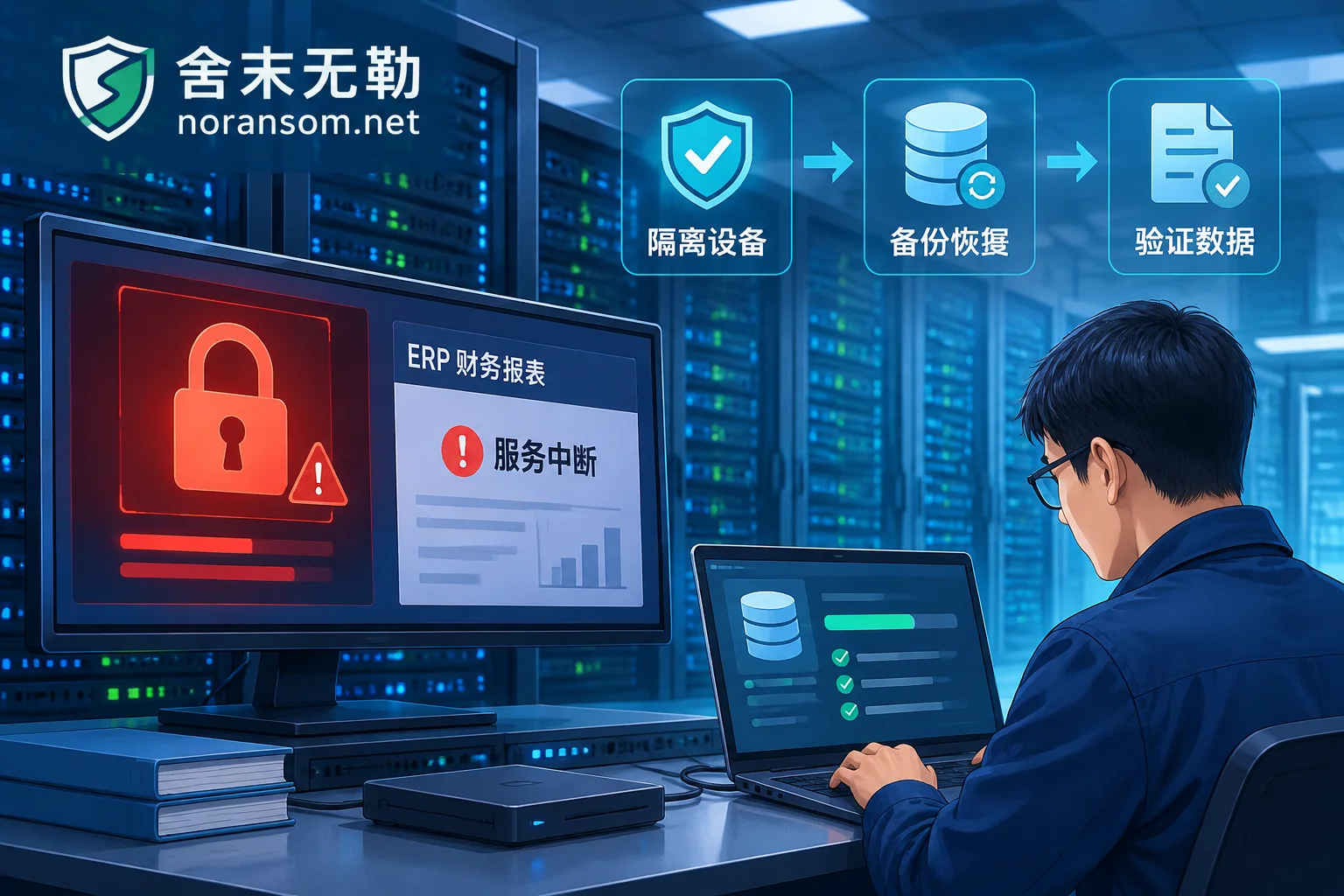
While disconnected from the network, back up only pure data—account set backup files, Office documents, images, PDFs, exported reports; do not copy exe, dll, scripts, shortcuts, or entire user directories as they are. Then format the system drive and reinstall the system, install patches and antivirus software, confirm all relevant passwords have been changed on another device, and then reconnect to the network.
The reason is straightforward: a single residual backdoor on such an endpoint can cost a transfer or a customer file, and the time and manpower to investigate until "certain it is clean" often exceeds reinstalling. Reinstalling is not a failure; it eliminates uncertainty in one go.
Don't just fix this one computer
One computer being infected usually means the same delivery has been sent to more than one person. Reinstalling this one and then being breached again by a file sent by a colleague is a common rework.
At minimum, go through: who in the same department received the same file or link and who opened it; whether there are extra executable files in shared directories; whether other people's machines have had fleeting pop-ups, lag, or unexpected remote connection prompts.
If your organization has an AD domain or a unified endpoint management platform, you must also separately confirm whether these delivery channels themselves have been exploited. Once this channel is occupied, per-machine cleanup basically cannot keep up with the delivery speed, and it needs to be handled as an intranet incident, not as standalone antivirus. This involves permission checks for domain controllers and management platforms, and a wrong judgment can have a large impact. It is recommended to let someone who can do intranet spread investigation and emergency response decide.
A few things to do after resuming use
- Check the bound phone number, recovery email, and authorized apps for each account one by one. The attacker may have changed them already, so just changing the password is not enough;
- After reinstalling, do not copy executable files or installers back from old USB drives or old backups;
- Establish an explicit rule: any "change of receiving account" must be verified by calling back a known number, and notifications in chat windows are not accepted;
- Try not to install work-unrelated software on financial computers. Remote control tools should either be disabled or centrally managed by IT, so that unplanned installations can be detected.
When it is worth getting help
For a single computer with no funds involved and no account outbound messages, you can basically wrap up by following the above order yourself. If any of the following occurs, it is recommended to bring in external handling as soon as possible and not waste time on repeated scans: recurrence after reinstall; multiple people and machines infected simultaneously; domain environment or unified management platform; abnormal transfers have occurred or there are signs of data outbound; the machine has business systems and account sets that you dare not accidentally delete.
The focus of handling such incidents is the remote control channel, account sessions, and fund chain, which is completely different from "decrypting files." You can first refer to Special handling instructions for Silver Fox/remote control Trojans to compare with your situation. When you need someone to take over a specific incident, just describe the symptoms and scope of impact via the contact page. Do not upload account sets, customer data, production passwords, or suspicious executable files themselves on any public channel.


Comments(0)