Which Account Passwords to Change After Finding a Silver Fox Trojan: Don't Change Them on That Computer
The Silver Fox Trojan logs keystrokes, grabs clipboard data, and dumps browser-saved passwords and cookies, so changing passwords on the compromised machine hands the new credentials straight to the attacker. This article gives the correct order: disconnect from the network and unplug USB keys first, switch to a clean device, then reset credentials layer by layer across chat/office accounts, every site saved in the browser, online banking and accounting systems, email, and domain/intranet passwords—and explains why each layer must also force-log-out all historical sessions.
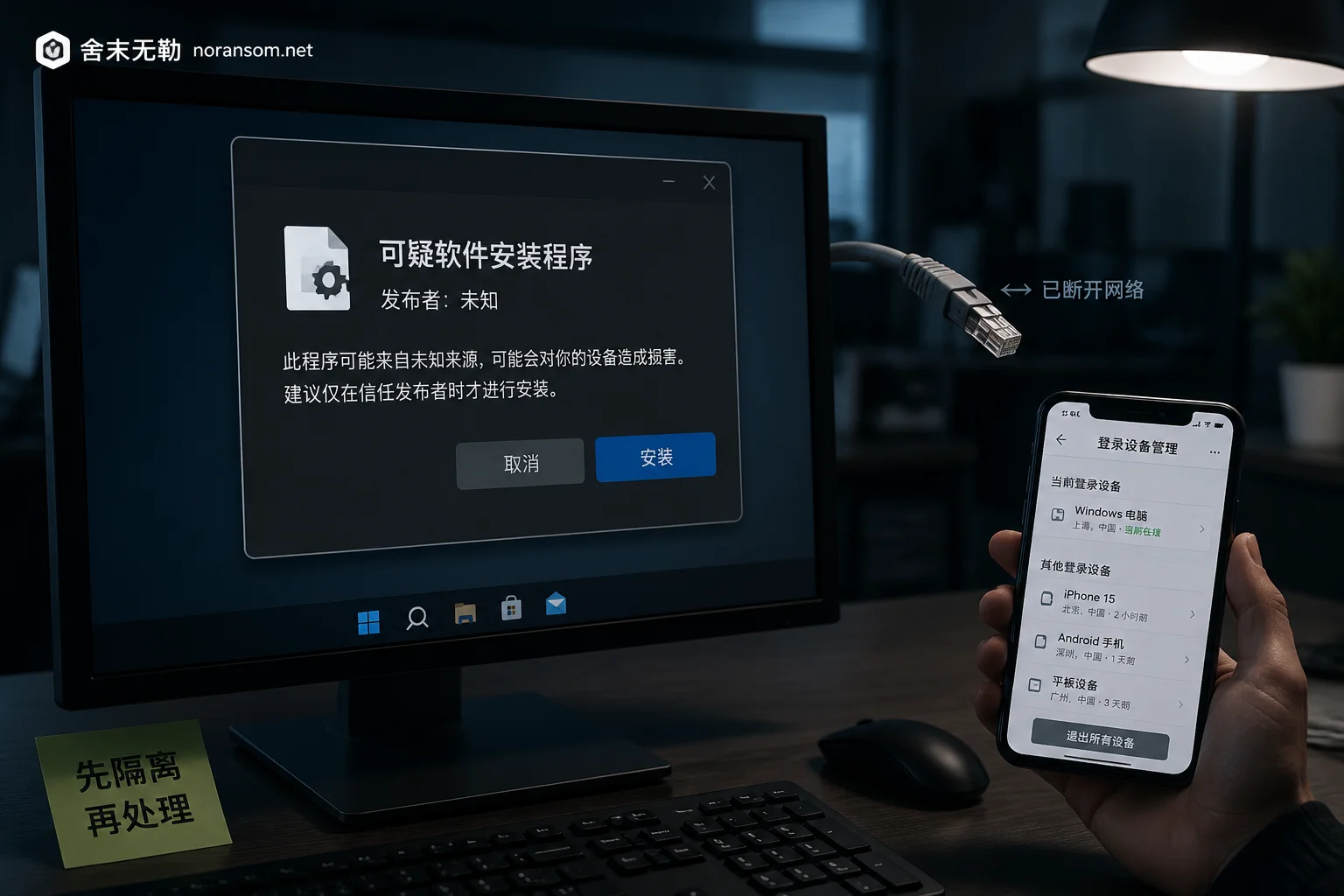
Downloaded Office Software from Search Results and It Feels Wrong: What to Do in the First Two Hours If You Suspect a Trojan
If you suspect a Trojan after downloading installers for WeChat, WPS, input methods, or similar software from search results, the priority is not antivirus scanning but disconnecting from the network, handling accounts on a clean device, and freezing transfers and approvals.