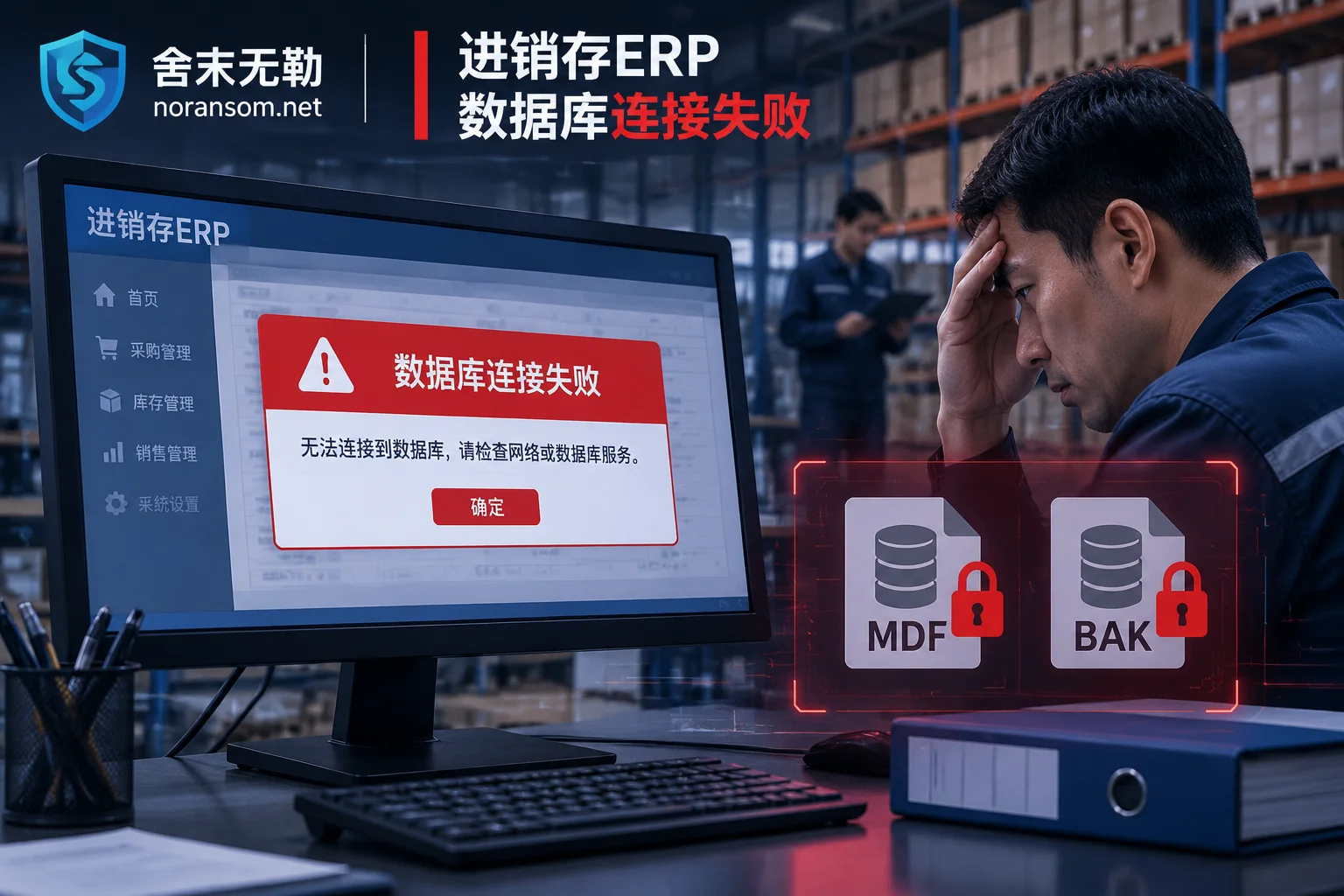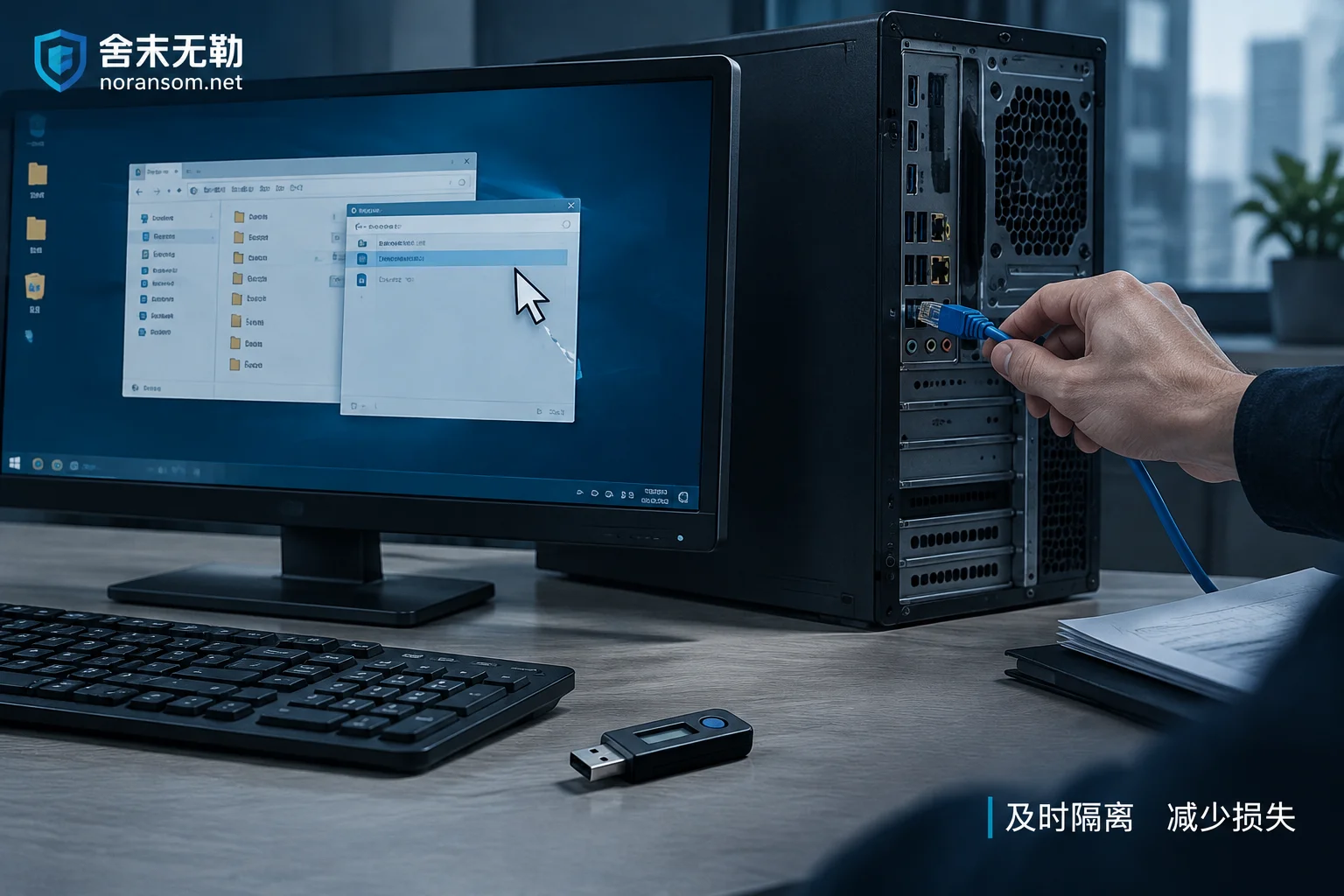
Mouse Controlled Remotely but Antivirus Reports Clean: Disconnect Network, Remove USB Shield, Then Handle Accounts on Another Device
When the mouse moves on its own and antivirus finds nothing, it's often a remote-access trojan using signed loaders or legitimate remote tools. This article gives the immediate action order: disconnect the physical network, pull the USB shield, change passwords and terminate sessions on another trusted device, then investigate persistence such as scheduled tasks.
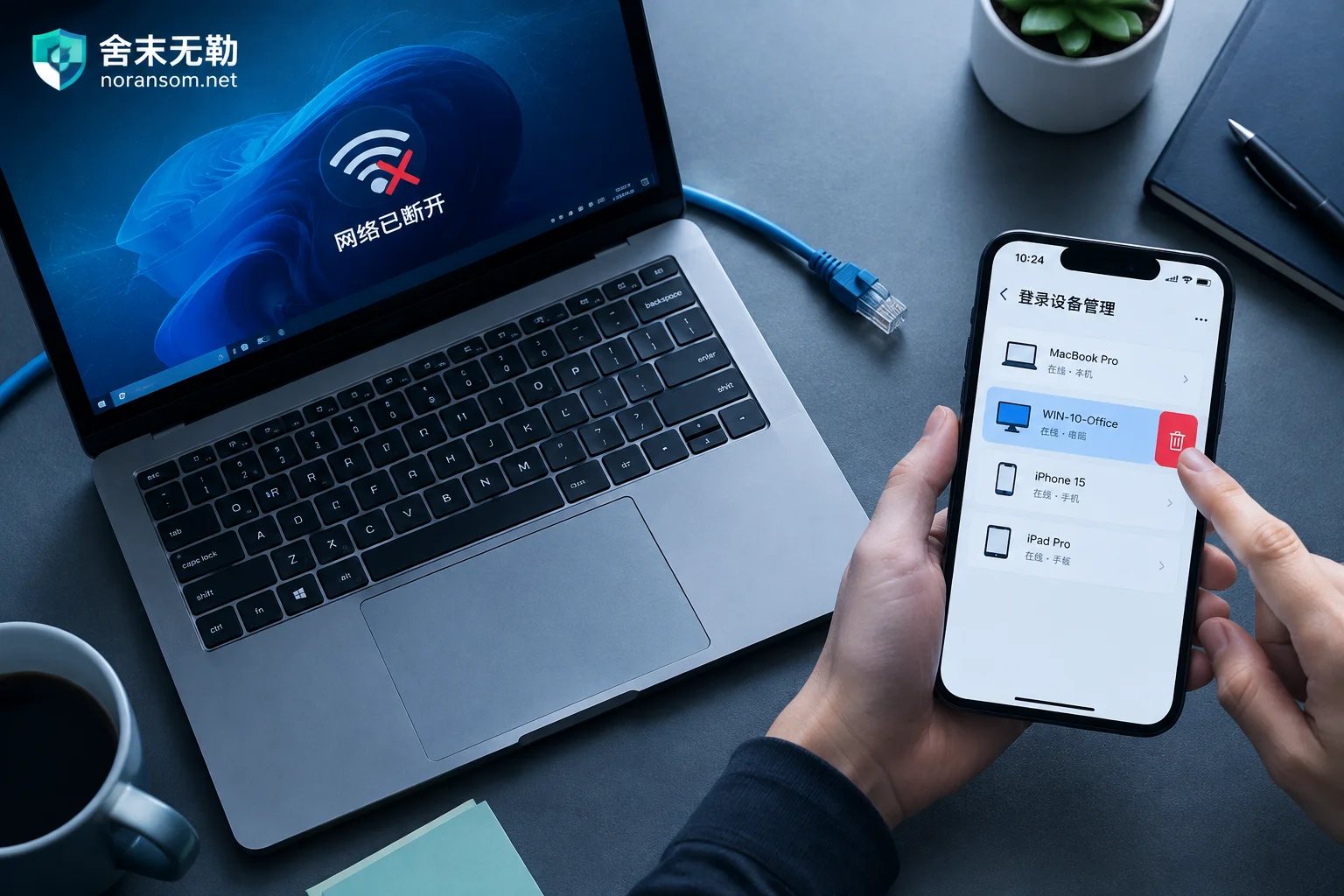
Hit by Silver Fox Trojan: How to Handle WeChat and QQ Accounts — Disconnect First, Then Kick Logins from Another Device
After a suspected Silver Fox Trojan infection, handle WeChat and QQ in this order: physically disconnect the infected PC, use a trusted device like your phone to remove PC logins, change passwords, and enable login protection, then notify contacts to prevent fraud, check financial channels, and finally clean the host.
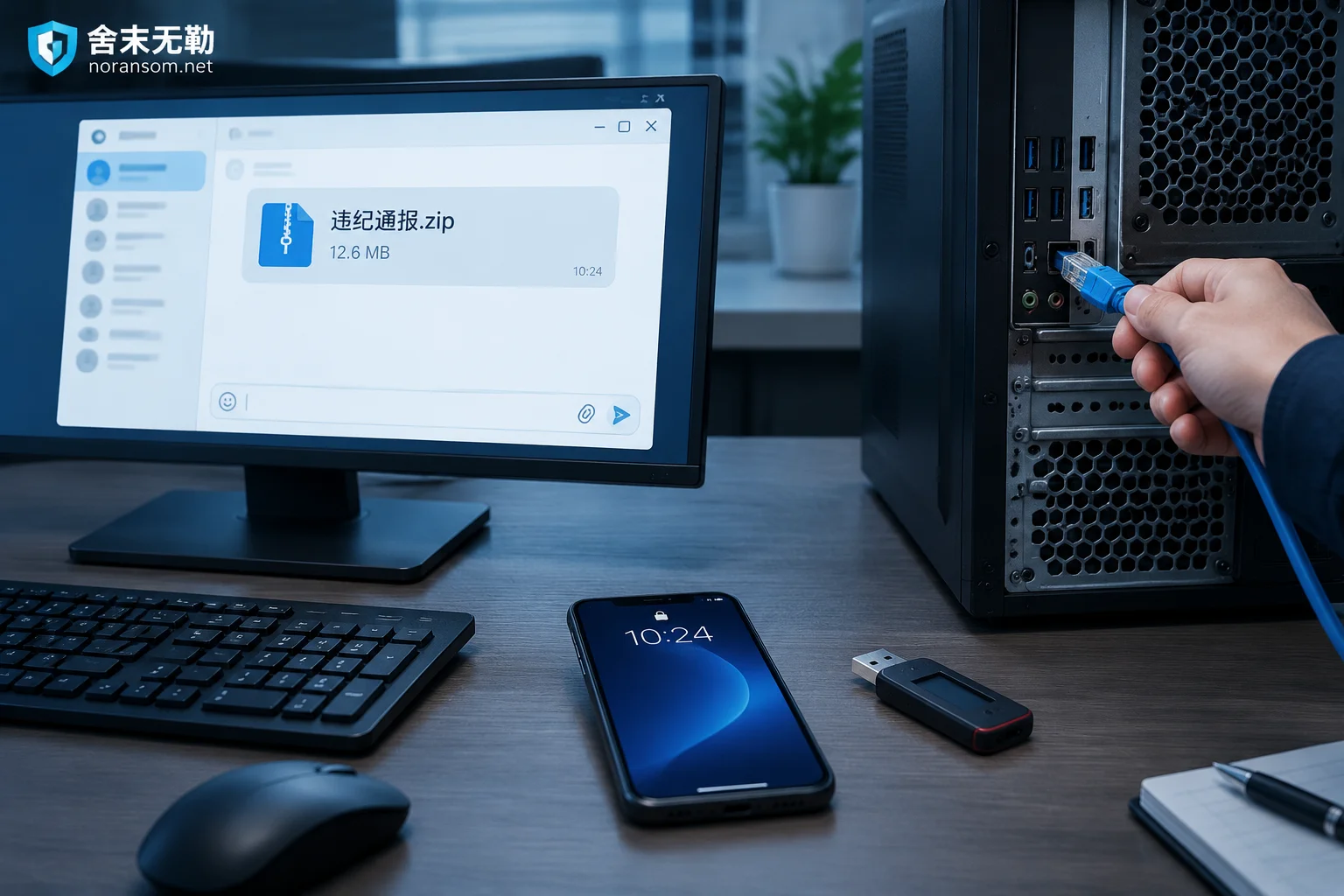
Suspected Silver Fox Trojan After Opening a Group 'Disciplinary Notice': Do These Five Things First, Antivirus Last
If you double-clicked a 'disciplinary notice' archive shared in a group chat and suspect a Silver Fox Trojan infection, your first move isn't to run antivirus—it's to disconnect from the network, force-log out all PC sessions from a trusted device and change passwords, have finance staff unplug USB banking keys and pause payments, then warn the group through other channels. This article covers the emergency response order, how to tell if you're actually infected, why a clean antivirus scan isn't reassuring, and when to bring in professionals.
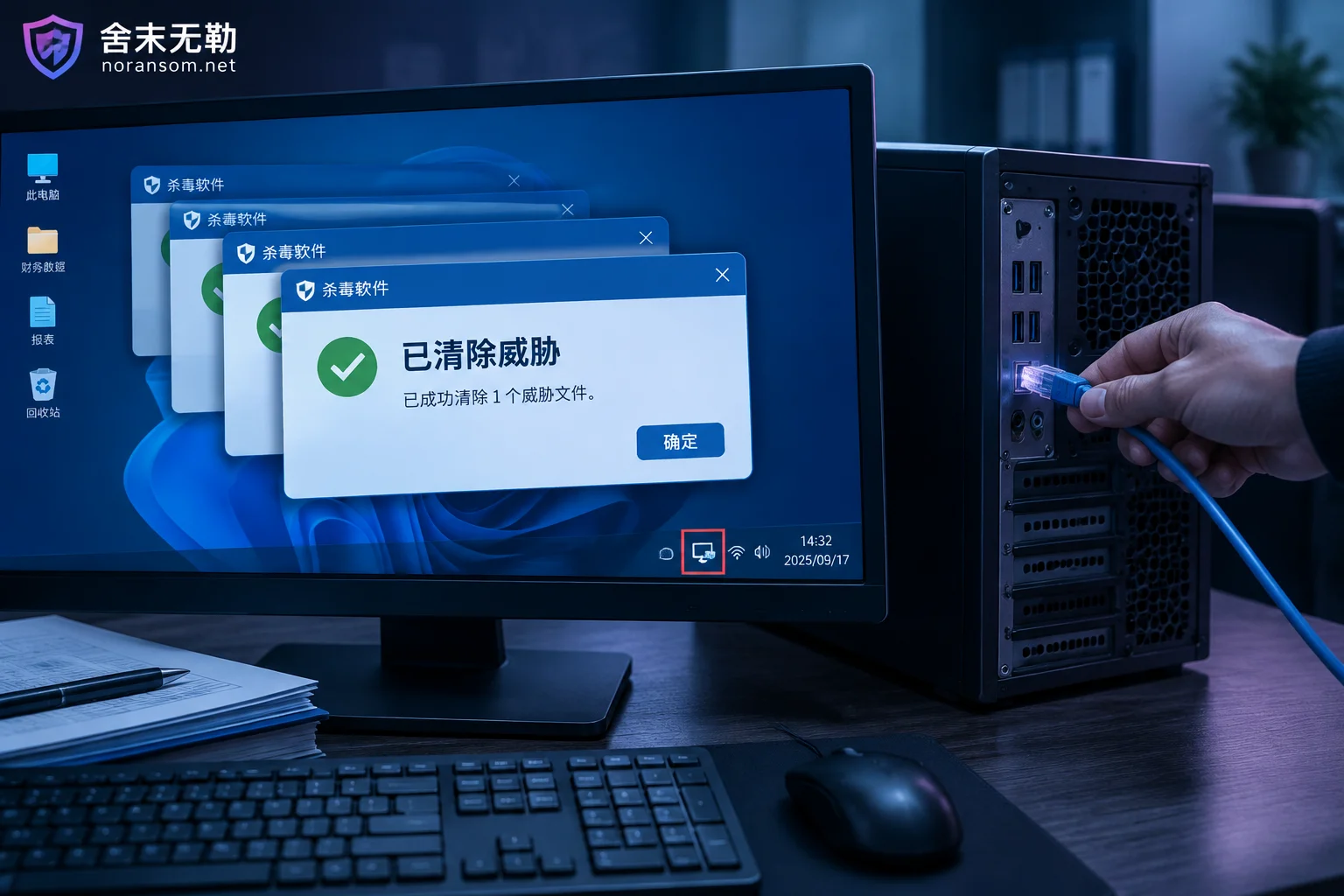
Silver Fox Trojan Reappears After Antivirus Cleanup: Disconnect First, Switch Devices, Change Passwords, Then Determine Whether Persistence Was Left o
When antivirus repeatedly detects and removes a threat that keeps coming back, the cause is usually not that the antivirus is ineffective, but that persistence items were not fully removed or the intranet/C2 channel is still re-delivering it. This article gives the priority order: disconnect from the network, change passwords on a clean device, and check funds; explains the host-side and network-side reasons for the Trojan's recurrence; describes when cleanup is enough versus when to back up pure data and reinstall; and what extra steps are needed for financial computers.