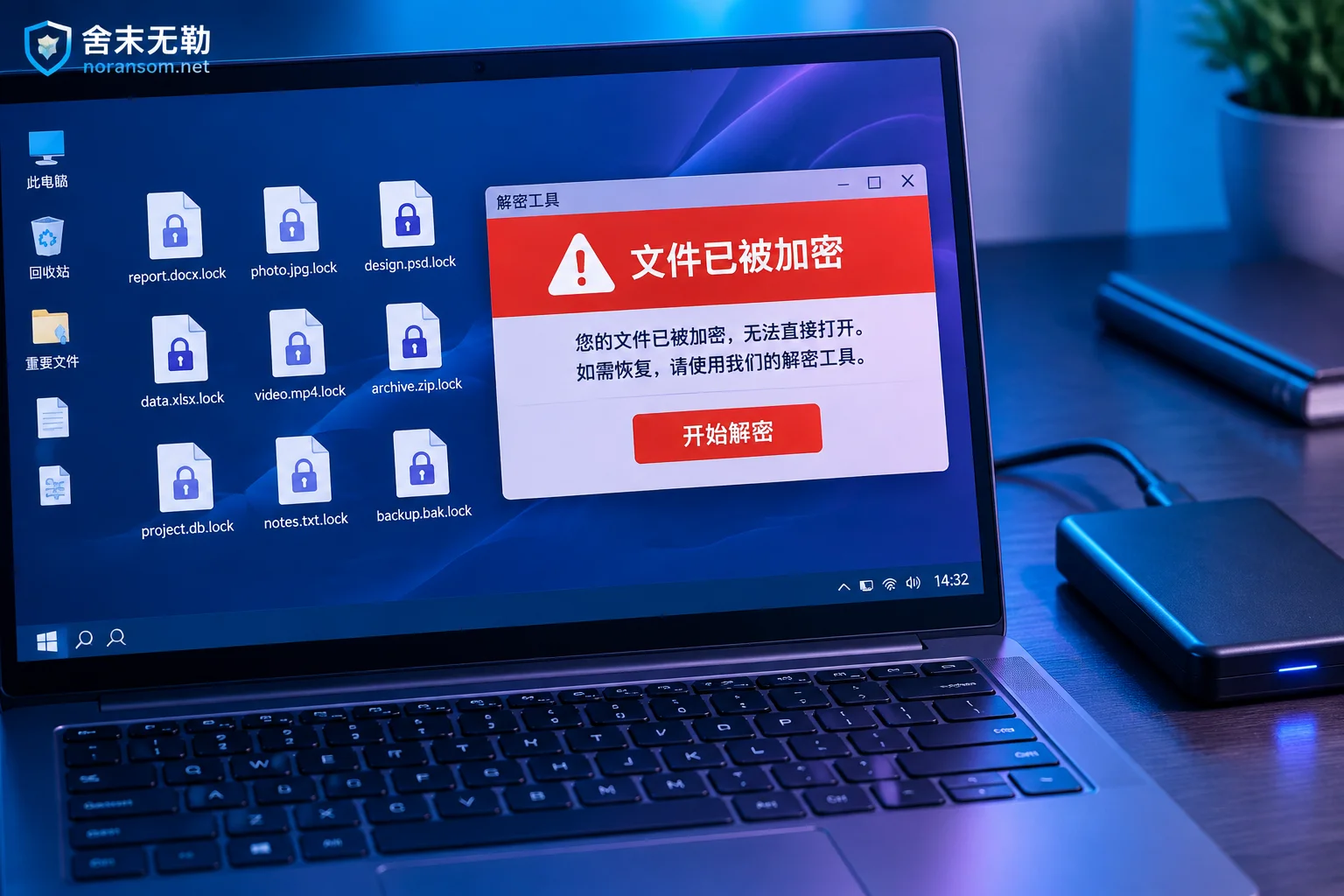
Decryption Tool Says 'Unsupported File': Stop First, Then Troubleshoot These Causes
When a decryptor reports 'Unsupported file', it usually means the tool's conditions aren't met—not that you made a mistake. This article covers the first actions to take, how to self-check four common causes, and what recovery paths remain if the tool truly doesn't support the file.

Only a Ransom Note Left: How to Determine If Encrypted Files Can Be Decrypted
Even if the malware has self-deleted and only a ransom note remains, you can still make a reasonable assessment. This article explains the five types of clues in a ransom note to identify the family, how to check public platforms for free decryption tools, why finding a tool doesn't guarantee your files can be decrypted, and what evidence to gather if no conclusion is reached, plus remaining recovery paths that don't rely on decryption.

How to Tell If a Strange New File Extension Is Ransomware: 4 Checks and What to Do First
A sudden unfamiliar file extension isn't always ransomware—it may be an incomplete download, a temporary file, or an enterprise encryption software glitch. This article explains four self-checks, the correct first steps of isolation and evidence preservation after confirming an infection, and why 'antivirus cleaned it' and 'files can open' are two different things.