First, the conclusion: after antivirus pops up "cleared", this computer can be powered on and used to copy data, but it cannot be treated as a safe machine and put directly back to its original work role, especially not for online banking, financial systems, or classified office work. The reason is not that antivirus is useless, but that the harm of remote access Trojans like Silver Fox (also recorded as YouShe, GuDuo DaDao) has two lines: one on the host, one already in your accounts and sessions. Scanning only handles the identifiable part of the first line.
By device purpose, the conclusions differ:
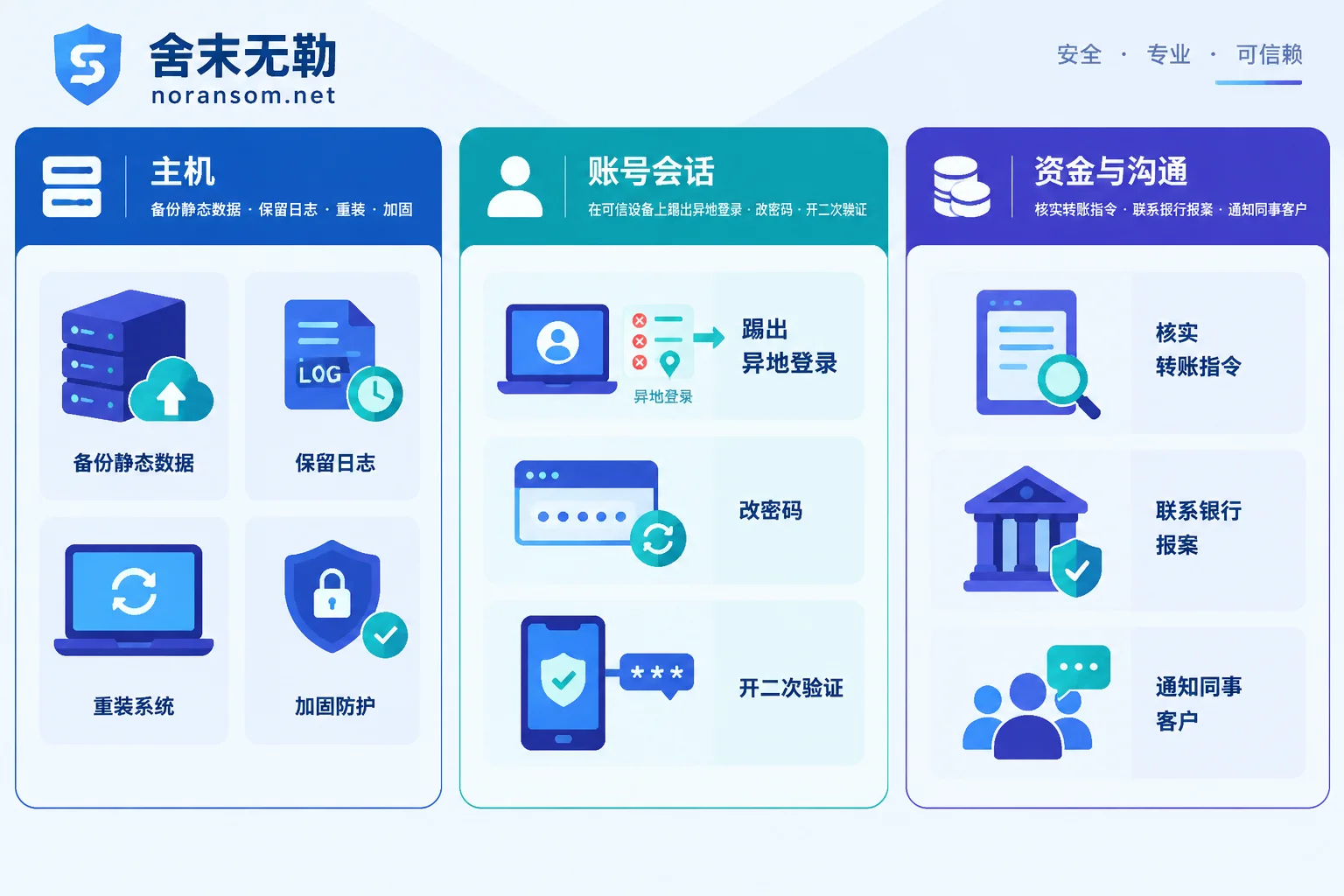
- Computers for finance, cashier, invoicing, tax filing, or that have had online banking USB shields or UKeys inserted: Do not continue using after only surface-level scanning, and do not plug the USB shield back in. These machines should follow the path: back up static data → reinstall OS → security hardening → rejoin network.
- Regular office computers (no financial operations, no core system permissions): The safest approach is also to back up pure data files then reinstall or restore to a clean system image. If business truly cannot wait, they can be used temporarily under restrictions, but manage them according to the "temporary use bottom line" below.
- Servers, domain controllers, ops jump boxes, machines with remote management tools: Do not look only at this one. Silver Fox often resides and moves laterally via legitimate remote tools (e.g., Sunlogin-type remote control, enterprise remote management clients). Other machines in the same subnet and administrator accounts must also be checked—this goes beyond "can this computer still be used".
Why antivirus reporting "cleared" does not mean clean
In public threat analyses, the persistence methods of such Trojans are consistent: use "white plus black" DLL side-loading to make legitimate programs load malicious modules, inject code into system processes like sihost.exe, svchost.exe, ctfmon.exe, create hidden system services or scheduled tasks, and casually install a legitimate remote control software as a backdoor. Antivirus can usually identify the phishing decoy file and the landed loader, but injected processes, renamed white programs, and left-behind services and remote control clients are often not removed together.
The practical manifestation: after scanning it looks normal, but after a while it reports again, or antivirus reports nothing but the machine is still being operated. So "antivirus reports no virus" cannot be the basis for judging cleanup complete. If you are experiencing repeated reports, you can refer to Silver Fox Trojan reappearing after antivirus scan to distinguish whether local persistence was not fully cleaned or the intranet/WeChat side delivered again.
Accounts and sessions are another line and must be handled separately
What the Trojan did while running cannot be undone by reinstalling the OS: reading passwords saved in browsers, capturing login sessions of instant messaging like WeChat and WeCom, recording keystrokes, periodic screenshots. This means even if all malicious processes on the host are terminated, the attacker may still hold usable credentials and sessions, can remotely take over accounts, impersonate you to send messages to colleagues and clients, or use your account as a springboard for the next round of propagation.
This step should be done on another trusted device not infected, not on the machine just scanned:
- On your phone or another clean computer, check the login device lists of WeChat, WeCom, email, OA, financial systems, cloud drives, remote tools one by one, and force logout all devices not commonly used by you.
- Change passwords for these systems, prioritizing email, financial systems, OA, and various admin backends; enable two-factor authentication where possible.
- If passwords for servers, databases, or backends were saved in the browser, consider them leaked and change all, not just one or two "important" ones.
- Notify colleagues and frequent clients: files, links, and transfer requests recently sent via your account must be verified through another channel.
Financial and fund risks: verify first, then use official channels
Silver Fox deliveries targeting accounting staff are mostly for fraud and unauthorized transfers, not to damage your computer. So during response, prioritize confirming three things: whether this machine recently initiated transfers or modified receiving accounts; whether WeChat friends and groups have installation packages, compressed files, or "statements" sent in your name; whether there have been "urgent payment" instructions from "leaders/finance heads".
Any such instruction must be verified via another channel such as in person or phone, not confirmed in the same chat window that may have been taken over. If suspicious deductions or transfers have occurred, immediately contact the bank for official procedures like report loss and freeze, and report to police, while preserving chat records, transfer receipts, alert screenshots, and relevant logs. Whether funds can be recovered depends on bank and police processing; no one should promise you results.
If you must temporarily continue using, what is the bottom line
Sometimes business does not allow immediate shutdown and reinstall. Before reinstalling, this machine can only be used as an "untrusted machine":
- Do not insert USB shield, do not log into online banking, do not enter financial and tax systems, do not change any passwords on this machine;
- Disconnect shared drive mappings, try not to touch company file servers and databases;
- Close remote control software on the machine and check its auto-start and access records; uninstall remote control clients of uncertain purpose first;
- Watch for abnormal signs: mouse moving by itself, abnormal input method/system process usage, unknown outbound connections, unfamiliar entries in task scheduler, antivirus disabled or auto-exiting;
- Downgrade user account to standard user, do not use admin privileges for daily office work.
These only reduce risk, not clean up. True restoration of trust still relies on reinstalling or restoring to a known clean image.
Before reinstalling, decide whether to keep evidence
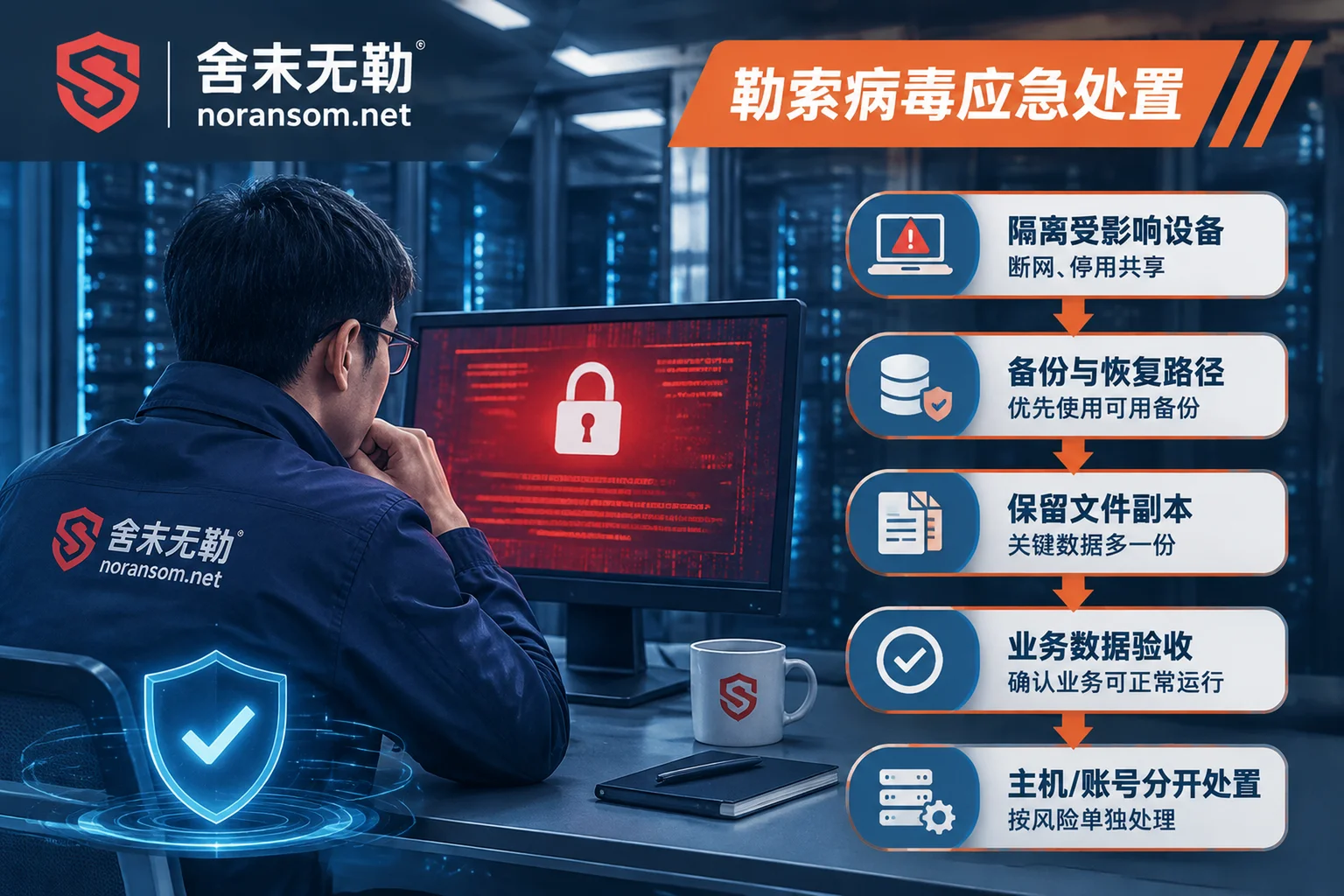
Direct formatting is easiest but also erases traceability materials. If it involves financial loss, multiple machines on intranet compromised, or possible submission to police, preserve what is needed before reinstalling: system and security logs, antivirus scan records and quarantine, screenshots of suspicious file paths, remote control software connection records, timestamps of abnormal outbound connections. If possible, make a full disk image before reinstalling; if not, at least export the above to a separate removable drive, and do not continue "trying tools" on this machine.
When backing up data, take only static data files: documents, spreadsheets, images, exported accounting sets or database backup files. Do not move exe, shortcuts, entire user directories, browser configurations, and auto-start items to the new system.
Checklist before resuming use
After reinstalling and hardening, before rejoining network, confirm these: system and office software patches updated; antivirus/EDR running normally and able to update online; unnecessary remote control tools all removed; sharing and remote desktop opened as needed rather than default all open; passwords for this machine and related business systems all changed on trusted devices; admin and regular office accounts separated; important data has an offline or offsite backup. Financial positions must additionally confirm: online banking certificate re-applied or confirmed not copied, payment process restored to dual review.
When external intervention is needed
For single machine, no financial anomalies, and direct reinstall possible, following the above order yourself is usually enough. The following situations suggest finding someone to look together early: multiple machines repeatedly reporting or reappearing after scan; servers, domain controllers, or ops terminals involved; abnormal transfers already occurred, clients impersonated; machine cannot be shut down for reinstall and you need to judge if it is still controlled; need to form traceability and evidence materials.
She Mo Wu Le in Silver Fox and remote access Trojan handling does this kind of judgment: first confirm whether persistence components and outbound connections still exist, which accounts are compromised, whether the impact scope is only one machine, then decide whether to reinstall or preserve for forensics first. For multiple people/machines having problems simultaneously and spreading, follow emergency response process; when needing to submit specific incident details use contact entry, note do not upload databases, customer data, production passwords, or suspicious executable files on public channels.
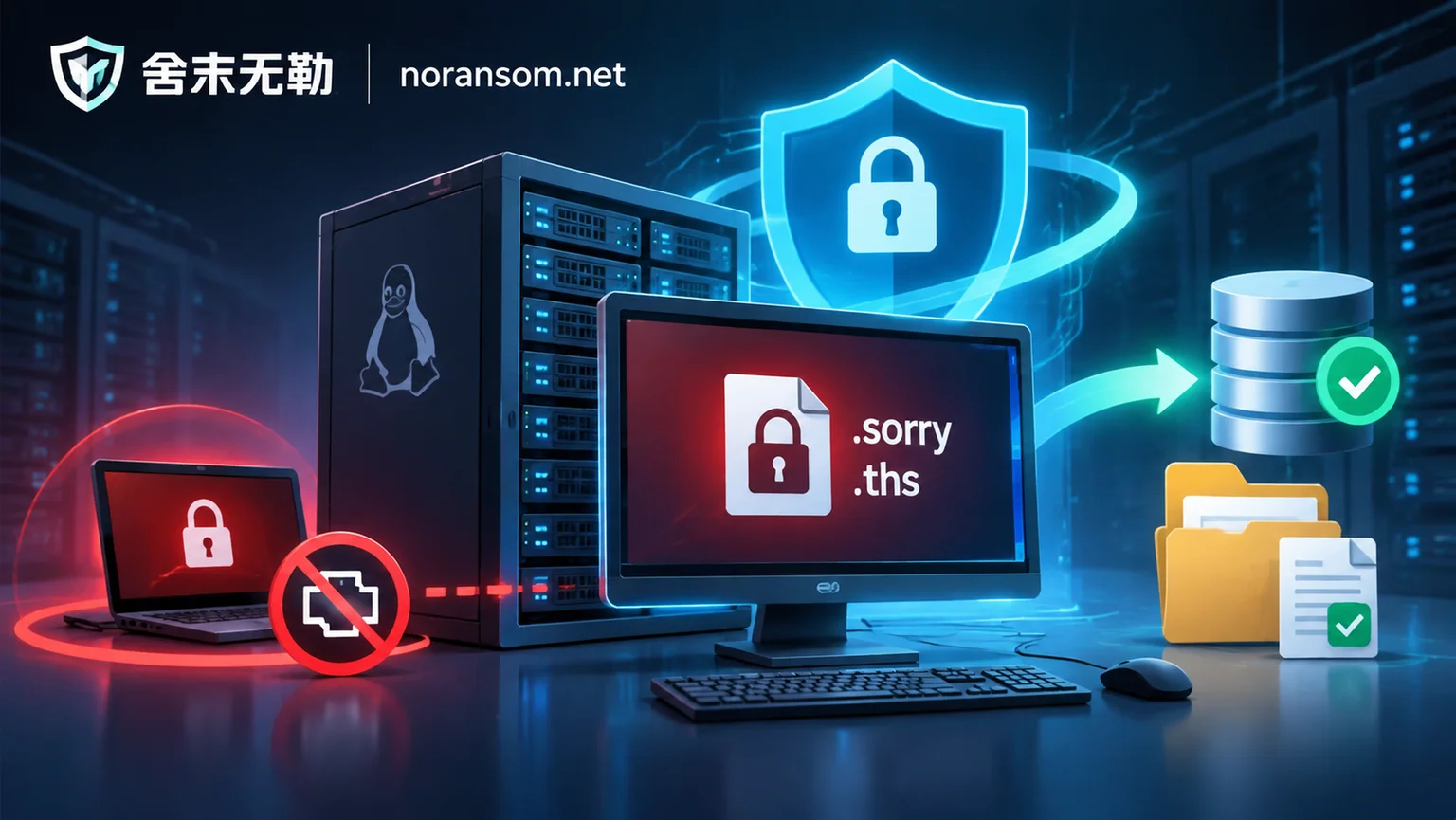
Finally, a confusing point: Silver Fox is remote control and data theft; files are usually not batch renamed and encrypted. If you also find file extensions uniformly changed, cannot open, and ransom notes appear, that is another matter, with different response order and recovery path, needing separate judgment. You can first refer to how to distinguish remote control from file encryption.


Comments(0)