只是一个默认分类
Grasp Manager Hit by Ransomware: Account Sets Locked—Check Port 211 and Other Communication Ports First, Then Follow These Three Steps to Rescue Your
Grasp Manager Brilliance, Distribution ERP, Industry & Trade, and WLIT systems are frequently targeted by ransomware such as Weaxor, Sorry, and Mallox. Many enterprises close ports 1433 and 3389 but still get infected, often overlooking the exposure risk of business communication ports like 211. This article explains on-site protection after a Grasp Manager infection, account set recovery logic, and port blocking solutions.
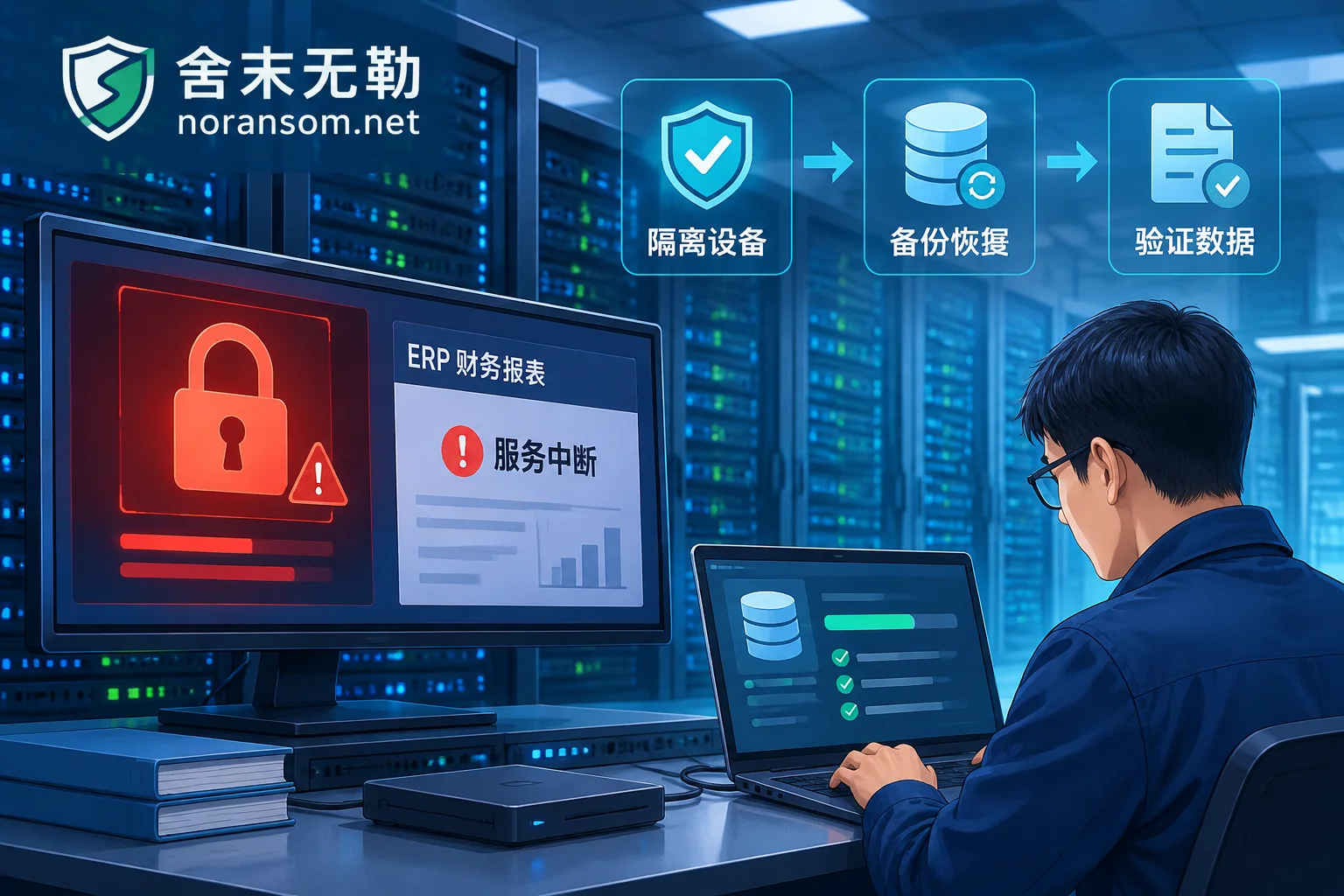
Kingdee Cloud Cosmic, K/3, and KIS Hit by Ransomware: Full Emergency Response from Account Set Rescue to Backdoor Removal
When Kingdee KIS, K/3, or Cloud Cosmic (K3 Cloud) servers are encrypted by ransomware, enterprises often face the dilemma of being unable to log in to account sets, suspect databases, and backup files being locked as well. This article starts from the differences in damage across Kingdee product architectures, and explains how to rescue core financial and business account sets without paying a ransom through family identification, underlying data recovery, and intrusion tracing, and thoroughly remove resident backdoors to prevent secondary encryption.
Yonyou U8, NC and Chanjet T+ Hit by Ransomware: Why Fixing Only the Database Won't Get ERP Running Again
Recent ransomware attacks targeting ERP systems such as Yonyou BIP, Chanjet T+, and U8 Cloud are frequent, with families like Weaxor (.rox/.weax) exploiting web vulnerabilities. This article analyzes the four-layer damage logic after Yonyou systems are encrypted and provides a complete emergency response plan from damage control, account set rescue, to Webshell backdoor cleanup.

Synology NAS Hit by L0CK3D Ransomware: Don't Let Your Home and Business Data Become a 'Digital Hostage'
The L0CK3D ransomware has recently launched large-scale attacks on Synology NAS. This article analyzes the virus's characteristics, reveals why traditional defenses often fail, and guides individuals and businesses affected by ransomware through a standardized emergency response process to stop losses, assess, and recover data, avoiding the vicious cycle of 'paying the ransom means losing data'.
How to Recover from Ransomware-Encrypted Virtual Machines: First Determine Whether the Guest OS or the Hypervisor Host Is Compromised—The Recovery Pat
When business virtual machines become unreachable or file errors occur, blindly rebooting the host or rebuilding snapshots often completely destroys the remaining data structures. This article,结合 recent trends in virtualization escapes and underlying encryption, teaches you how to quickly determine the actual layer at which a virtual machine is encrypted by ransomware, and provides a complete emergency path from freezing the scene and identifying the family to recovering internal databases and ERP account sets.
