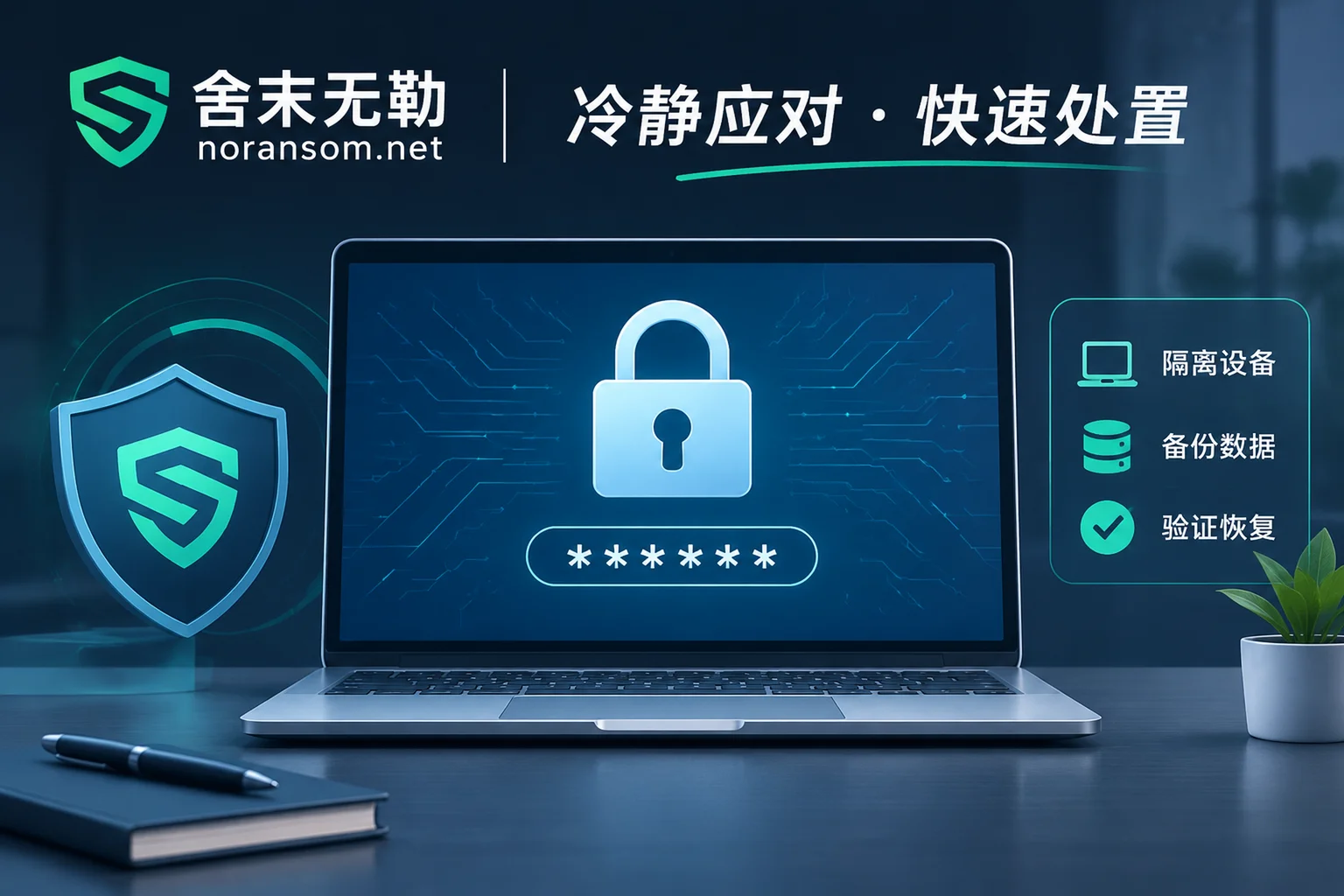
How to Recover from Ransomware-Encrypted Virtual Machines: First Determine Whether the Guest OS or the Hypervisor Host Is Compromised—The Recovery Pat
When business virtual machines become unreachable or file errors occur, blindly rebooting the host or rebuilding snapshots often completely destroys the remaining data structures. This article,结合 recent trends in virtualization escapes and underlying encryption, teaches you how to quickly determine the actual layer at which a virtual machine is encrypted by ransomware, and provides a complete emergency path from freezing the scene and identifying the family to recovering internal databases and ERP account sets.
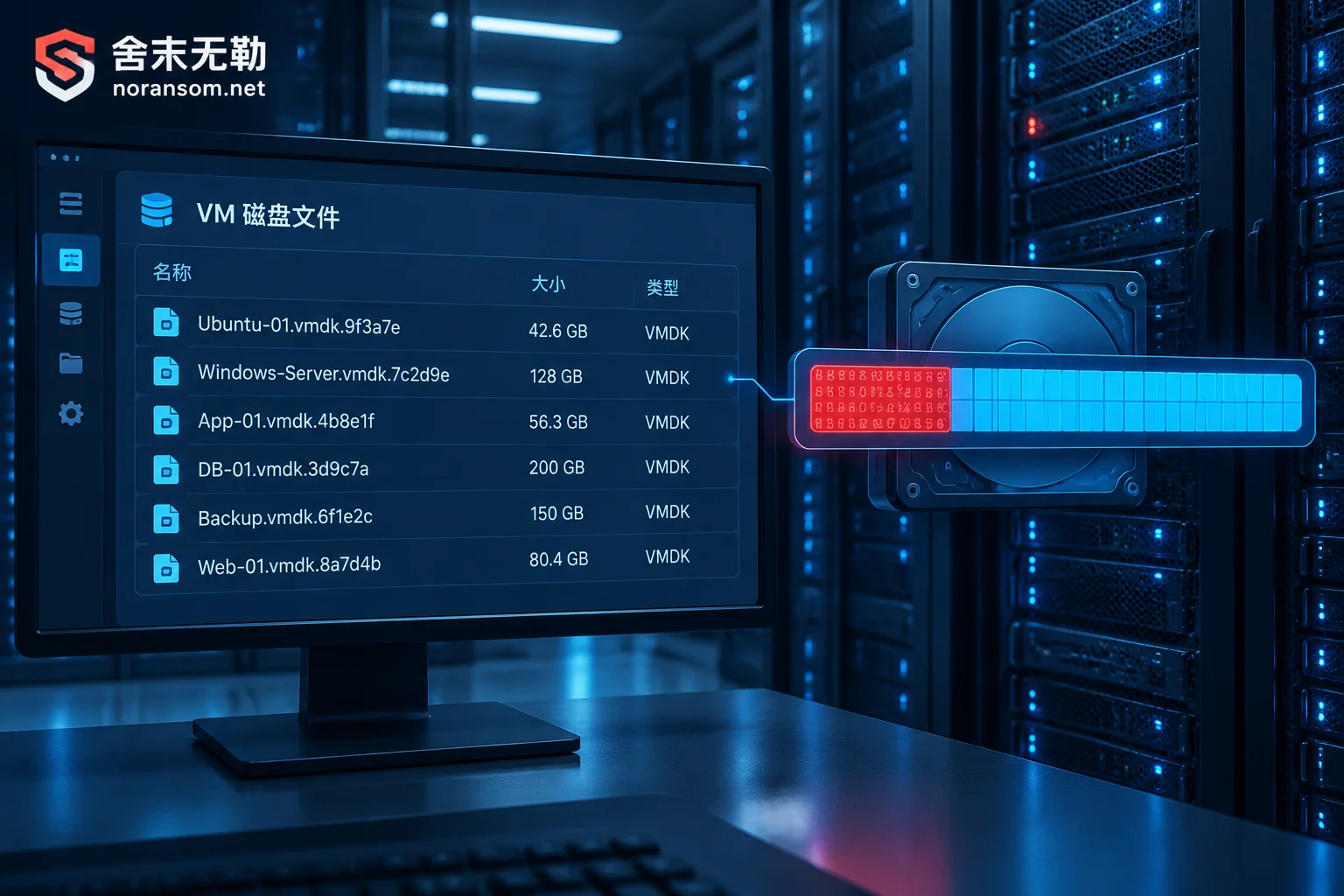
Can Data Be Extracted from an Encrypted VMDK File? It Depends on How Much of the Flat Volume Is Overwritten
A virtual machine failing to boot does not mean all data is encrypted. This article explains the order for judging extractability after a VMDK is encrypted by ransomware: first isolate and make a read-only clone, then distinguish whether only the descriptor is encrypted, the flat volume header/intermittent encryption, or full-disk continuous encryption, and provides corresponding extraction paths, prohibited operations, and verification methods.
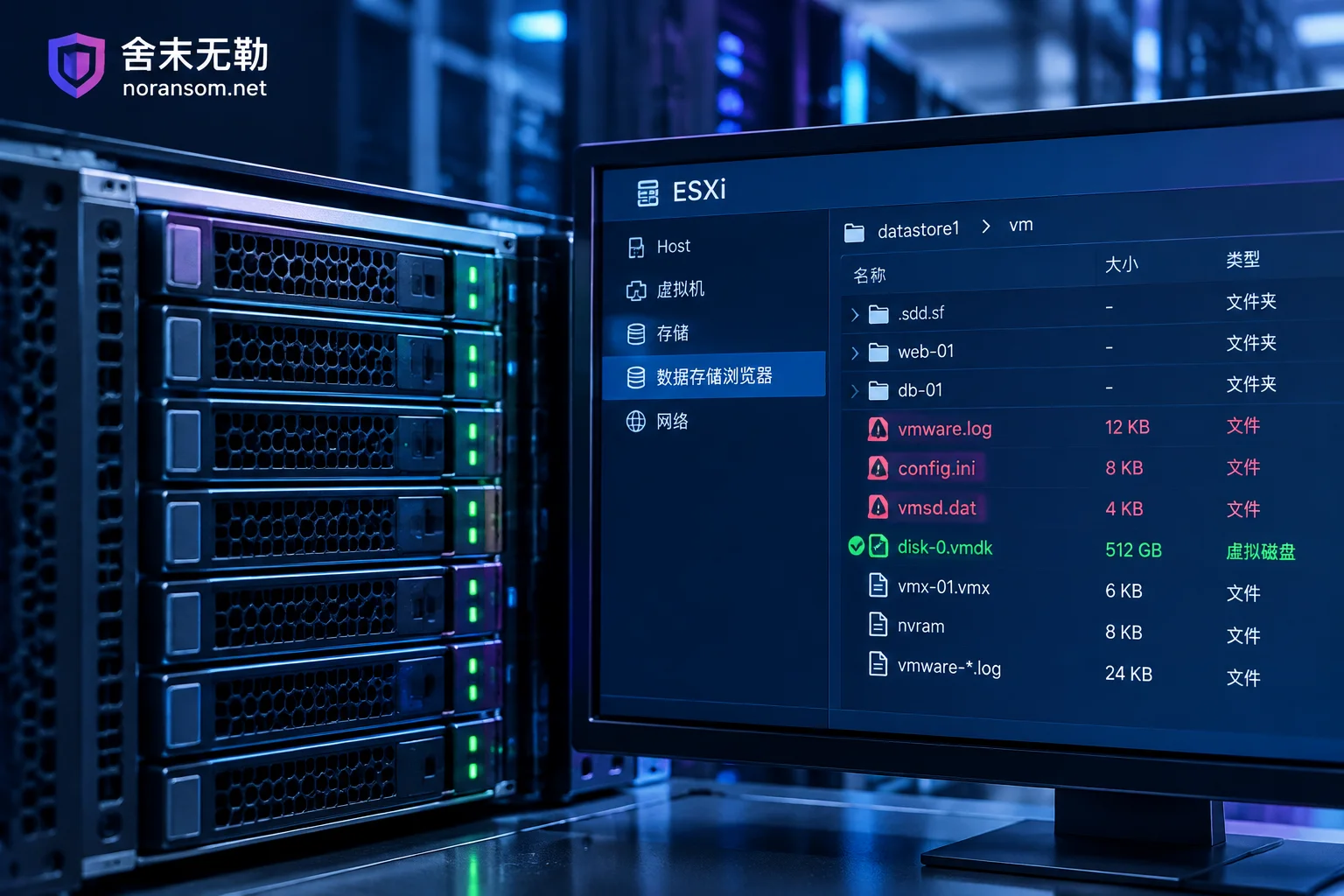
ESXi VM Encrypted with No Snapshot: Don't Touch the Original Storage—Assess What's Recoverable in This Order
When an ESXi VM is encrypted by ransomware with no snapshot or usable backup, first stop all writes to the datastore, then determine whether the VM config files or the underlying -flat.vmdk data disks are damaged.