You Opened a Suspicious Attachment but Your PC Seems Fine — Should You Still Check? Yes, and Do These Two Things First
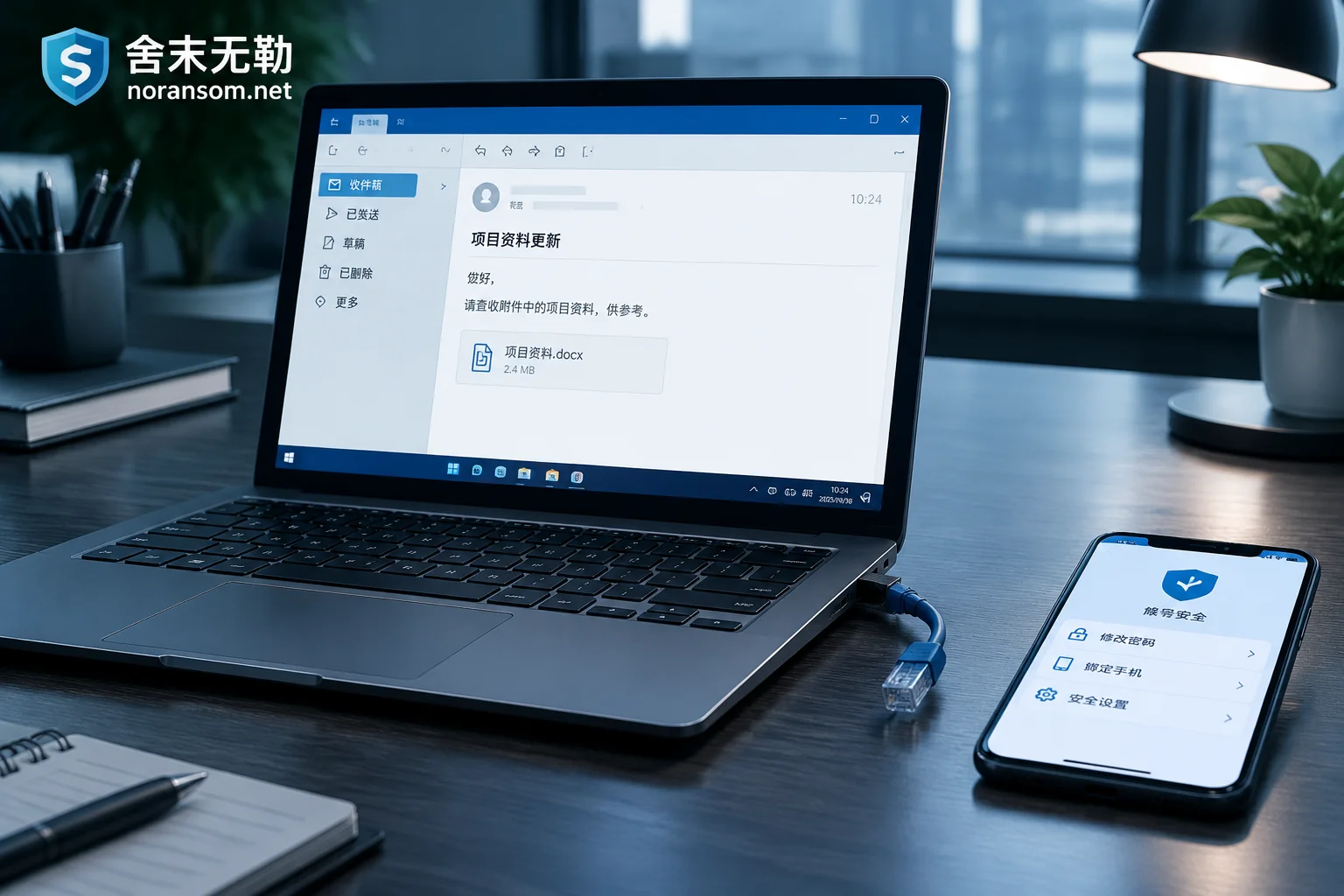
No popup, no lag, and the file looked normal after opening a suspicious attachment — that is exactly how most modern phishing attachments behave, and it is not evidence that you are safe. This article gives the two top-priority actions (disconnect from the network, switch devices to change passwords and revoke sessions), explains why an antivirus showing no threat does not rule out compromise, what three things you need to recall, which persistence locations to check, and when you can handle it yourself versus when it must be treated as an incident.