Unknown Remote Control Software Appears Automatically on Your Computer: First Disconnect Network and Unplug USB Tokens, Then Troubleshoot in This Orde
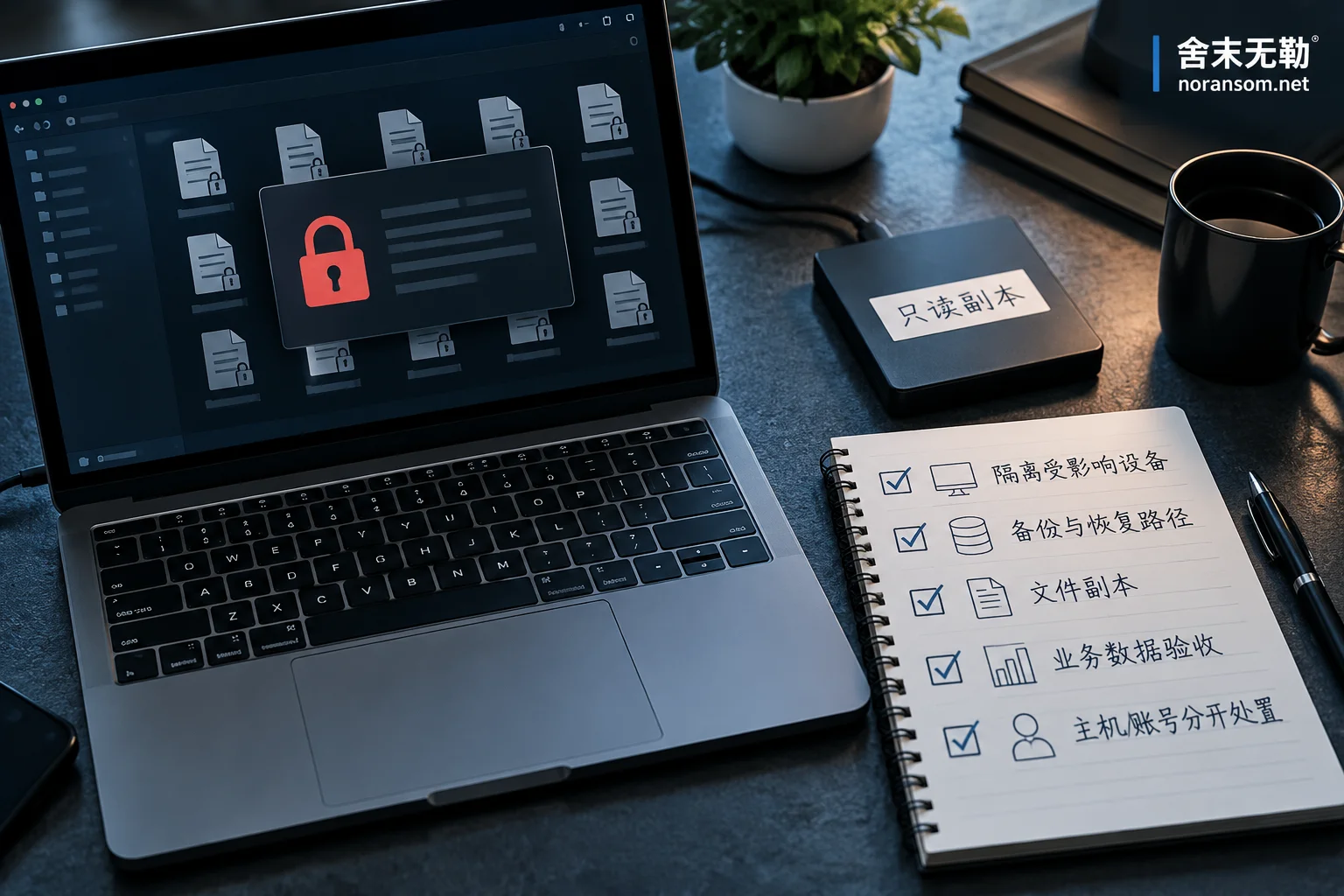
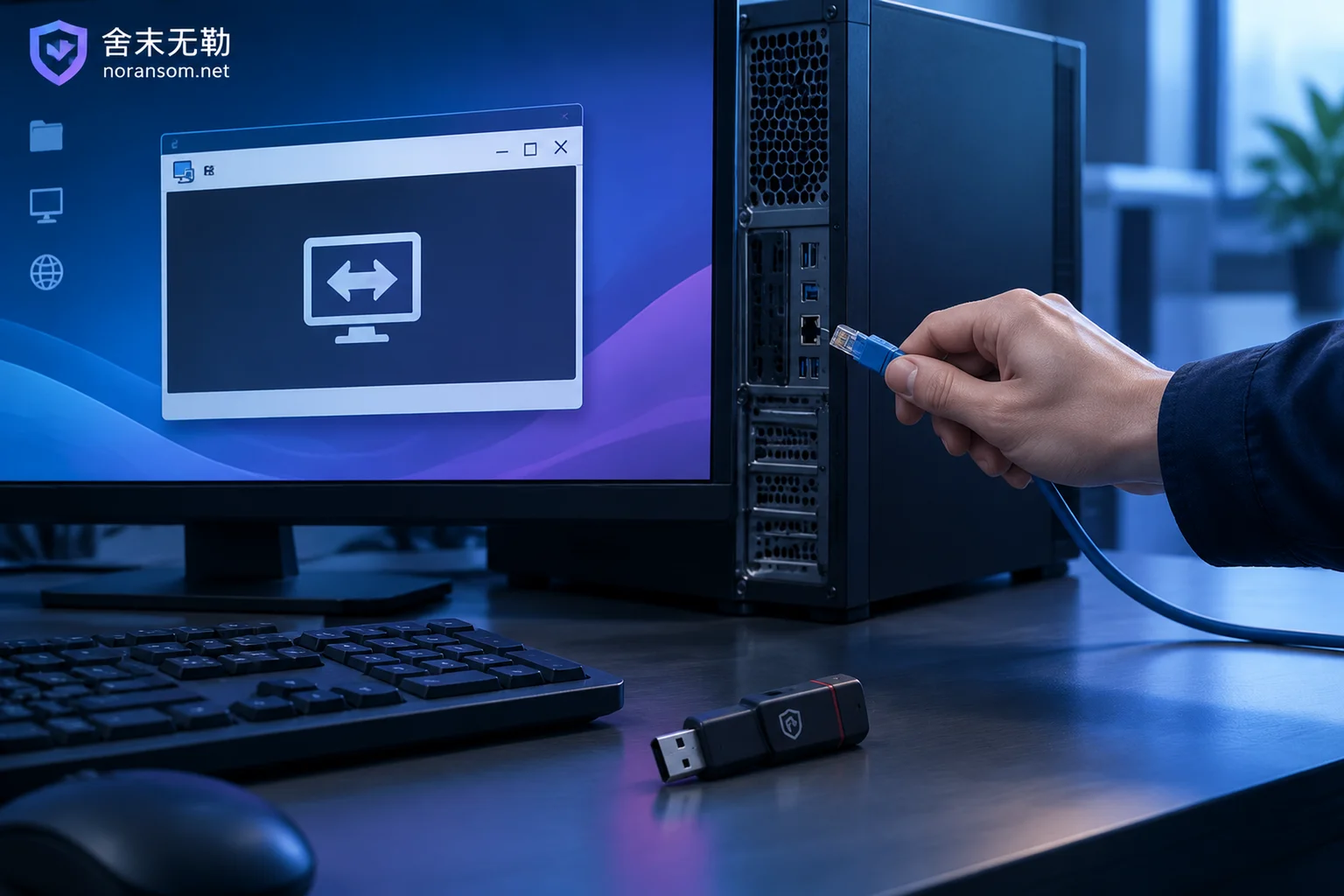
When remote control software you didn't install suddenly appears on your desktop or system tray, the first action is not to run a virus scan, but to physically disconnect the network, unplug USB tokens, and stop using any accounts on that machine. This article explains how to choose between keeping the computer on or shutting it down, how to verify who installed the remote control software, common reasons antivirus software doesn't flag it, the persistence locations that need to be checked item by item, and the separate process for handling accounts and funds that must be done on a different device.