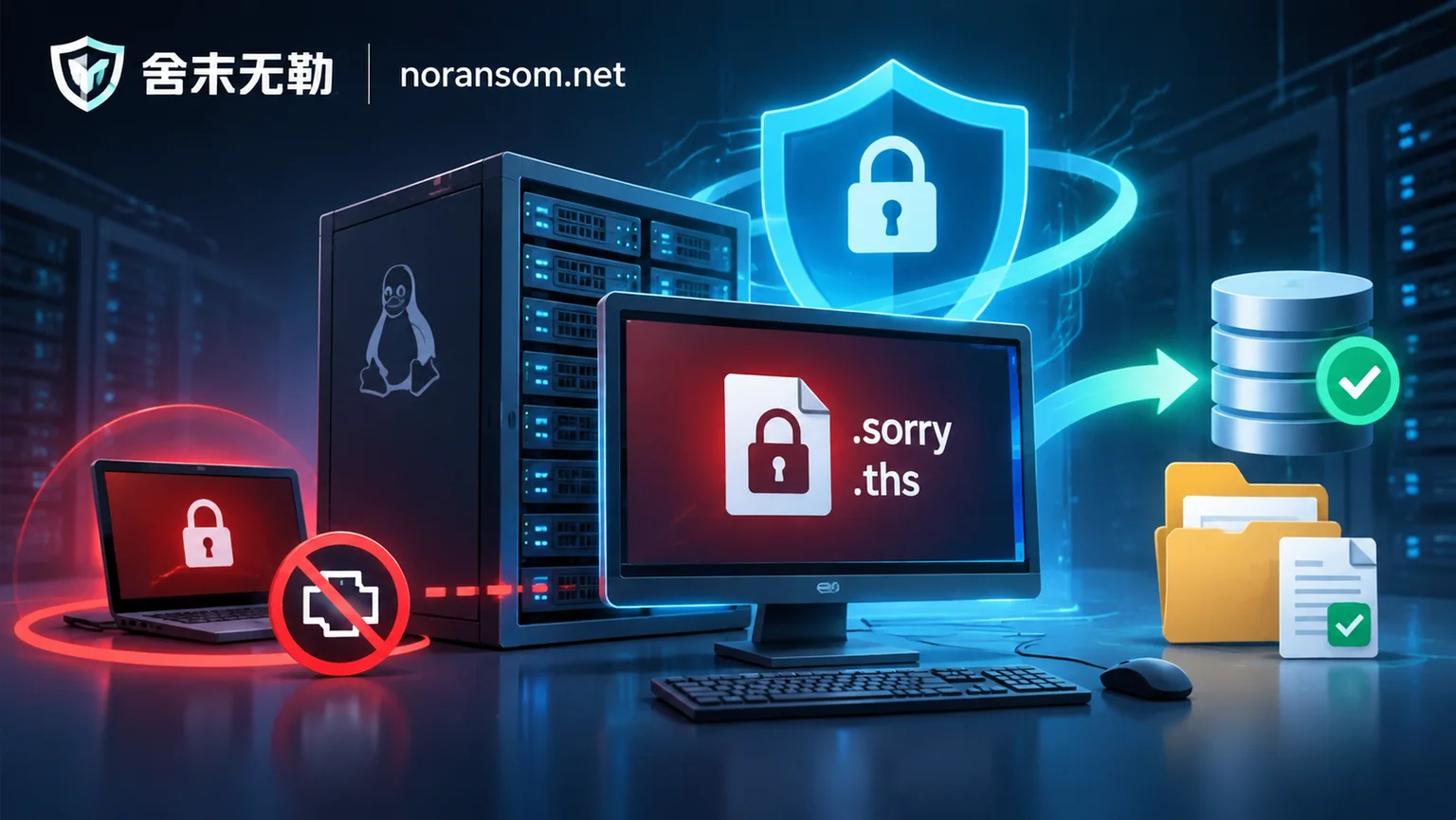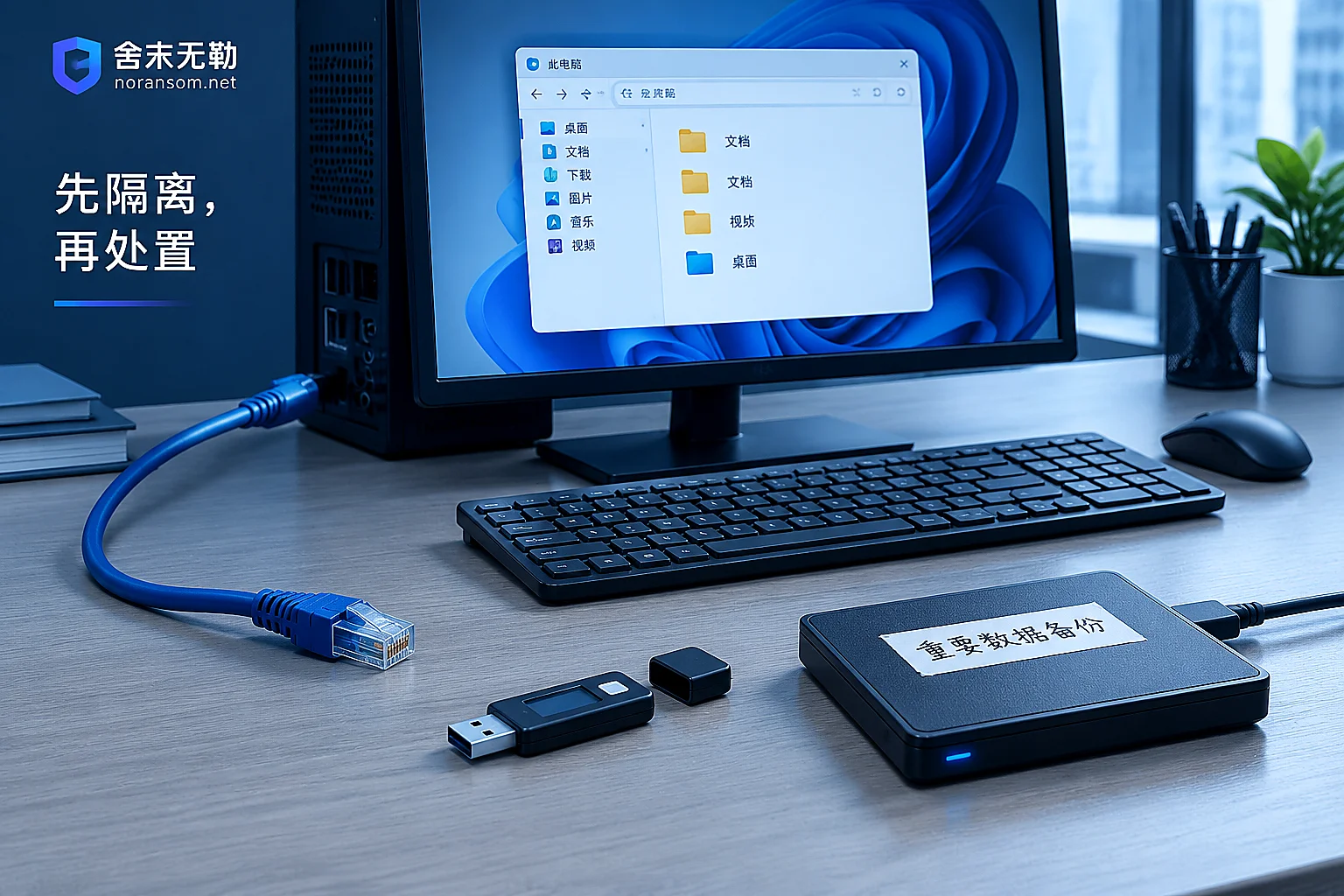
Hit by Silver Fox Trojan? Save These Four Things Before Reinstalling the System
Reinstalling the system clears local backdoors but also wipes the evidence of how you were infected, and it can't recover stolen credentials or sessions, so here are the four things to preserve first.
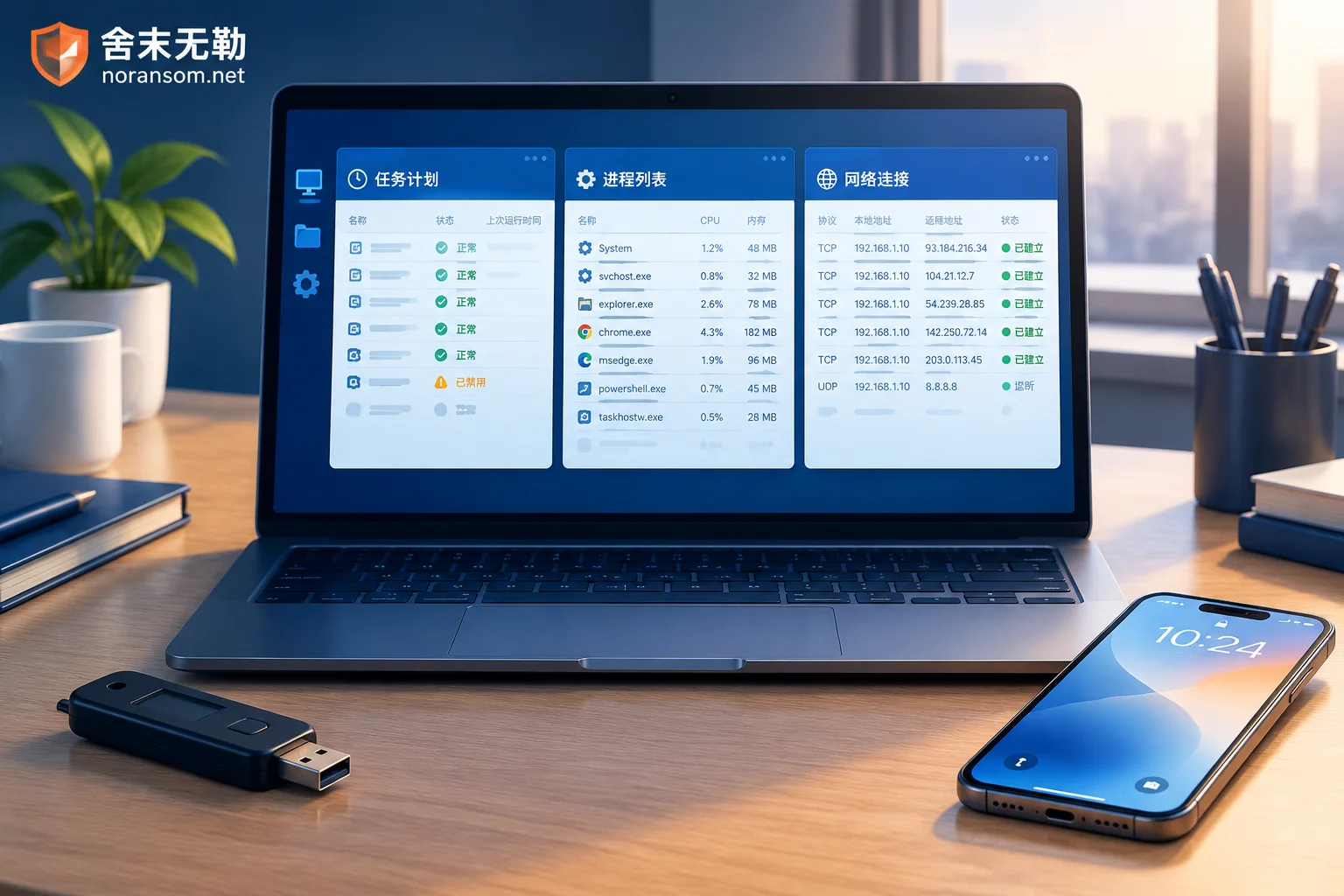
The Scope of a Silver Fox Trojan Cleanup: Seven Check Dimensions Plus Account and Financial Response
Silver Fox trojan cleanup is not just a full antivirus scan. This article explains the seven check dimensions a thorough investigation should cover—persistence, process and memory injection, C2 outbound connections, security software tampering, messaging app sessions, financial credentials and shadow accounts, and lateral spread—and why host remediation and account/fund response must be two separate, parallel tracks.
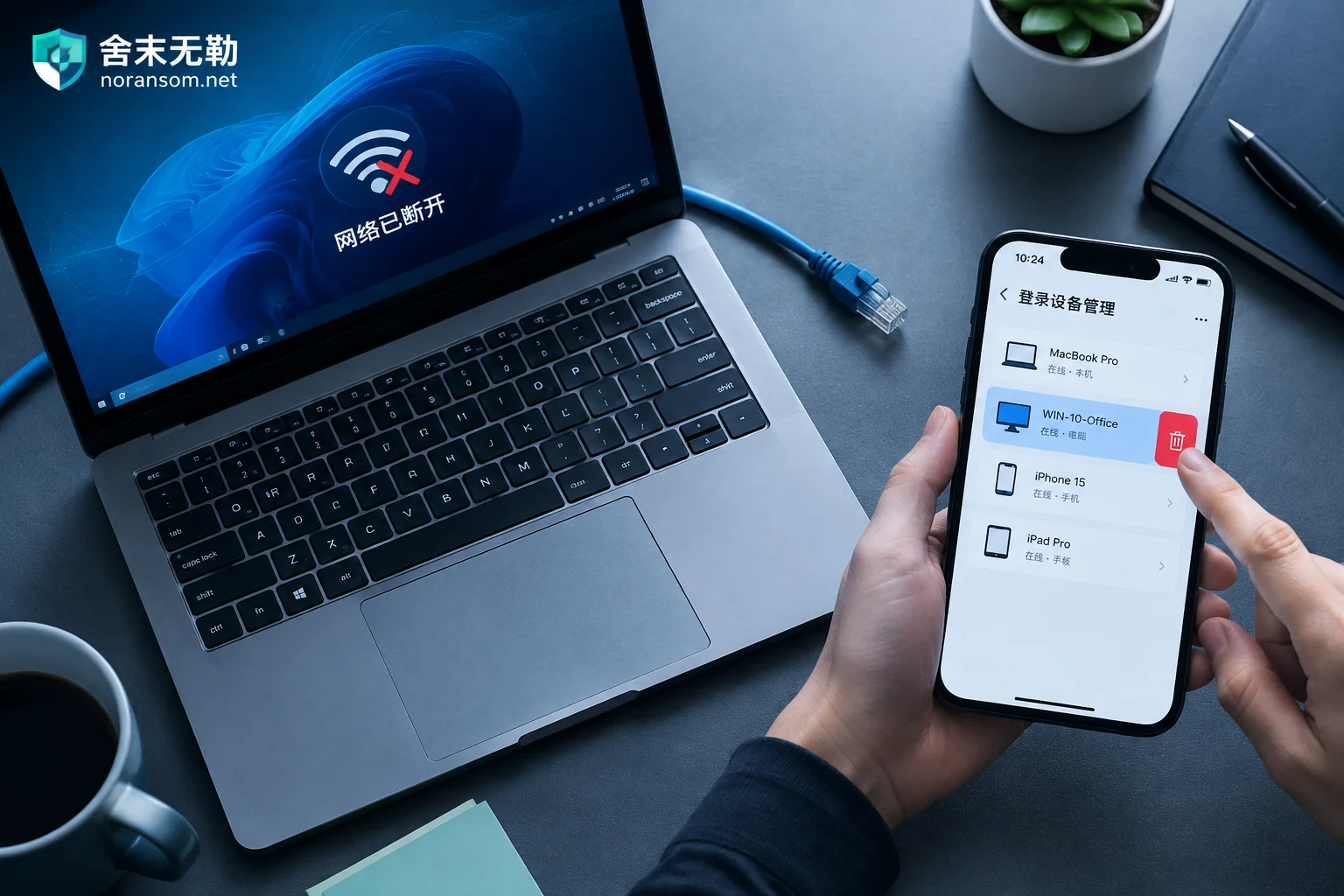
Hit by Silver Fox Trojan: How to Handle WeChat and QQ Accounts — Disconnect First, Then Kick Logins from Another Device
After a suspected Silver Fox Trojan infection, handle WeChat and QQ in this order: physically disconnect the infected PC, use a trusted device like your phone to remove PC logins, change passwords, and enable login protection, then notify contacts to prevent fraud, check financial channels, and finally clean the host.
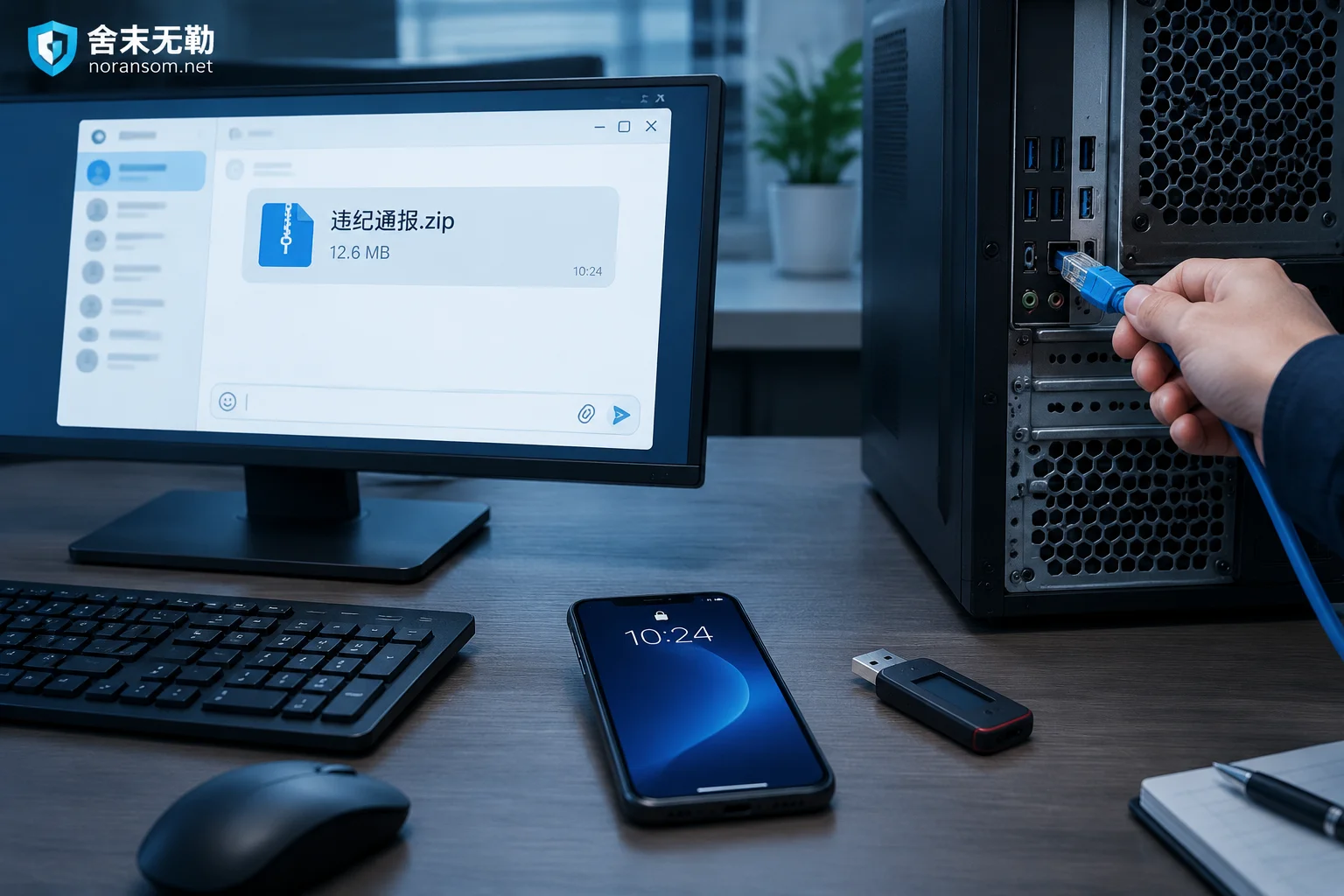
Suspected Silver Fox Trojan After Opening a Group 'Disciplinary Notice': Do These Five Things First, Antivirus Last
If you double-clicked a 'disciplinary notice' archive shared in a group chat and suspect a Silver Fox Trojan infection, your first move isn't to run antivirus—it's to disconnect from the network, force-log out all PC sessions from a trusted device and change passwords, have finance staff unplug USB banking keys and pause payments, then warn the group through other channels. This article covers the emergency response order, how to tell if you're actually infected, why a clean antivirus scan isn't reassuring, and when to bring in professionals.
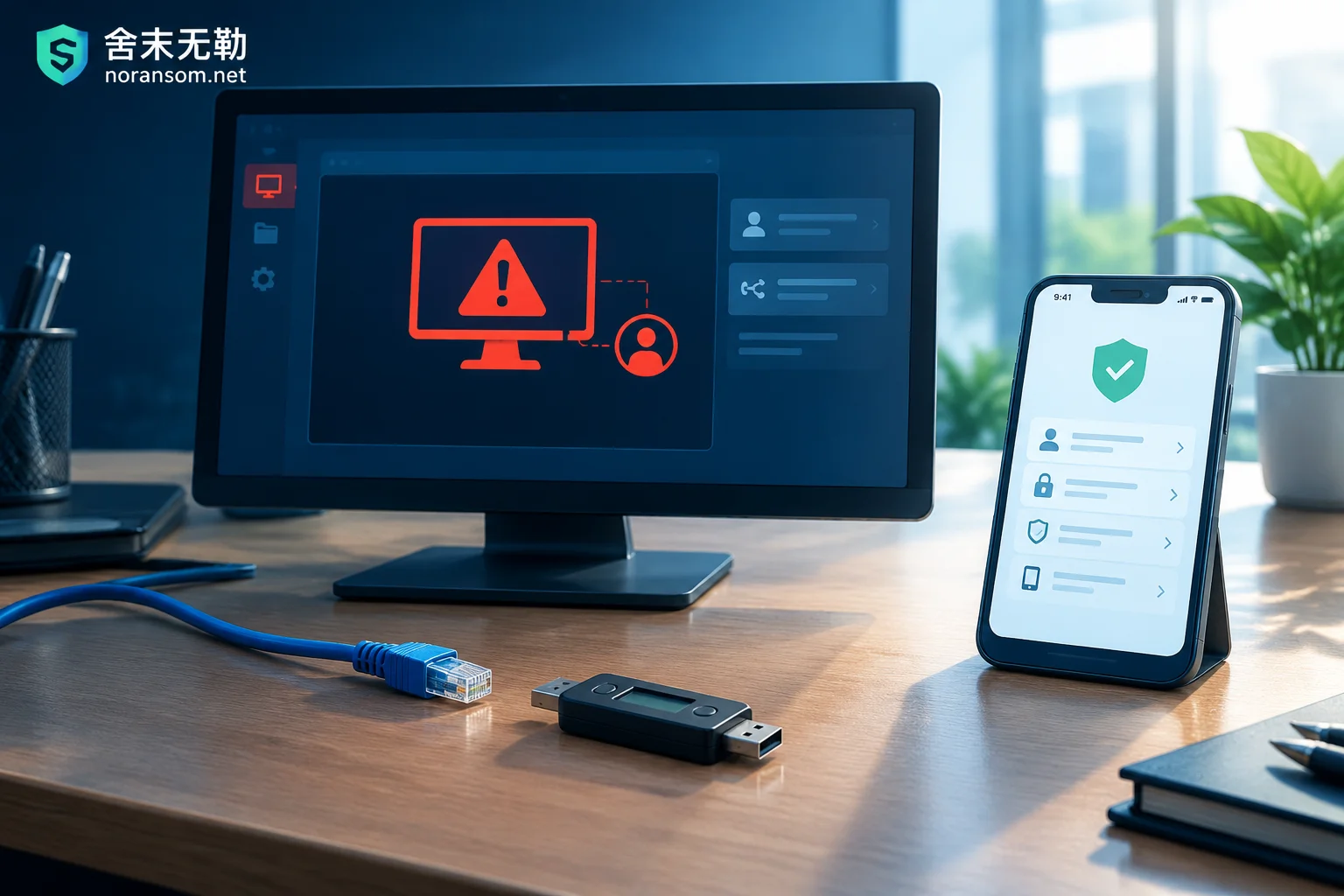
Which Account Passwords to Change After Finding a Silver Fox Trojan: Don't Change Them on That Computer
The Silver Fox Trojan logs keystrokes, grabs clipboard data, and dumps browser-saved passwords and cookies, so changing passwords on the compromised machine hands the new credentials straight to the attacker. This article gives the correct order: disconnect from the network and unplug USB keys first, switch to a clean device, then reset credentials layer by layer across chat/office accounts, every site saved in the browser, online banking and accounting systems, email, and domain/intranet passwords—and explains why each layer must also force-log-out all historical sessions.