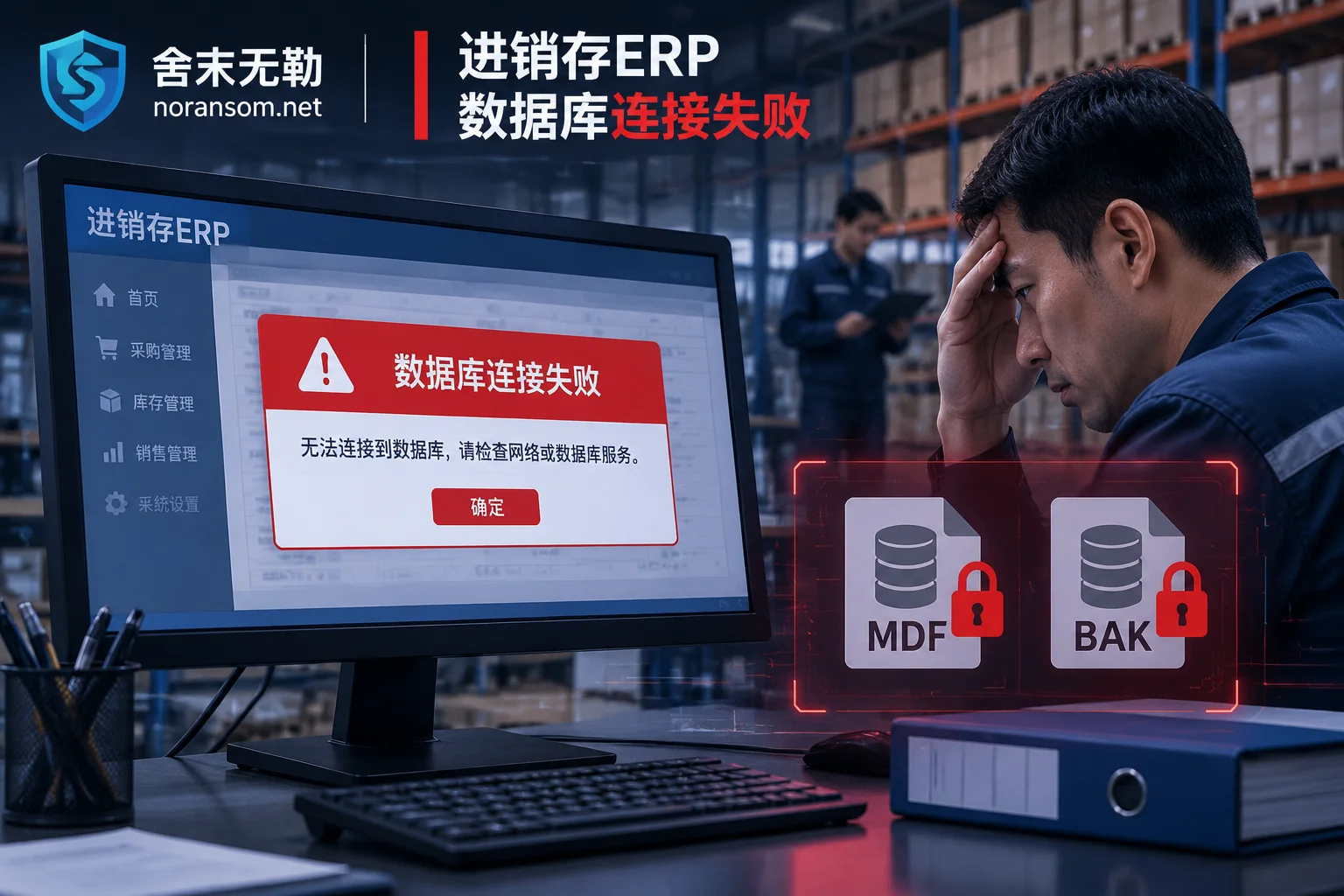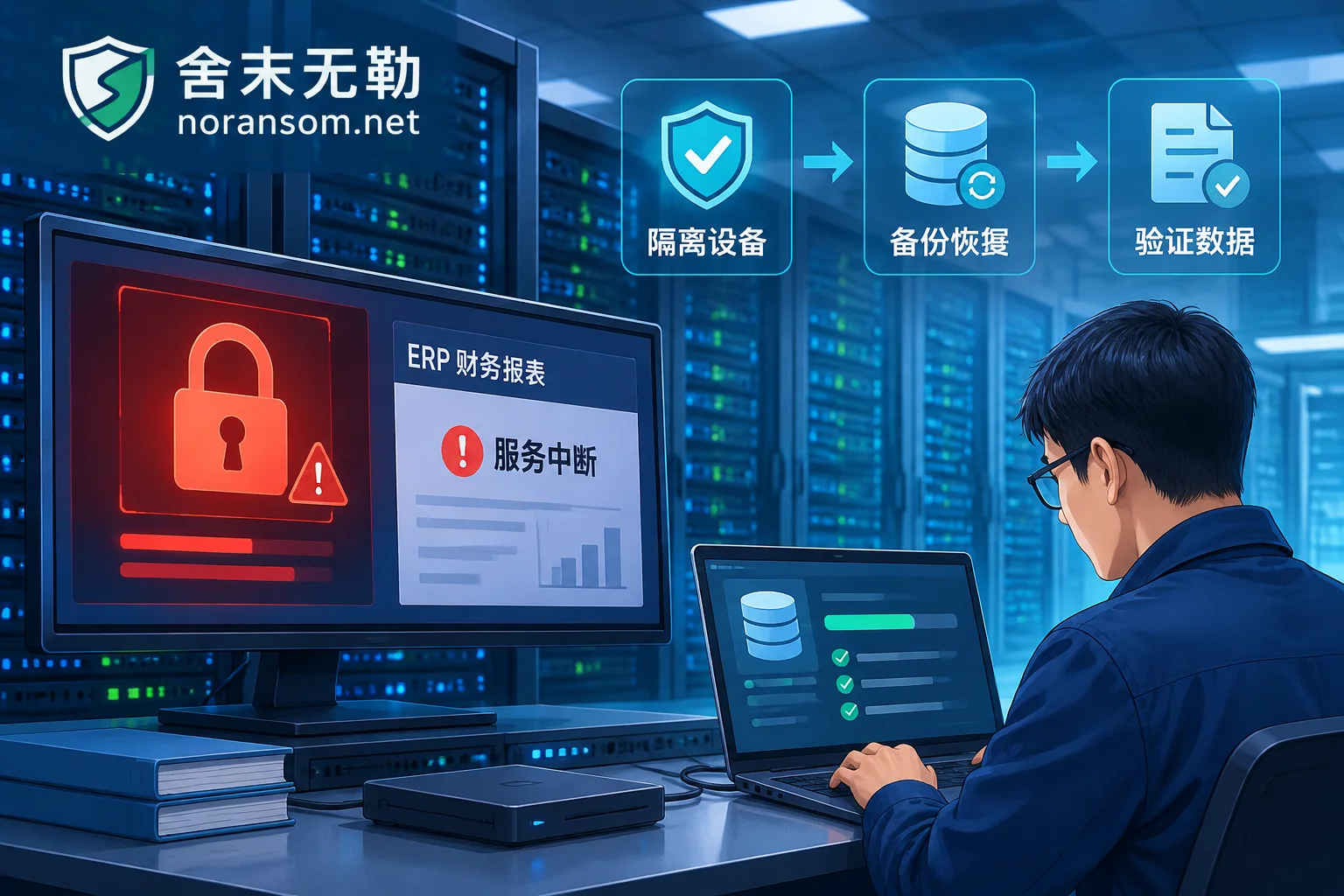
Hit by Silver Fox Trojan: How to Handle WeChat and QQ Accounts — Disconnect First, Then Kick Logins from Another Device
After a suspected Silver Fox Trojan infection, handle WeChat and QQ in this order: physically disconnect the infected PC, use a trusted device like your phone to remove PC logins, change passwords, and enable login protection, then notify contacts to prevent fraud, check financial channels, and finally clean the host.
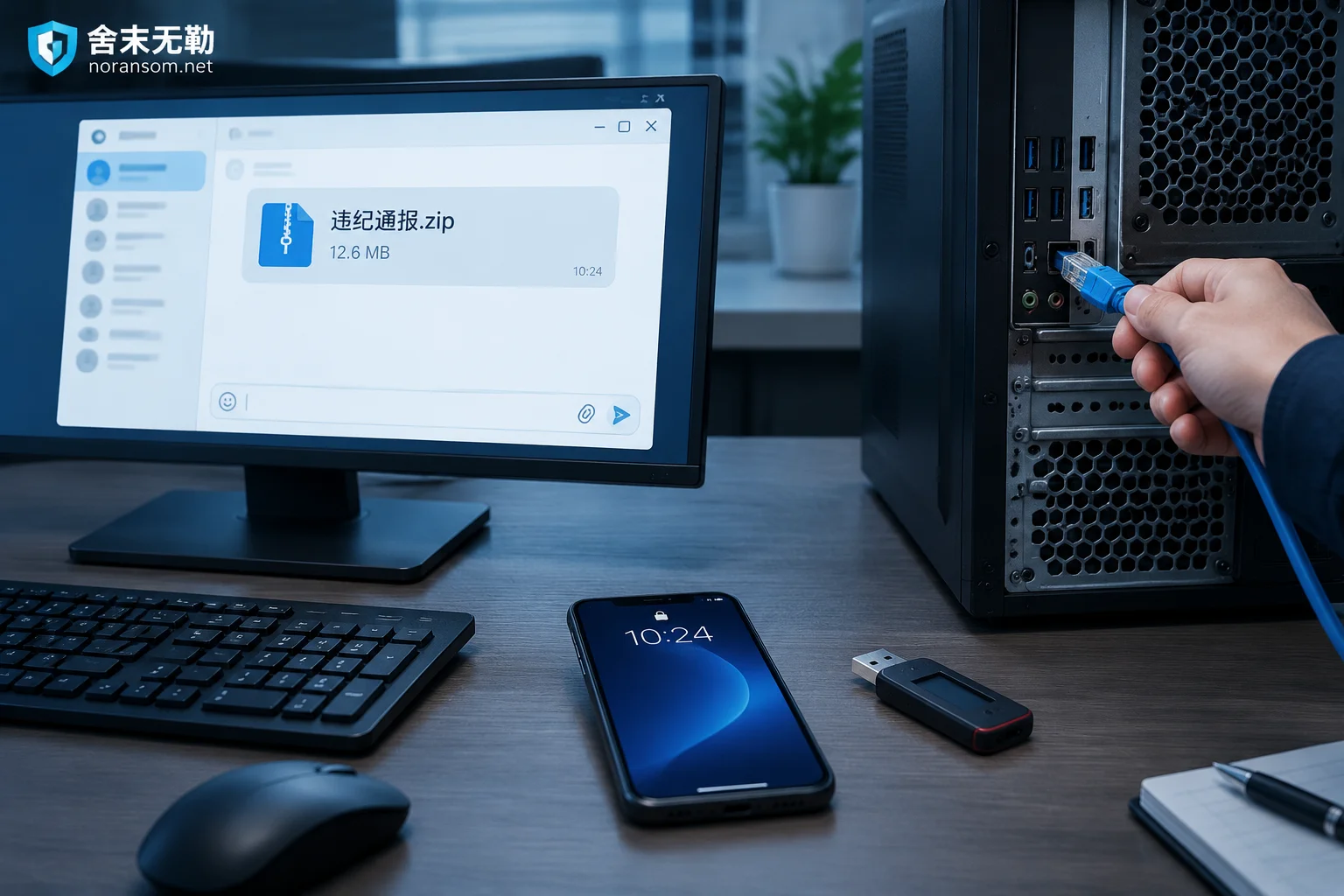
Suspected Silver Fox Trojan After Opening a Group 'Disciplinary Notice': Do These Five Things First, Antivirus Last
If you double-clicked a 'disciplinary notice' archive shared in a group chat and suspect a Silver Fox Trojan infection, your first move isn't to run antivirus—it's to disconnect from the network, force-log out all PC sessions from a trusted device and change passwords, have finance staff unplug USB banking keys and pause payments, then warn the group through other channels. This article covers the emergency response order, how to tell if you're actually infected, why a clean antivirus scan isn't reassuring, and when to bring in professionals.
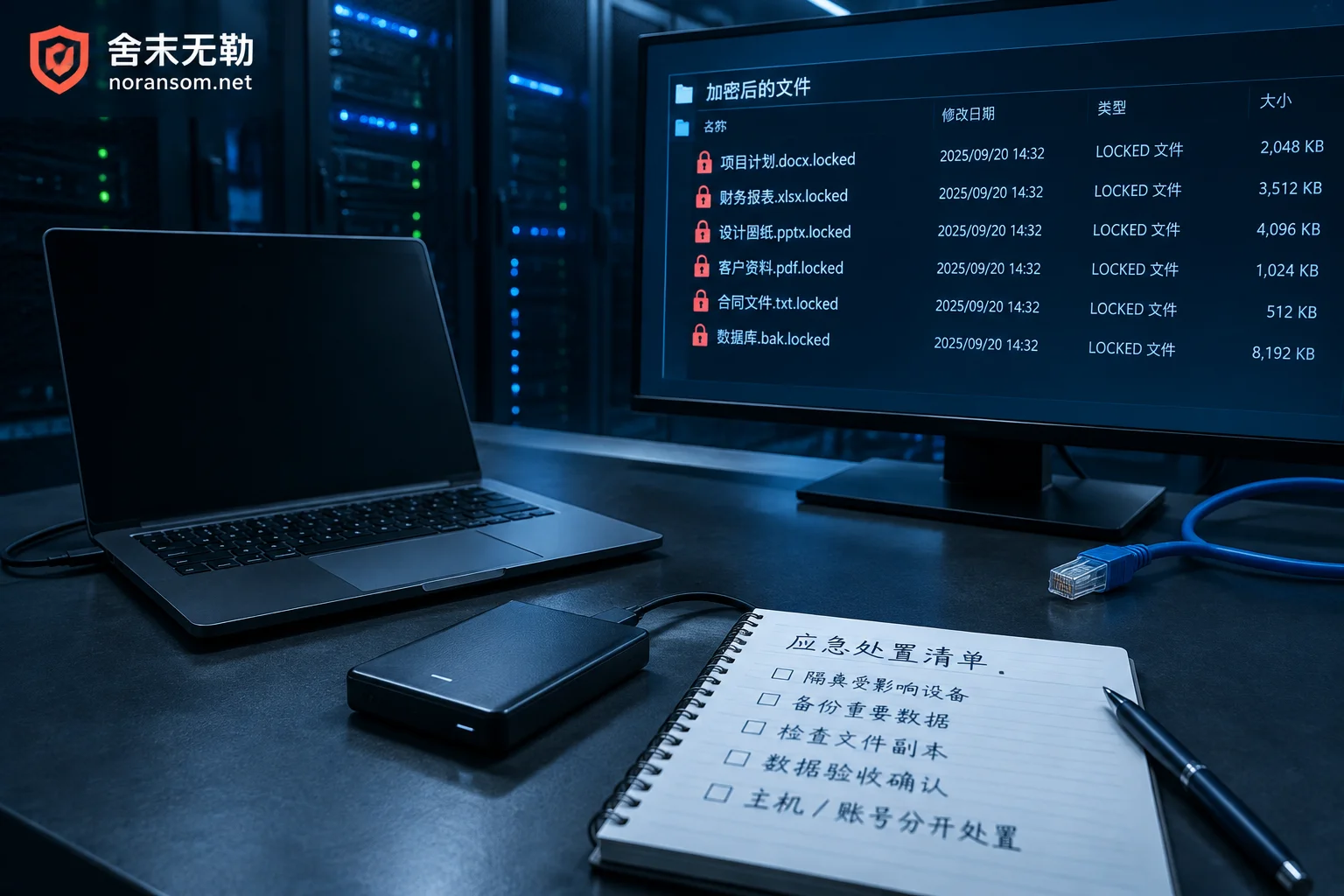
What to Prepare Before Remote Ransomware Emergency Response: 6 Preparations Before Access
During the wait for remote technical support after files are encrypted, making the right preparations can determine how much can still be recovered. This article explains by priority how to define the isolation scope, how to decide whether to shut down, which ransom notes and samples must be preserved as-is, why backups must be disconnected first, how to set up a clean jump host and remote channel, and what account and fund handling materials to prepare when a remote access trojan is also involved.
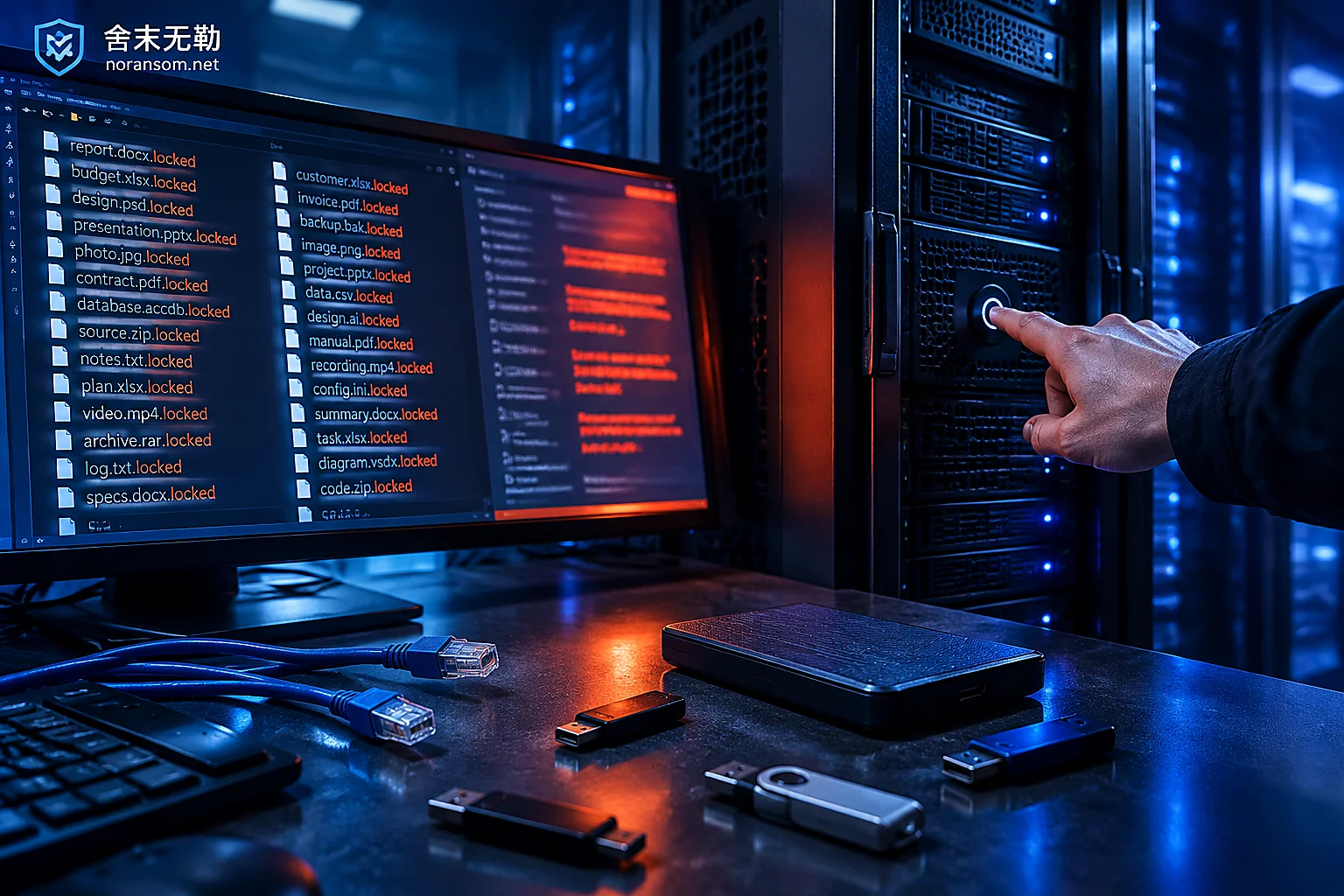
Files Still Being Encrypted After Disconnecting the Network: How to Halt It Urgently and Whether Recovery Is Still Possible
Pulling the network cable only cuts off external communication and LAN spread but cannot stop encryption threads already running in memory; this article first gives methods to forcibly freeze disk writes by device type (physical machines, ESXi/Hyper-V virtual machines, laptops), explains why you must never click "shut down" or "restart," then covers post-halt preservation red lines, imaging order, and how to evaluate recovery paths such as family identification, decryptors, backups, and residual data.