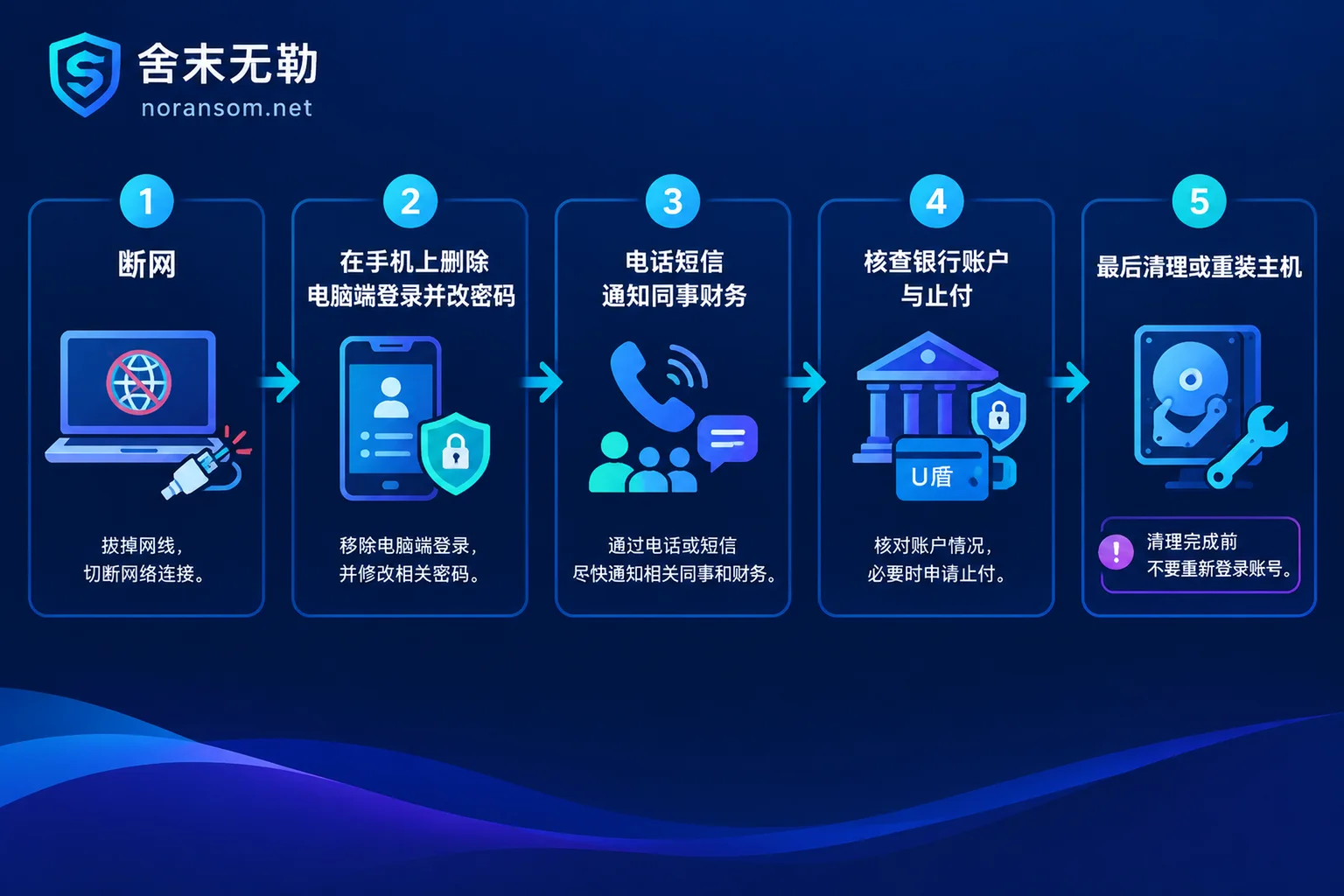
First, set the order. Follow it step by step, don't skip:
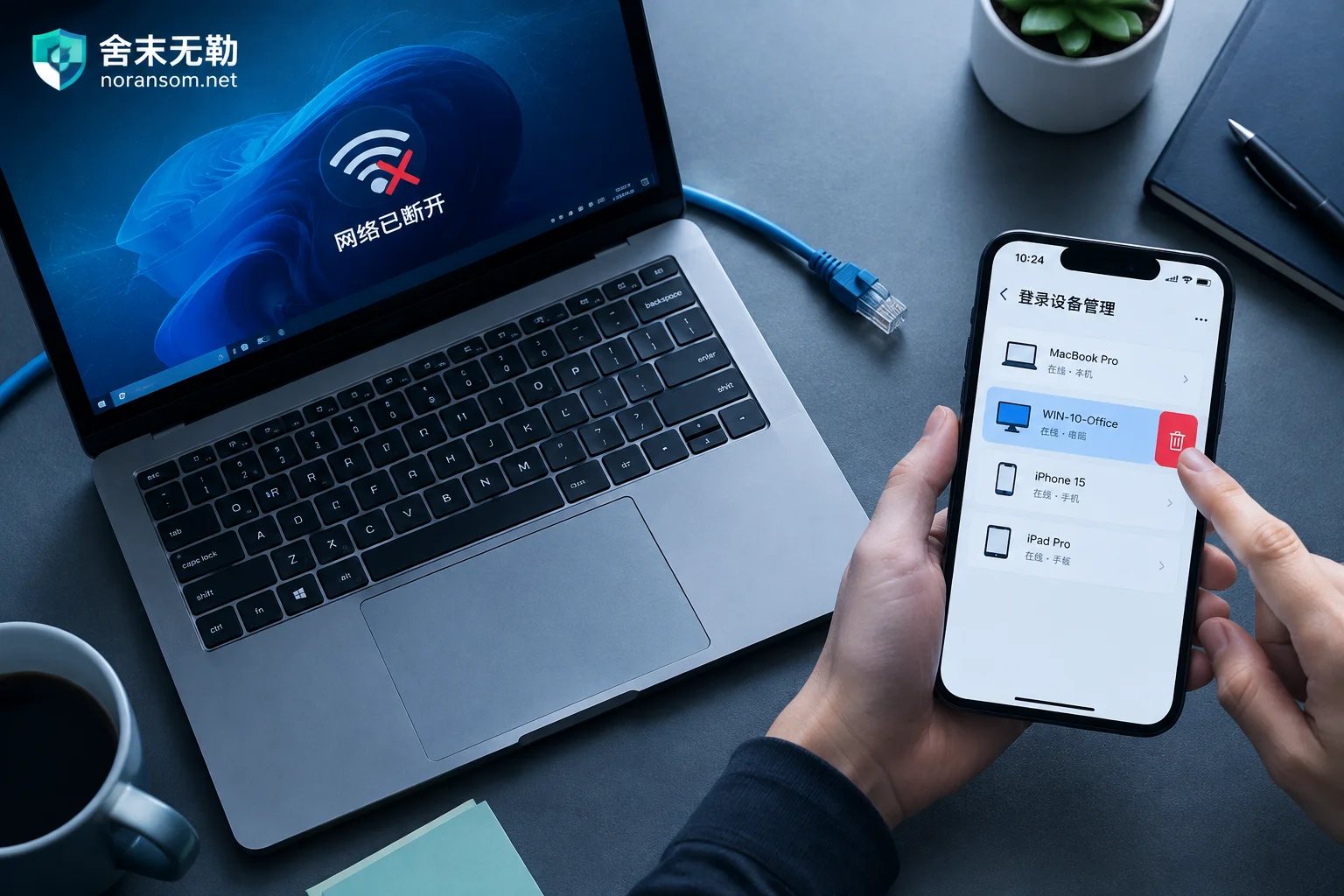
- Physically disconnect that computer from the network — unplug the Ethernet cable, turn off Wi-Fi. Don't shut it down yet, and don't rush to run a full antivirus scan.
- Switch to a device that isn't infected (usually your phone), remove all PC logins for WeChat and QQ, then change passwords and enable login protection.
- Notify people: Call or text your manager, finance, frequently contacted clients, and work groups to say your account may have been compromised. Any message about transfers, changing payment accounts, or requesting verification codes should be ignored.
- Check funds: Review online banking and account records. If anything is abnormal, contact your bank immediately to stop payment and report to the police.
- Only then deal with that computer. Until it is thoroughly cleaned or reinstalled, do not log any account back in on it.
The most common and fatal mistake is doing things in the wrong order — changing passwords or scanning to log in on a still-controlled computer is like handing your new credentials directly to the attacker.
Why the first step is disconnecting, not antivirus
The value of remote-access Trojans like Silver Fox lies in "real-time" control. As long as the host is still connected to the attacker's command server, they can directly operate your already-logged-in WeChat and QQ windows: browse chat history, export files, send payment notices or malicious files in groups under your identity, and take screenshots or screen recordings to capture what you're typing. Disconnecting is the only action that requires no tools and immediately cuts off this channel.
After disconnecting, don't rush to restart, shut down, or run a full scan. Processes in memory, established network connections, and newly added scheduled tasks are the main clues for determining when the attacker got in and what they took; once antivirus removes the samples, these become hard to trace. If this machine involves finance, online banking, or is connected to servers and shared drives, preserving the scene is more important than quick cleanup.
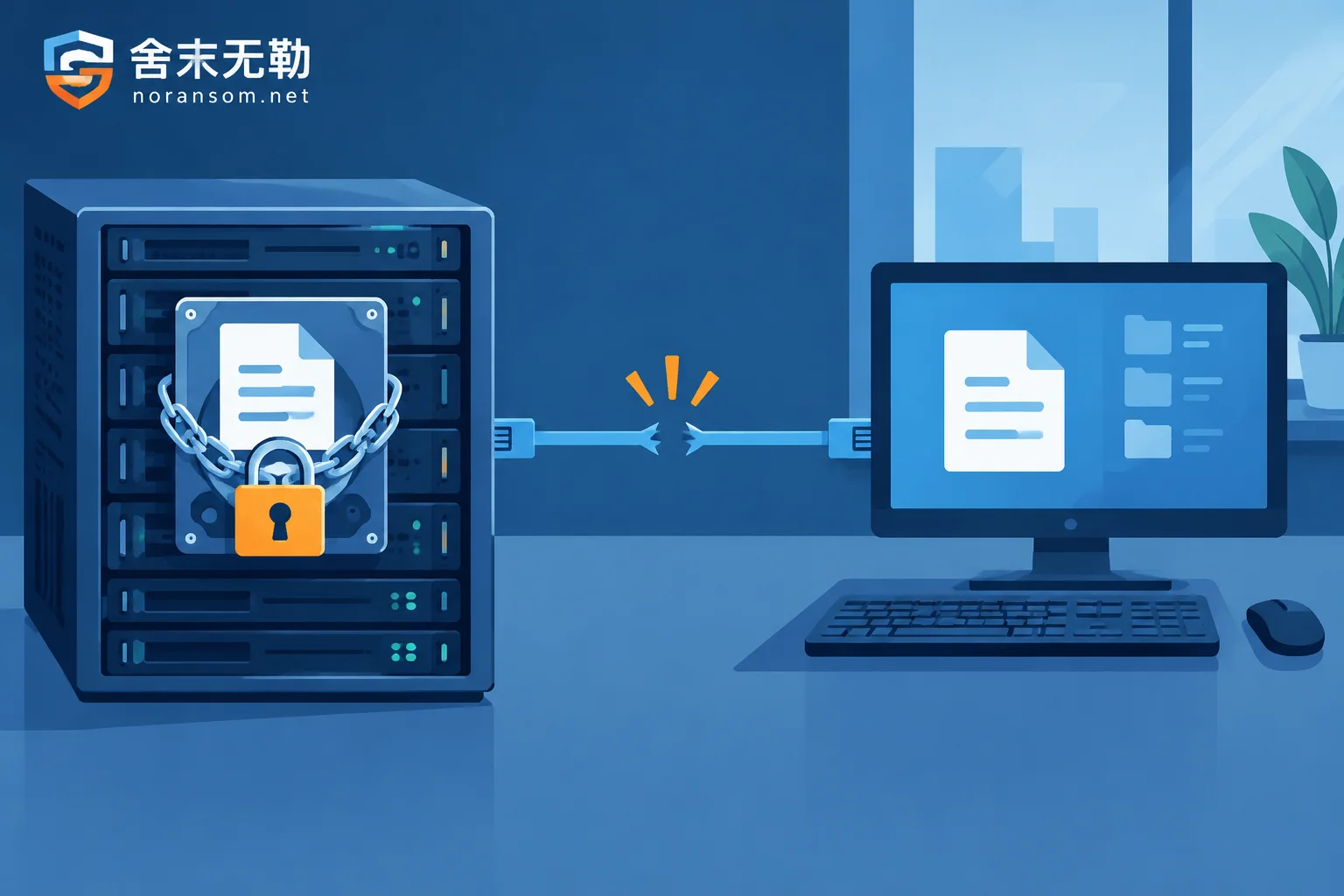
One exception: If you also find files being renamed in bulk or a ransom note appears, that's a different problem. First determine whether encryption is still ongoing before deciding whether to power off. Treat this as two separate matters — don't use "cleaning the Trojan" as a substitute for data recovery decisions.
Account handling must be done on another device
A trusted device is usually your phone (provided it hasn't installed suspicious apps or scanned the same batch of QR codes). Do not enter new passwords on the infected computer, and do not scan to log in on it to "check if it's normal again."
WeChat: On your phone, go to Me → Settings → Account and Security → Login Device Management. Check each device, remove PC and any unrecognized devices to force-terminate PC login sessions. Then change your password on the phone and ensure account protection and SMS verification for new device logins are enabled.
QQ: On your phone, go to Settings → Account Security → Login Device Management. Remove abnormal PC and mobile devices. Then reset a new password that isn't reused from other systems, and enable login protection (device lock) in QQ Security Center, requiring QR code or SMS confirmation for new device logins.
Menu wording may vary slightly across versions; look for the words "Security," "Login Devices," and "Device Management."
If the account is already out of control — password changed, phone kicked offline, or the account is mass-messaging groups and friends — don't waste time trying to change the password. Go directly to official emergency freeze: WeChat via WeChat Security Center, QQ via QQ Security Center self-service freeze. The purpose of freezing is to lock down usage rights first to stop losses; recovery goes through the appeal process afterward.
For enterprise accounts like WeCom or DingTalk, the logic is the same, but whether admins can uniformly revoke a device's session from the management console varies by version. It's best to have your IT admin check online devices in the backend.
Don't skip the notification step
A large part of the actual losses from Silver Fox doesn't come from technology but from impersonation: after obtaining your session, the attacker lurks in work groups waiting for the right moment to request transfers or change contract payment accounts in your or your manager's name.
Notify finance and your manager as early as possible. You can use this message directly:
My computer was infected with a Trojan, and my WeChat/QQ may be controlled by someone else. From now on, any message from my account asking for loans, corporate transfers, changing payment accounts, or requesting verification codes is not from me. Please do not act on them and confirm by phone.
Priority for notification: direct manager, finance/cashier, clients and suppliers with recent payment transactions, and your work groups. Calling or texting finance is most reliable because they are exactly who the attacker wants to deceive. Also, if you got infected by clicking a file in a group, others in the same group likely clicked it too — a quick warning is often more valuable than cleaning your own machine.
Review financial channels separately
If this computer has online banking controls, U盾 (USB token), stored payment passwords, or accounting software:
- On another device or at a bank branch, check account balances and recent login and transfer records;
- If you find abnormal transactions, immediately call bank customer service to report loss and stop payment. Keep transfer receipts, chat screenshots, and the timing of the anomaly;
- Report to the local police through official channels. Do not trust "online recovery" or "hacker recovery" services — these are secondary scams. Whether funds can be intercepted depends on the time gap and the recipient account status; no one can guarantee recovery;
- Remove the USB token. After the computer is confirmed clean, reset related passwords on a trusted device.
For a more detailed handling order for finance roles, see our other article: Finance computer infected with Silver Fox Trojan, what to do about online banking.
Antivirus showing no threat doesn't mean the computer is clean
These Trojans often use scheduled tasks, registry startup entries, system services, or hijacking/injecting into legitimate programs to persist. Variants with anti-detection are also common; antivirus may only remove the dropped file and leave the other half that loads it. So "scan result: 0" cannot be taken as proof of cleanup.
What's more worth checking:
- Whether there are still suspicious outbound connections before and after disconnecting; whether proxy settings or hosts file have been modified;
- Whether there are new entries in scheduled tasks, services, or startup items, and whether their creation time matches when you got infected;
- Whether remote tools (Sunlogin, ToDesk, RDP, etc.) have been silently enabled, added to startup, or new local accounts created.
For ordinary office machines, when in doubt, the cleanest approach is to reinstall the OS (format the system drive and re-evaluate executable files on other partitions) rather than repeated scanning. Before reinstalling, export what you need: business documents can be taken, but do not copy over .exe files, macro-enabled documents, or shortcuts. Also keep a record of logs and suspicious file paths in case you need to trace later.
Until this computer is confirmed clean, do not log back into WeChat, QQ, OA, online banking, or email — not a single one.
What other accounts to handle
WeChat and QQ are just the two with the largest exposure. Browser passwords, enterprise email, OA, ERP or accounting systems, remote desktop, and shared drive credentials stored on this machine should all be treated as "possibly leaked." For the order of changes and which device to change from, see: Which account passwords to change after discovering a Silver Fox Trojan.
When not to handle it yourself
The boundary for self-handling is roughly: only one machine, no financial loss occurred, accounts were kicked back in time, and the computer can be directly reinstalled.
If any of the following occurs, hand it over to an incident responder:
- More than one machine is infected, or multiple people in a group opened the same file;
- This computer is in a domain environment, or can access servers, shared drives, or databases;
- A transfer has already occurred, or payment account on contracts/invoices has been changed;
- After cleanup, suspicious outbound connections persist, or accounts are logged in from unusual locations again;
- Files are found encrypted or a ransom note appears.
In these cases, what's really needed is tracing: identify the entry point, determine which machines were laterally spread to, and determine what was taken — not just cleaning a single machine and calling it done. For the scope of handling and materials needed for Silver Fox and remote access/finance computer incidents, see Silver Fox Trojan Special Handling. If the situation is spreading and needs immediate intervention, use the Emergency Contact to provide the number of machines, time of occurrence, and actions already taken. Do not submit samples, accounting data, or production passwords on public channels or arbitrary upload sites.
Final checks before resuming use
- New passwords are set on trusted devices and don't follow an obvious pattern from old passwords;
- Check Login Device Management again, keeping only devices you recognize;
- Keep login protection and SMS verification enabled for WeChat and QQ;
- Over the next week or two, watch for three things: unfamiliar device login alerts, friends receiving messages you didn't send, and payment requests in groups under your name;
- Warn colleagues not to click bait files in group chats like "disciplinary notice," "salary subsidy," or "tax audit" — the same batch of attacks often repeats within a short time. For related judgment, see After opening a 'disciplinary notice' in a group and suspecting Silver Fox: do these five things first.


Comments(0)