You Opened a Suspicious Attachment but Your PC Seems Fine — Should You Still Check? Yes, and Do These Two Things First
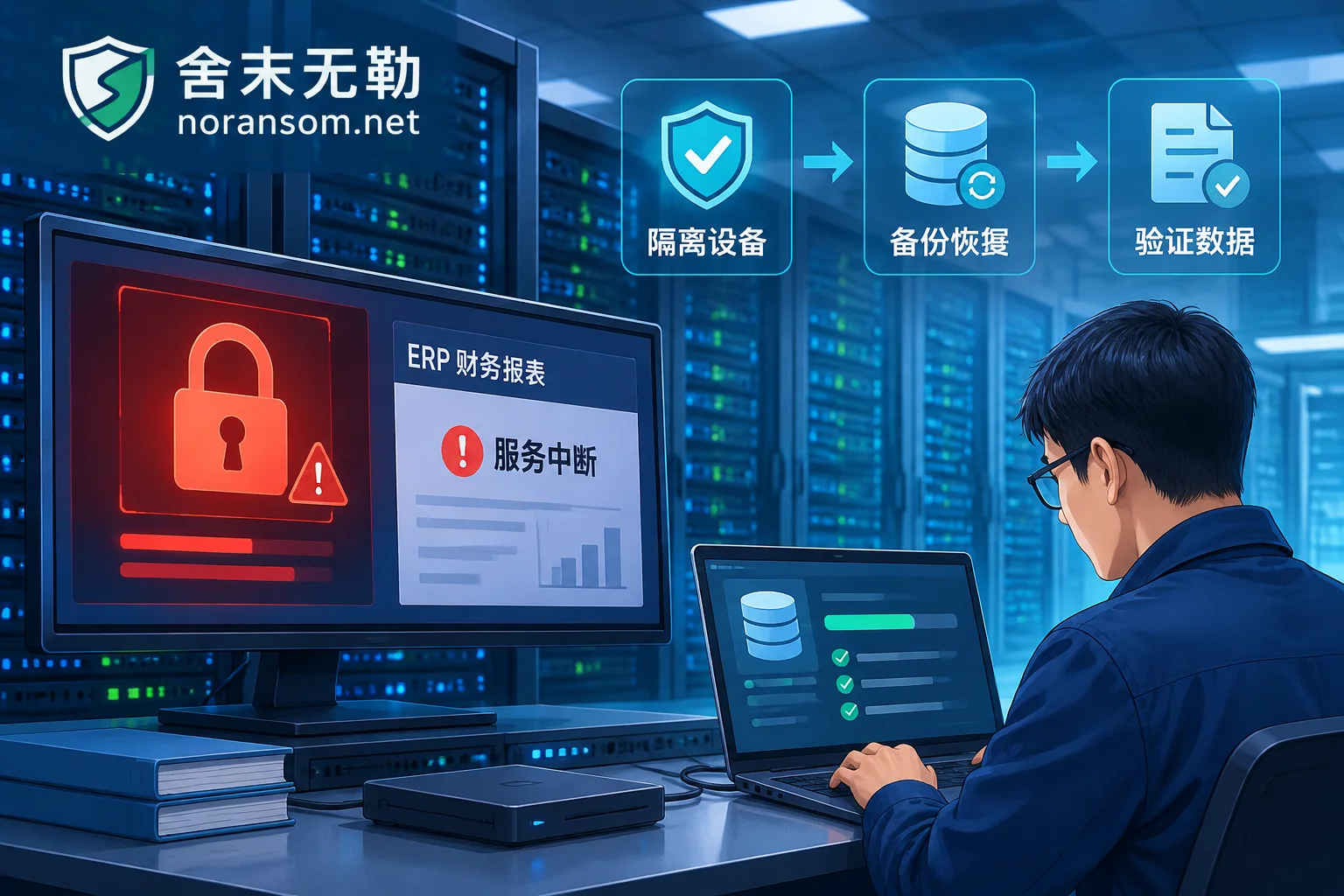
No popup, no lag, and the file looked normal after opening a suspicious attachment — that is exactly how most modern phishing attachments behave, and it is not evidence that you are safe. This article gives the two top-priority actions (disconnect from the network, switch devices to change passwords and revoke sessions), explains why an antivirus showing no threat does not rule out compromise, what three things you need to recall, which persistence locations to check, and when you can handle it yourself versus when it must be treated as an incident.
Ransomware Without a Free Decryptor: Can You Still Recover Data?
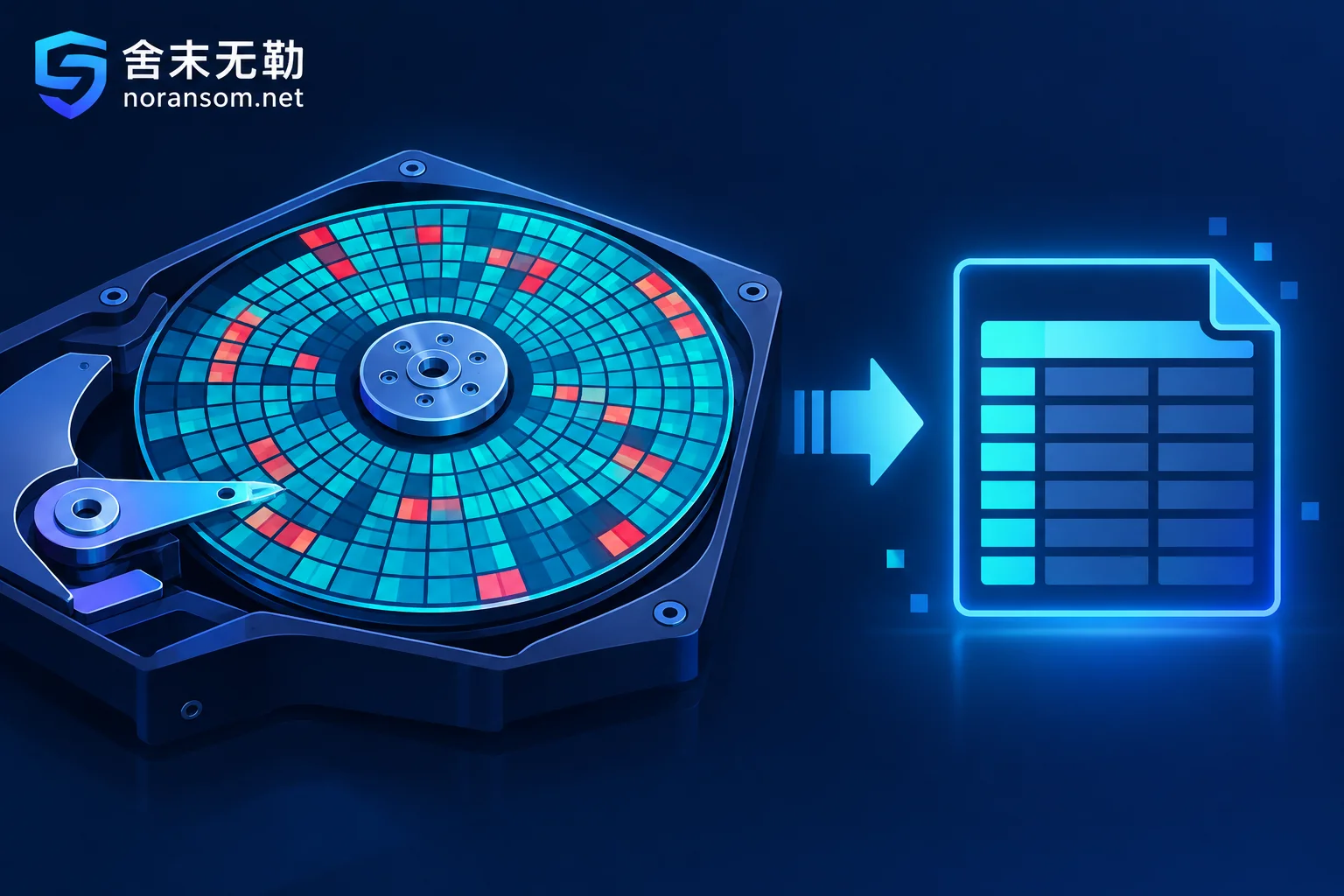
A missing free decryptor doesn't mean your data is gone. This article explains where free tools come from, why many variants lack them, and the recovery paths that don't require decryption—plus the dangerous actions that will destroy your chances.
Finance Computer Infected with Silver Fox Trojan: What to Do About Online Banking — Cut Off Fund Channels First, Then Discuss Removal
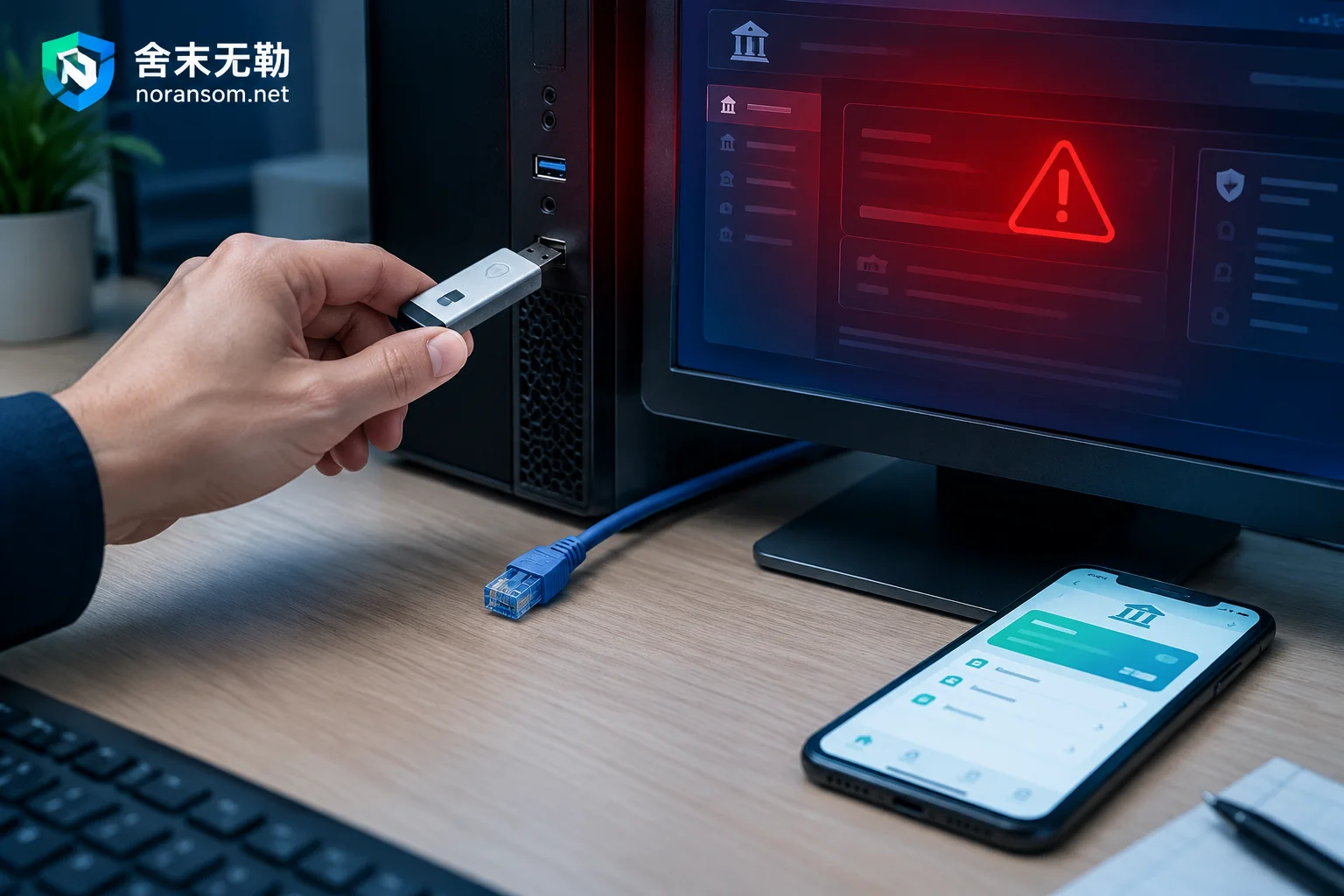
If a finance computer is suspected of Silver Fox remote access trojan infection, the first step is not antivirus scanning but unplugging USB shields, disconnecting from the network, switching to a clean device to check transactions and contact the bank to stop payments.
Ransomware Infection Already Rebooted: What to Do Now and What Recovery Options Remain
The machine has been rebooted, so in-memory traces and temporary keys are gone, but that doesn't mean all recovery paths are closed. This article explains the first isolation steps after a reboot, how to decide whether to power off again, why the original disk must be imaged first, and how to identify the family, inventory backups, and handle compromised credentials.
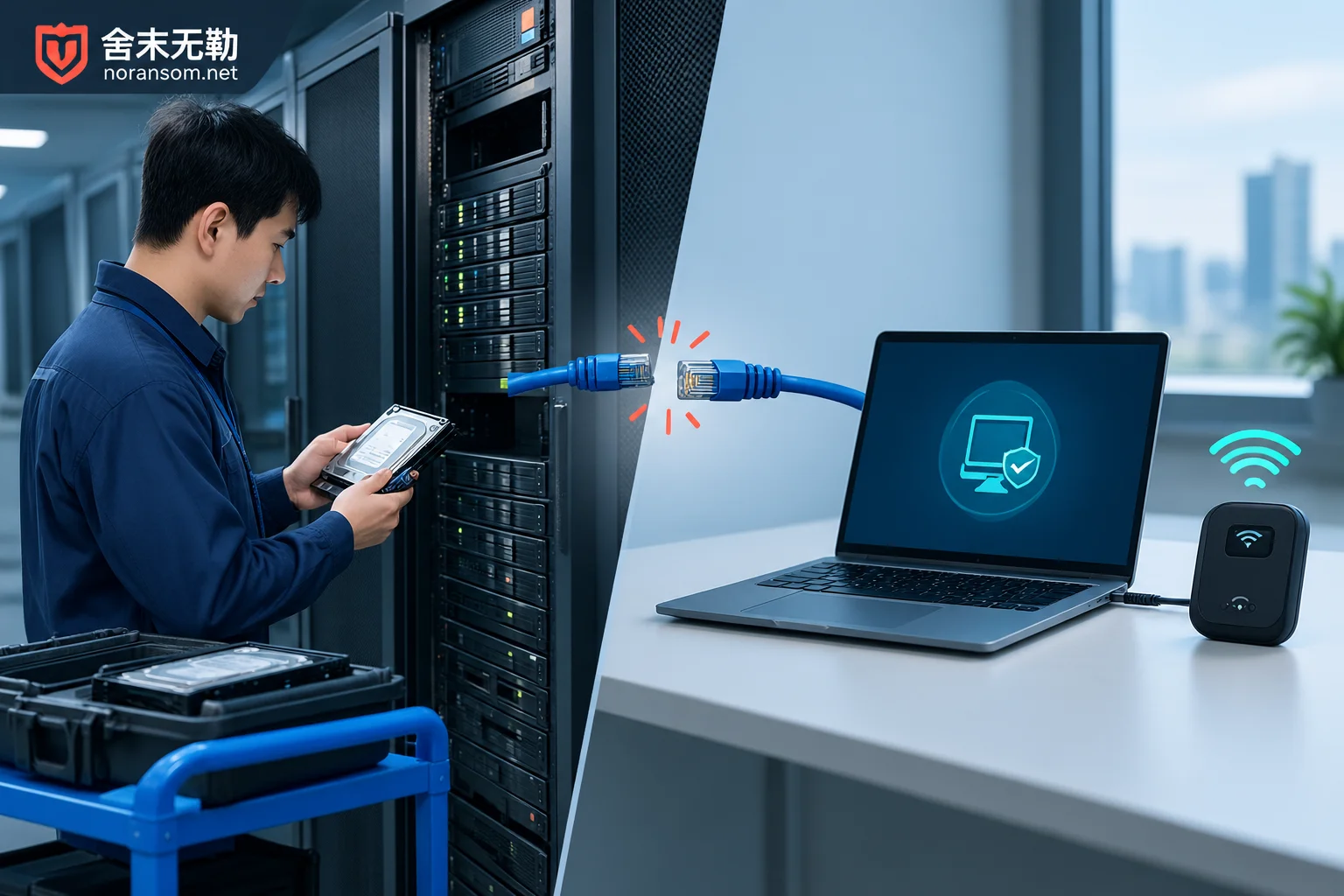
Ransomware: On-Site vs. Remote Response — How to Choose
Most ransomware incidents start with remote assessment; on-site response is required for physical media, very large data volumes, hardware faults, or forensic preservation.