First, the conclusion: if you can't find a matching free decryptor on public projects like No More Ransom or in security vendors' tool lists, it only means the direct decryption path using the attacker's private key is temporarily unavailable—it does not necessarily mean your files are gone forever. Decryption is just one recovery path; in practice, other approaches are often more realistic.
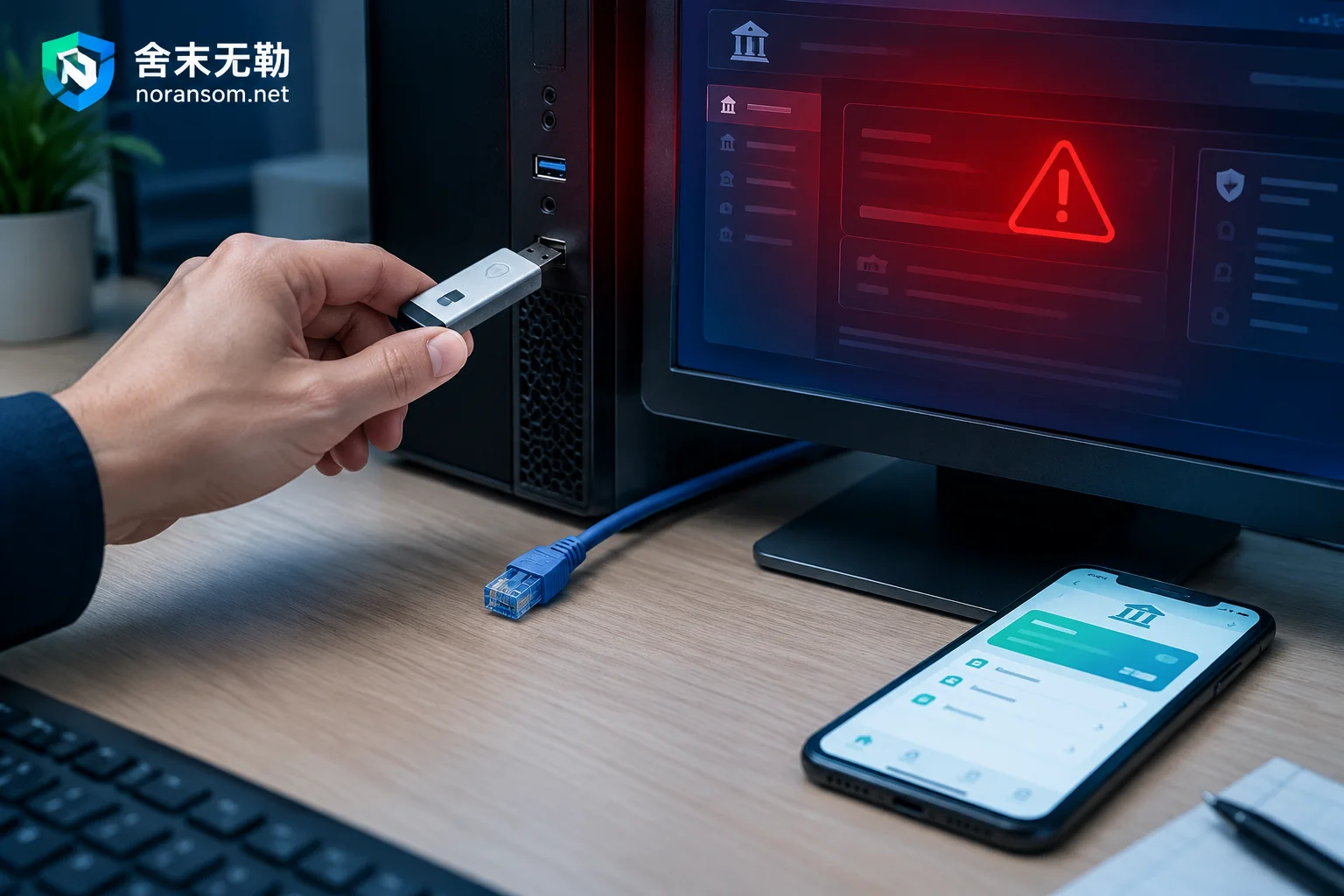
But one prerequisite must be clear: all these paths depend on the original data not having been further damaged. So before you dig deeper into tools, the top three priorities right now are—isolate the affected machine from the network (unplug the cable, disable the network adapter, disconnect the virtual NIC), stop any writes to the encrypted disk, and separately copy the ransom note and a few encrypted sample files for preservation. Once these three are done, you can carefully evaluate recovery options.
Why Many Variants Simply Have No Free Tools
Public free decryptors generally come from only three sources: the attacker's private key was leaked, law enforcement seized the command server and obtained the key store, or the family's encryption implementation itself has cryptographic flaws (predictable key generation, keys left locally, flawed encryption logic).
If a variant properly uses asymmetric encryption to protect the symmetric key (commonly RSA-2048/4096 wrapping AES-256) and made no implementation mistakes, then deriving the private key by brute force is mathematically infeasible. Tools claiming to "brute force any ransomware" online aren't worth your time.
Conversely, "temporarily unavailable" doesn't mean "never." Families like GandCrab and Hive had their keys and decryptors released later, following law enforcement actions or internal leaks. That's why authorities (CISA, No More Ransom) advise victims to preserve encrypted files and ransom notes—keeping the originals is your ticket to the day the key becomes public.
Four Recovery Paths That Don't Depend on a Decryptor
1. Re-Inventory All Possible Copies
When people say "no backup," they usually mean no formal backup job. The actual scope to inventory is broader:
- Offline or offsite backup media: external drives, tapes, or another backup server not in the same domain;
- Virtualization-layer snapshots: ESXi/Hyper-V snapshot files, storage array or NAS snapshot volumes—some are enabled by default and attackers may not have cleaned them all;
- Cloud drives and sync tools' version history: OneDrive, enterprise cloud storage, Git repositories usually keep version records; if encrypted files were synced up, previous versions might still be in the recycle bin or version list;
- Database automatic backup files: many organizations have SQL Server backing up daily to a local directory; if that machine or directory wasn't encrypted, it's extremely valuable;
- Business system export reports, financial software ledger backups, copies on developer machines and colleagues' computers.
Note: Inventory, but don't immediately mount these copies into the infected environment. If the malware hasn't been fully cleaned, any backup drive you connect will be encrypted too.
2. Residual Extraction from Partially Encrypted Large Files
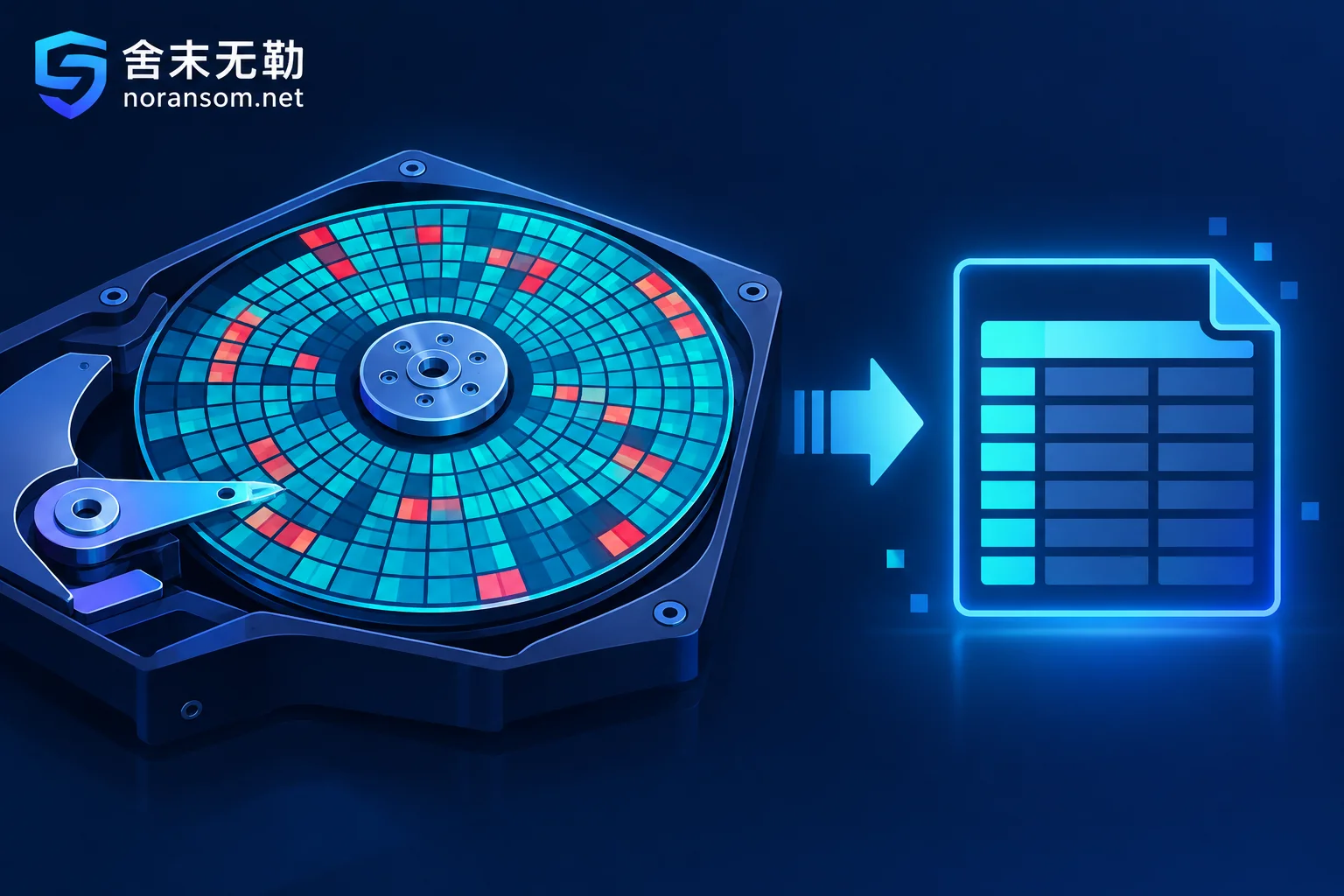
This is the most overlooked yet critical path for databases and virtual machines. To complete damage quickly before being discovered, many ransomware families don't fully encrypt large files—they use partial or intermittent encryption: only the file header, tail, or small blocks at fixed offsets.
As a result—SQL Server mdf, MySQL ibd, Oracle dbf, ESXi vmdk, Hyper-V vhdx files become unattachable or unmountable because their headers are corrupted, but large 8KB data pages in the middle remain plaintext. When conditions allow, sector-level parsing, data page scanning, and fragment reassembly can directly extract core business tables and records to rebuild a usable database.
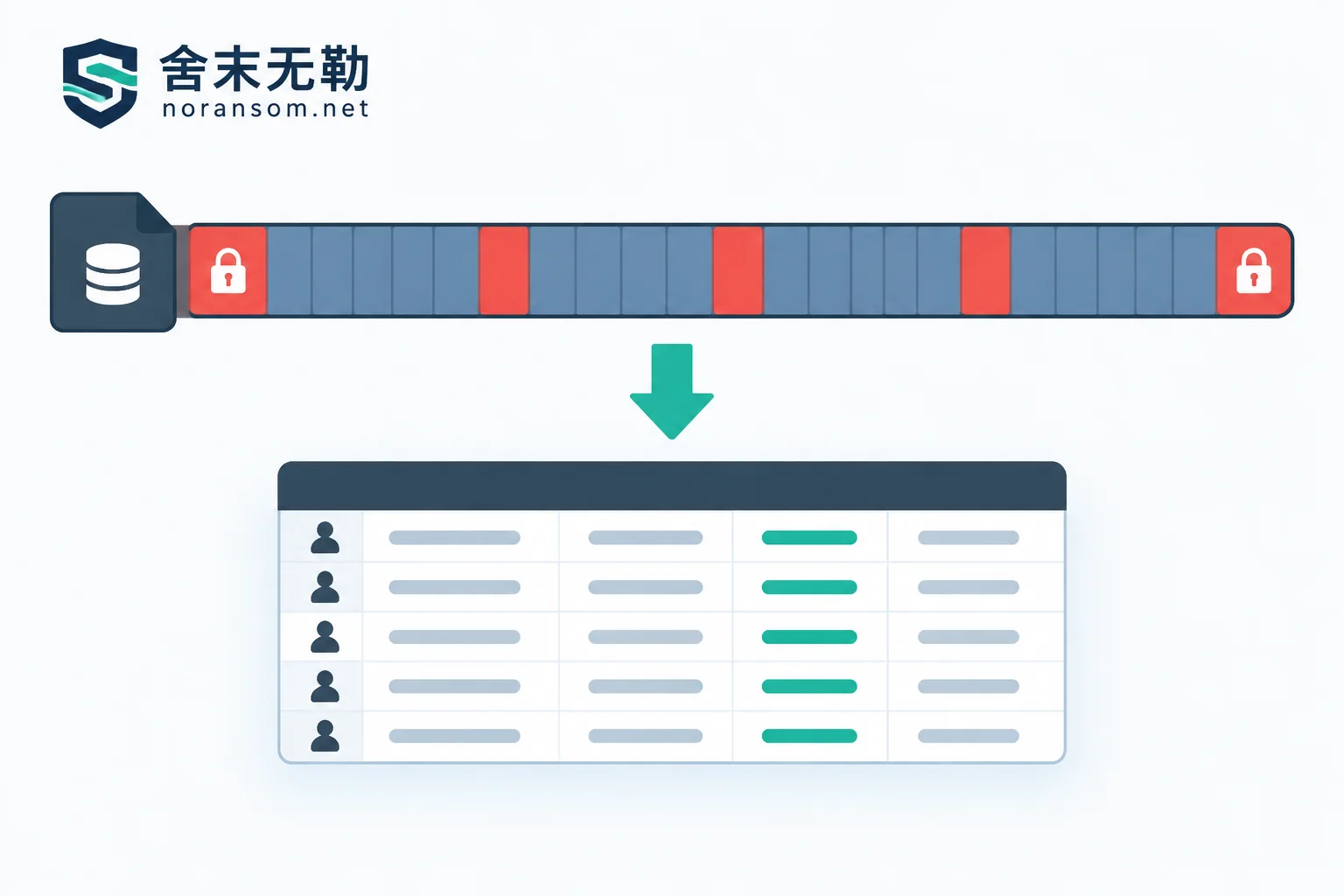
The success rate depends mainly on two factors: what proportion of the original file was actually encrypted, and whether critical system tables and index pages fall within the encrypted areas. For SQL Server scenarios, the assessment order can follow how to assess encryption coverage after mdf files are encrypted.
A caveat: this path doesn't work for small files. Word, Excel, images, and archives of tens of KB are usually fully overwritten, leaving little room for residual extraction.
3. Transaction Logs, Temporary Files, and Unallocated Space
Besides main data files, there are several types of plaintext remnants easily overlooked:
- Database transaction logs (SQL Server ldf, PostgreSQL/MySQL WAL/binlog), sometimes less encrypted than main files, can recover recent changes;
- Temporary files, auto-recovery files, print caches, and swap files from various software;
- Historical copies in unallocated filesystem space—many ransomware programs "read original → write new encrypted file → delete original"; the deleted original may not yet be overwritten on disk and can be recovered via file carving.
The third point especially hates writes. After encryption is discovered, keeping the machine running for business, repeated reboots, installing software, or downloading a bunch of tools to the same disk will continuously overwrite these remnants.
4. Preserve as Is and Wait for the Key to Be Released
If the above paths are not promising and the data is too important to abandon, make an image of the encrypted files, ransom note, and samples offline as-is, and record the encryption time, extension, and affected scope. This is not a placebo—it has actually happened for several families as mentioned earlier, but the timing is unpredictable and cannot be counted as a recovery plan.
These Actions Will Directly Destroy Your Chances
- Repeatedly running unknown "universal decrypt/repair tools" on the only original disk. Most just write files again, and some are malicious themselves;
- Running a full antivirus scan on the encrypted disk and letting it auto-delete quarantined items—the ransomware body, configuration, key cache, and logs get wiped together, losing evidence for family identification and forensics;
- Forcibly attaching damaged databases, repeatedly attempting repairs, or running operations with REPAIR_ALLOW_DATA_LOSS, causing secondary overwrites;
- Directly formatting, reinstalling the OS, or rebuilding RAID on the original disk;
- If you've already rebooted or performed partial handling, don't blame yourself—what recovery possibilities remain after a reboot is a separate assessment issue.
The correct approach: first make a read-only image of the affected disk, then perform all attempts on the copy.
Whether to immediately shut down depends on the situation—don't blindly copy "never shut down" or "always reboot immediately." If you can confirm the encryption process is still running and cannot stop its spread by disconnecting the network and terminating processes, cut power as soon as possible to save data. If encryption has finished, the machine can be physically isolated, and memory artifacts might be useful for forensics or key location, then keeping it running and imaging first is better. If multiple machines and people are hit simultaneously and it's still spreading, prioritize handling it as an incident spread—don't each try to rescue files independently.
If You Also See Remote Control Signs, Handle Two Things Separately
Some organizations discover, beyond encryption, abnormalities on finance computers: mouse moving on its own, WeChat/online banking logged in from remote locations, unrecognized transfers. At this point, "host handling" and "account and fund handling" are two parallel tracks—you can't wait until the malware is cleaned to deal with the money.
- Account side: From another trusted device, change passwords for online banking, corporate email, financial software, and office IM, and force all logged-in sessions offline—changing the password doesn't invalidate old sessions;
- Fund side: If you find abnormal transfers, immediately contact the bank through official channels and report to public security, preserving screenshots, transaction records, logs, etc. No one can promise fund recovery;
- Host side: Antivirus not detecting a threat is not a conclusion that it's clean—remote control may persist via scheduled tasks, services, startup items, or legitimate tools. For such cases, refer to key points for handling SilverFox and remote control Trojans.
When to Seek Professional Assessment, and What the Assessment Should Give You
In the following situations, the risk of continuing on your own outweighs the benefit: the encrypted files are databases, virtual machines, financial ledgers—files that require structural integrity to be usable; the affected scope spans multiple servers or shared drives; backups themselves are encrypted; or you're no longer sure whether further actions will cause secondary damage.
A reliable assessment should first clarify three things: which family and version this is, and whether there are matching decryption conditions; which data and time points can be covered by existing copies and file remnants; and in what order to proceed, which steps must be done on image copies. The order is: assess first, then propose a plan—not collect payment first and see if recovery is possible. You can start with family identification and recoverability assessment; for backup reconstruction, database and virtual machine extraction, that falls under backup and database recovery paths.
When you need to communicate about a specific incident, use contact and data submission methods; do not post database files, customer data, production passwords, or suspicious executables in public comment sections or any upload site.
Finally: paying the ransom is not recommended. Beyond financial and legal risks, the decryptor you receive may still not fully decrypt or may damage large files, and the images and remnants you gave up for it will truly have no second chance.


Comments(0)