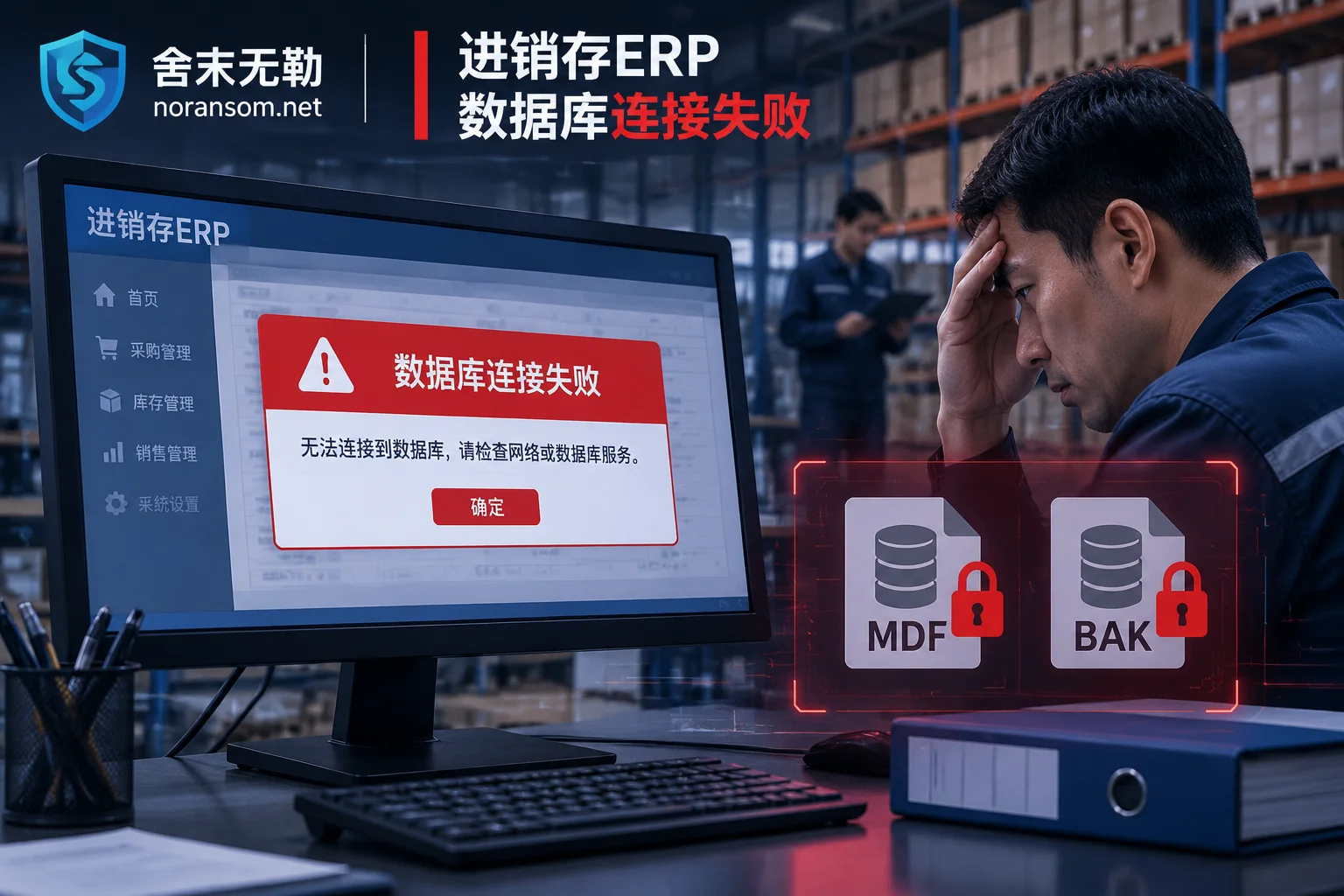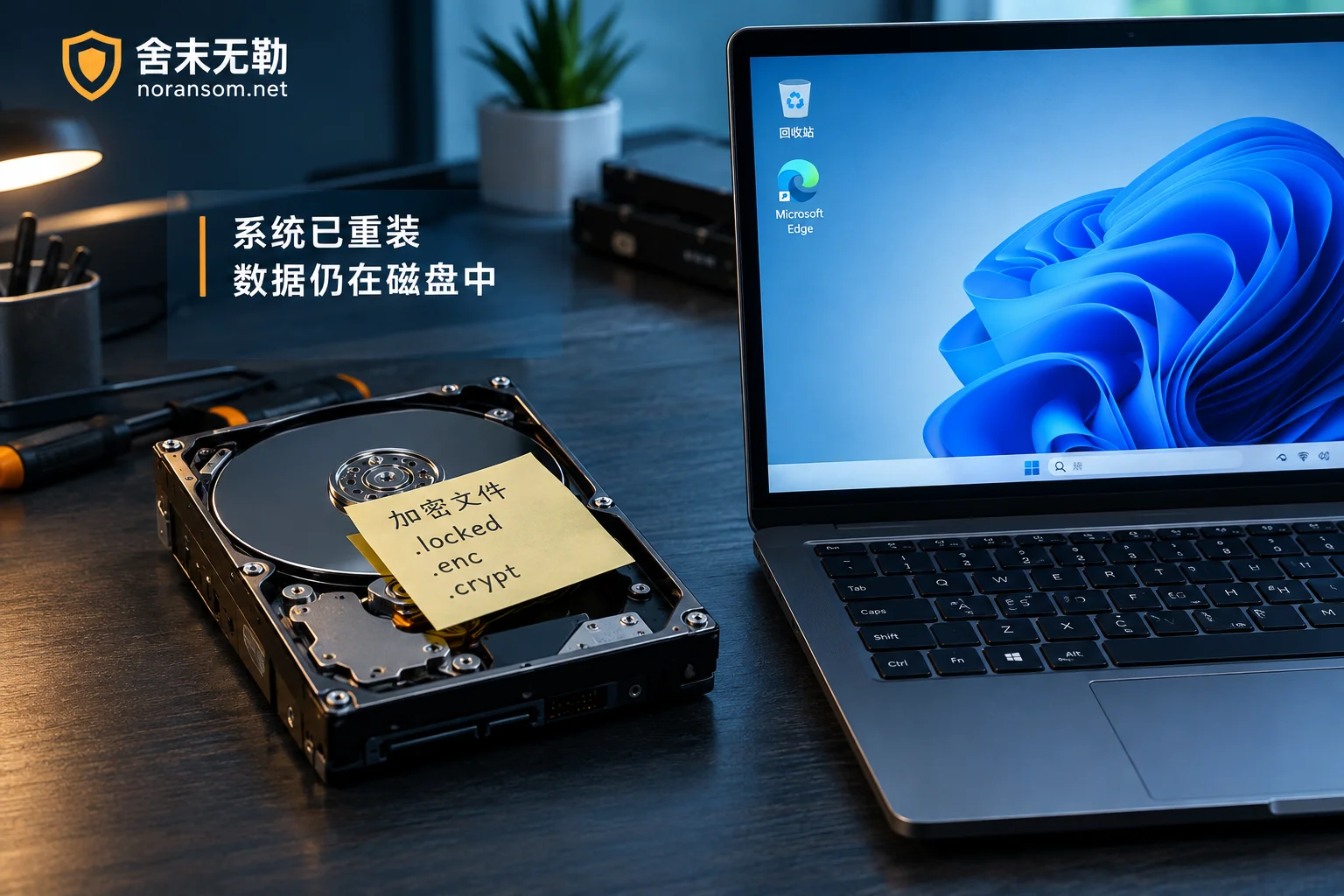
Reinstalled the System After a Ransomware Attack? Can Encrypted Files Still Be Recovered? First, Check Which Disk You Formatted
Reinstalling the OS only removes the malware, not the encryption. Recovery depends on which disks were overwritten, whether an unaffected backup exists, and whether you can still find the ransom note and encrypted samples to identify the family. This article provides the stop-loss order after reinstallation, recovery possibilities by scenario, and what to check before reconnecting to the network.
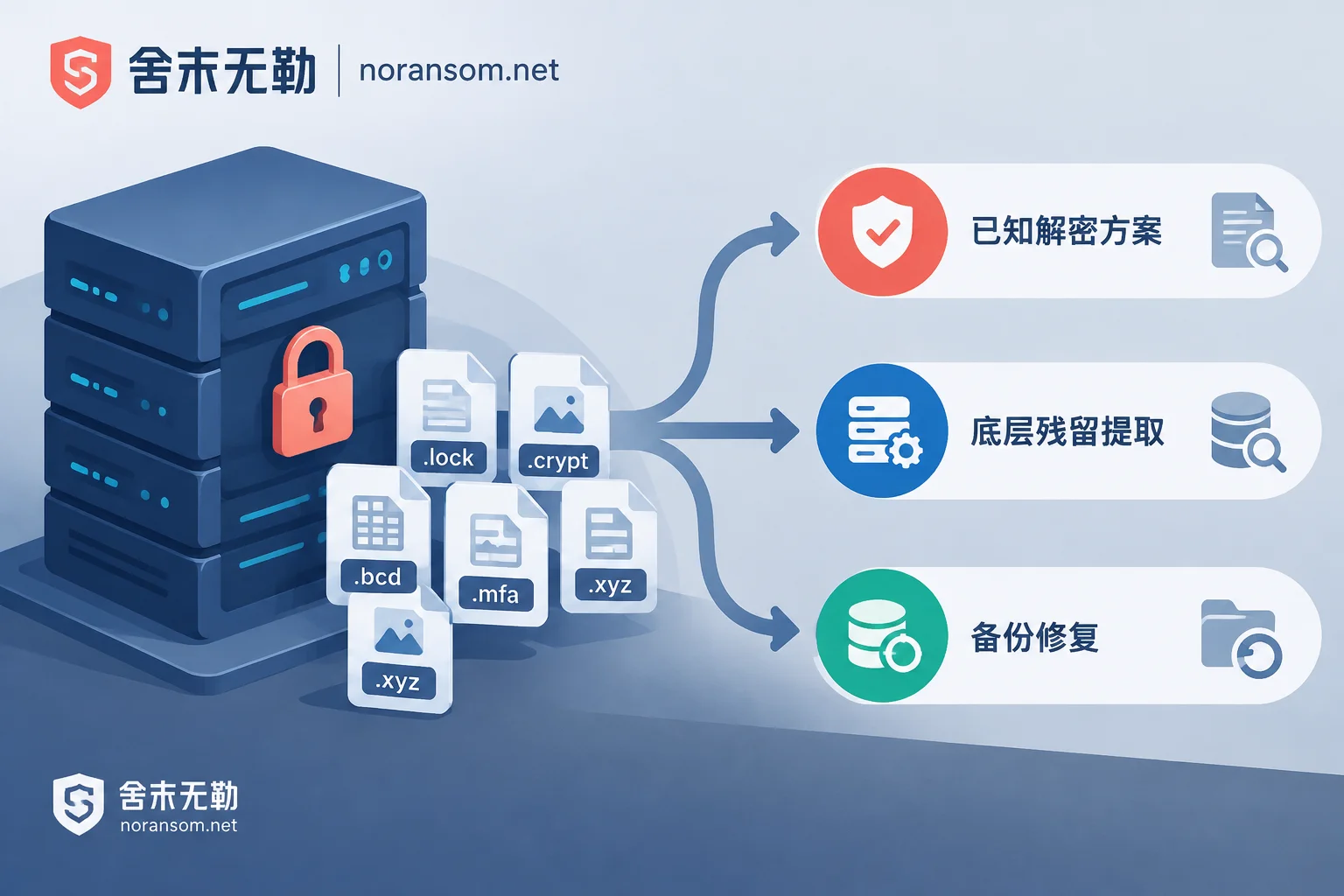
Why Ransomware Recovery Services Can't Quote a Flat Fee: Key Cost Variables
Ransomware data recovery has no standard price list; quotes depend on post-assessment technical path, affected system type and scale, service scope, and remote or on-site delivery. This article explains how each variable affects workload, lists preparatory steps you can take before contacting a provider that directly impact cost, and shows how to spot black-box quotes that skip assessment or promise full recovery.
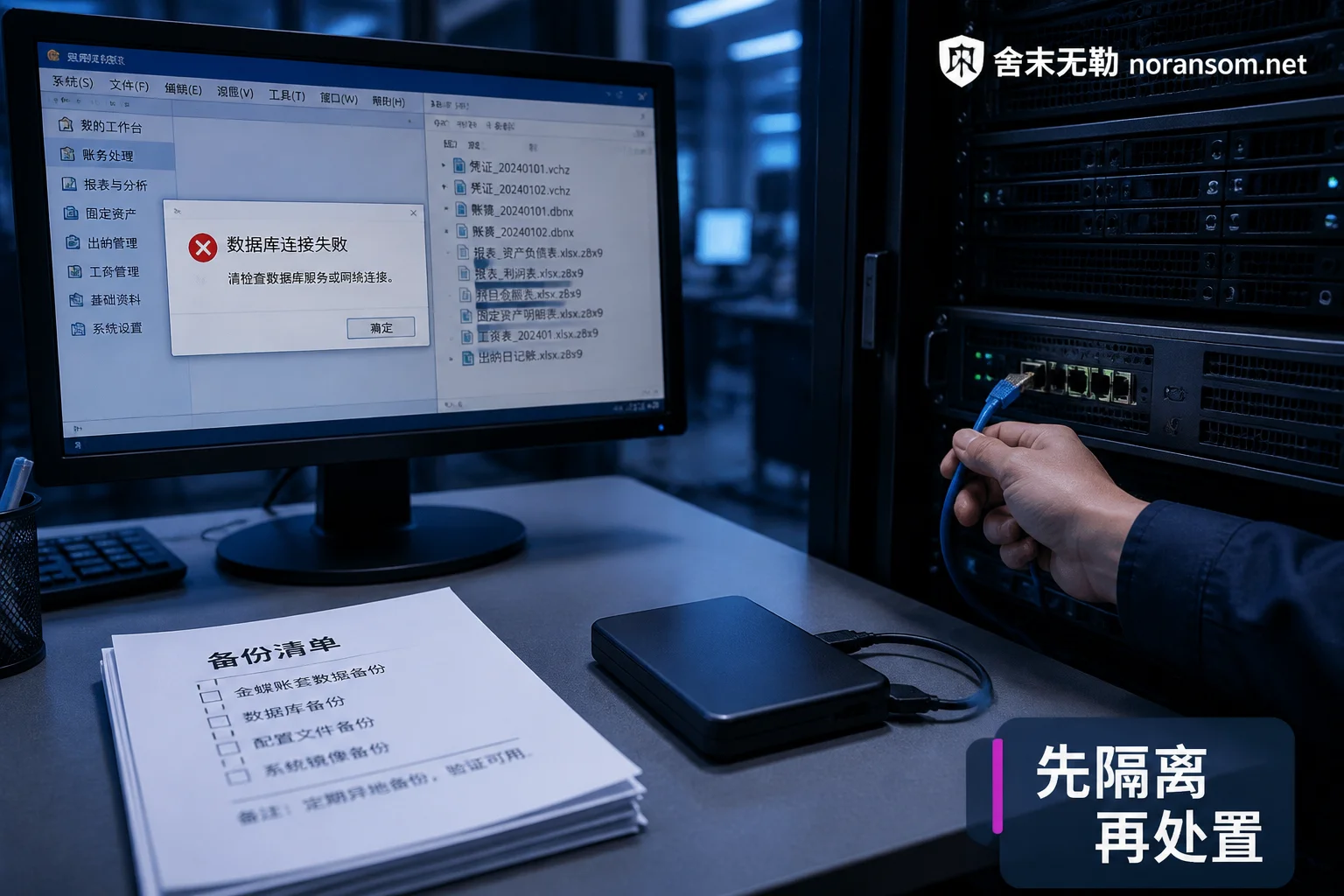
How to Restore Kingdee Accounting Data After Ransomware Encryption: From Containment to Rebuilding the Server
When Kingdee KIS, K/3 WISE, or Cloud Galaxy servers are encrypted by ransomware, first isolate and stop writing to the original disk, then inventory all backup copies; if no usable backup exists, there are still two paths: family identification and decryption feasibility assessment, and low-level database residual extraction. This article explains each step's judgment conditions, operations that easily destroy data, and how finance should reconcile after rebuilding the Kingdee server in a clean environment.

Ransomware Without a Free Decryptor: Can You Still Recover Data?
A missing free decryptor doesn't mean your data is gone. This article explains where free tools come from, why many variants lack them, and the recovery paths that don't require decryption—plus the dangerous actions that will destroy your chances.

Ransomware Infection Already Rebooted: What to Do Now and What Recovery Options Remain
The machine has been rebooted, so in-memory traces and temporary keys are gone, but that doesn't mean all recovery paths are closed. This article explains the first isolation steps after a reboot, how to decide whether to power off again, why the original disk must be imaged first, and how to identify the family, inventory backups, and handle compromised credentials.