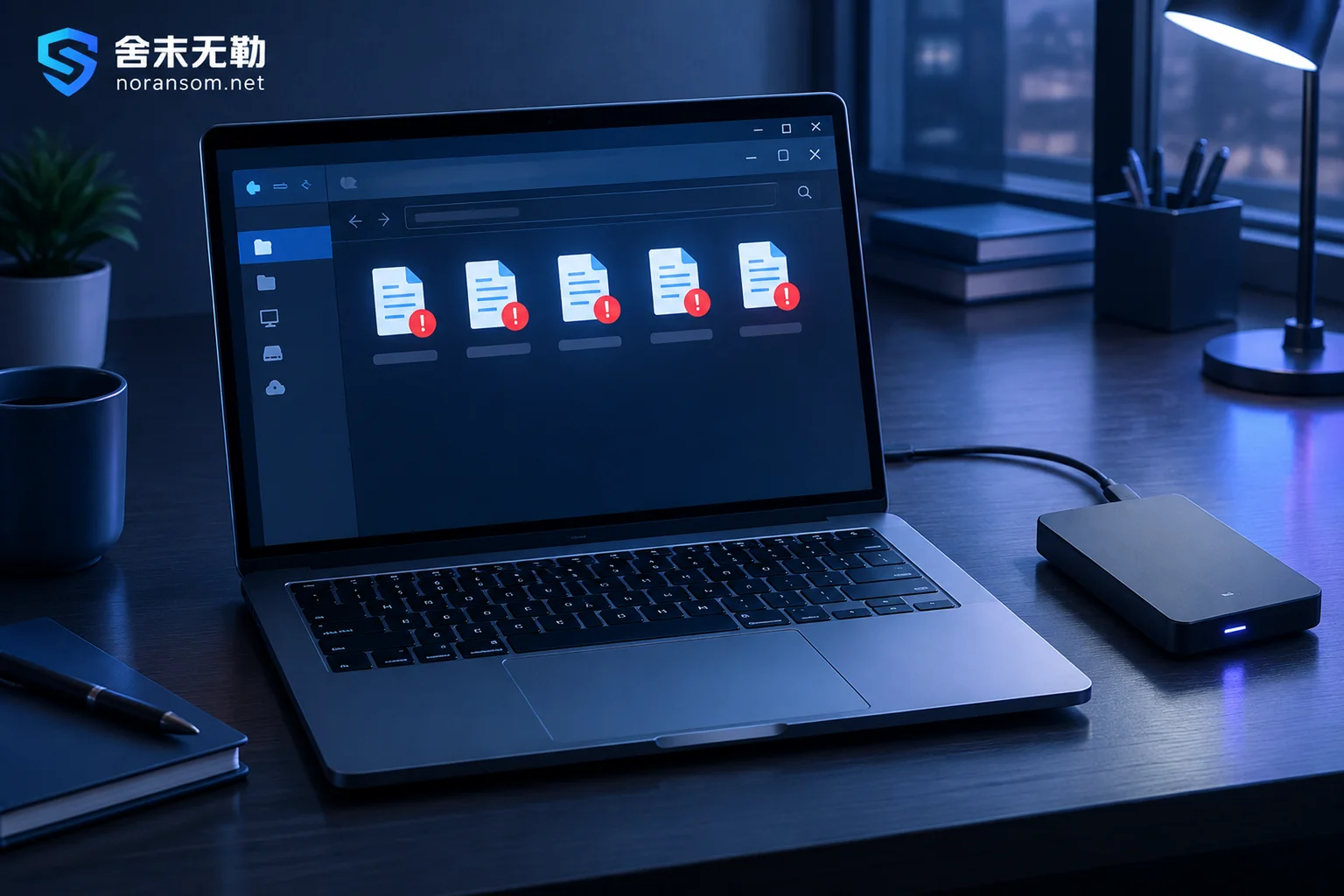
Ransomware Decryption Files Won't Open: Determine If They're Undecrypted or Corrupted
When decrypted files won't open, it's often not a simple 'decryption failure.' This article outlines the first forensic steps after stopping, teaches you to use file headers to determine if files were truly restored, and explains what to do in cases of tool mismatch, decryptor flaws, interrupted encryption, multiple encryption, and database corruption.
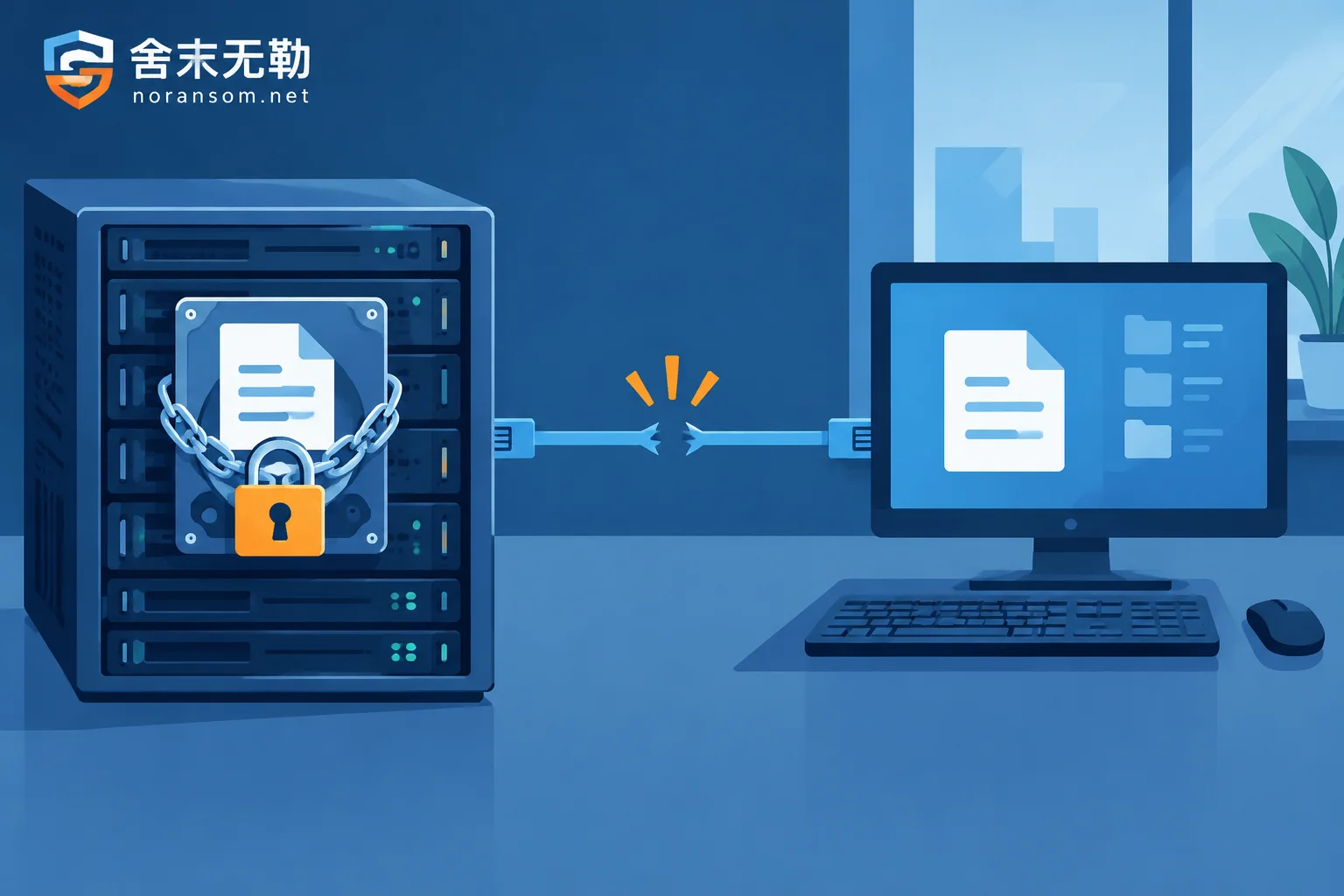
Shared Folder Encrypted by Ransomware: Stop the Share First, Then Find the Machine That Is Actually Encrypting
When files on a shared drive suddenly get unfamiliar extensions, the first step is to cut off write access, not scan the server; this article explains why the file server or NAS itself is often not infected, how to use file owners and session logs to locate the source host on the LAN, how to preserve snapshots and backups, and which actions during forensics and recoverability assessment will destroy the data completely.
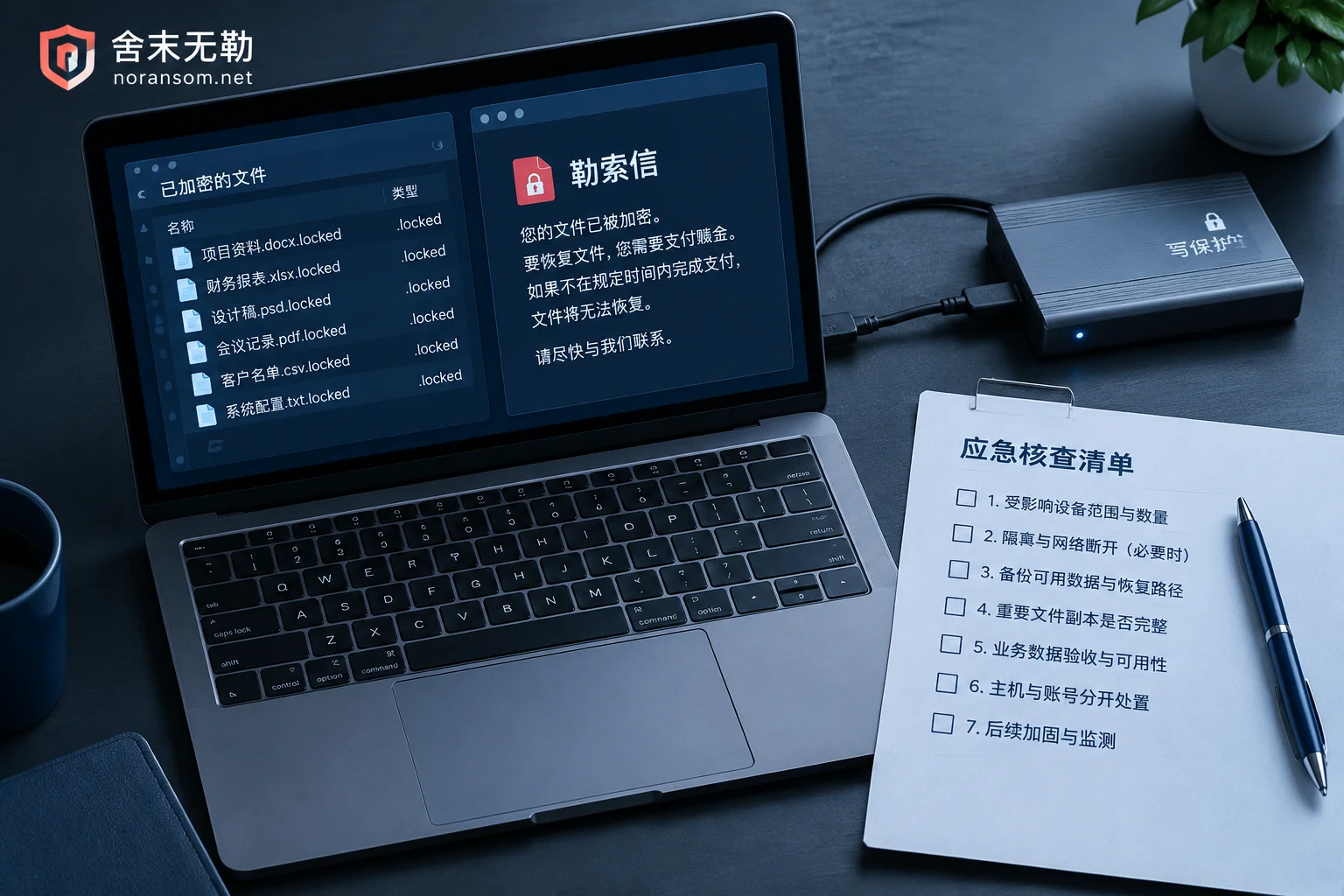
Choosing a Ransomware Decryption Company: How to Tell If Their Plan Is Reliable
After a ransomware attack, the biggest risk when choosing a third-party recovery vendor isn't the price—it's vague technical claims, operating directly on your only original disk, unclear acceptance criteria, and disguised ransom payments. This article covers four checkpoints and questions you can ask directly.

Which Files to Keep After a Yonyou Database Is Encrypted: Delete These and They're Gone for Good
After a Yonyou account set is encrypted by ransomware, what determines how much can be recovered is often not antivirus software but whether you kept the right files. This article provides a checklist of files that must be preserved (data files, logs, UFSystem system database, historical backups, ransom notes and sample pairs, system and database logs), explains correct preservation methods, several actions that directly destroy recovery chances, and how to determine the recovery path after preservation.
Decryption Tool Says 'Unsupported File': Stop First, Then Troubleshoot These Causes
When a decryptor reports 'Unsupported file', it usually means the tool's conditions aren't met—not that you made a mistake. This article covers the first actions to take, how to self-check four common causes, and what recovery paths remain if the tool truly doesn't support the file.