To judge whether a company's plan is reliable, you don't need to understand cryptography. Just focus on four things: how they explain "why recovery is possible," whether they touch your original disk, what proof they offer that recovery succeeded, and where the money goes. If any one of these is unclear, don't pay—no matter how many years of experience they claim or how many virus families they say they cover.
One more reminder: during the hours you spend comparing quotes and waiting for prices, the situation can get worse. Do these two things first, then take your time choosing a vendor.
Stop the damage before comparing quotes, and don't touch the original disk
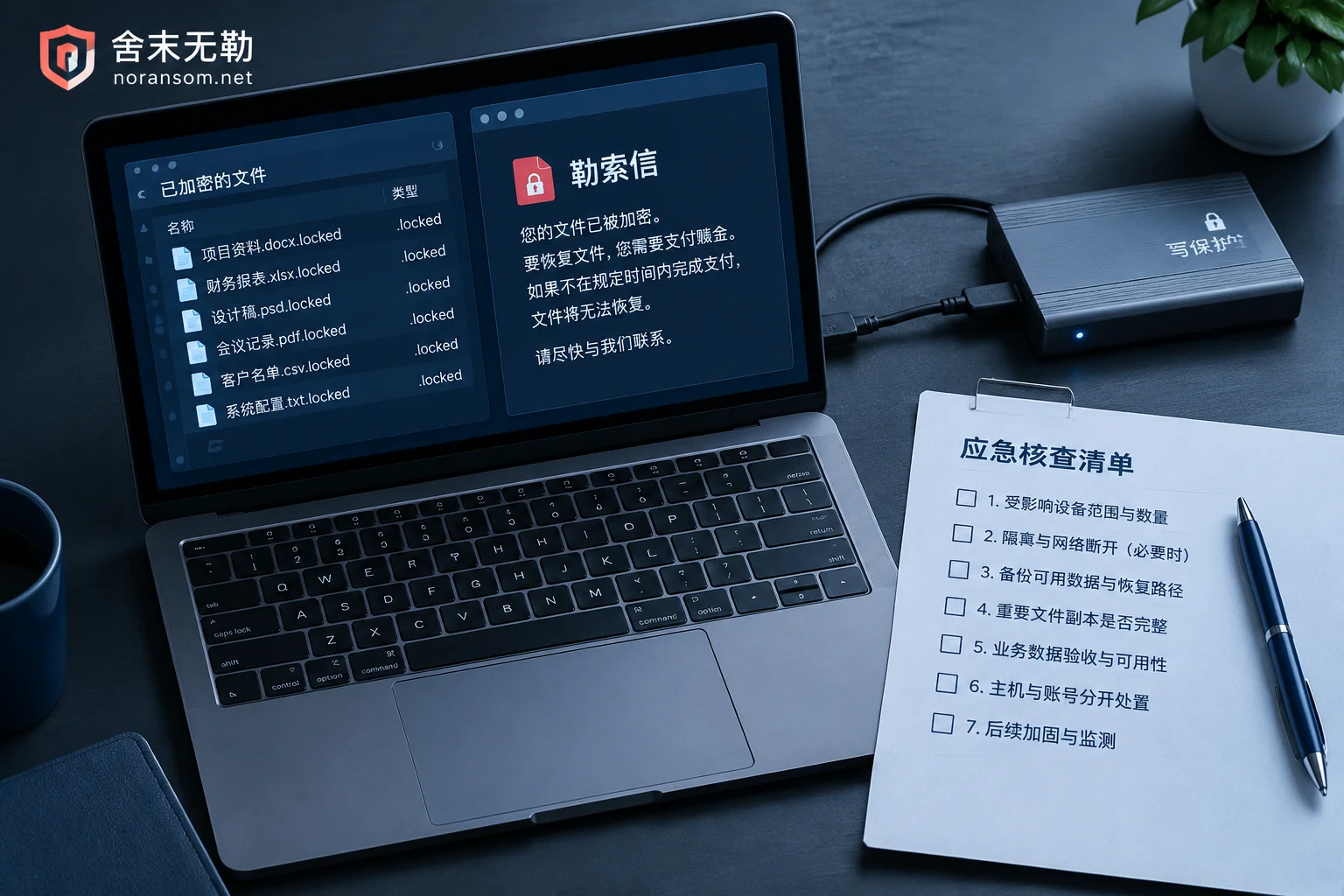
Containing the spread takes priority over everything else. Disconnect affected servers and computers from the network—unplug Ethernet cables, disable the corresponding switch ports, stop file sharing and remote desktop mappings—rather than just running an antivirus scan. If multiple machines on the domain controller, file server, or virtualization platform are being encrypted simultaneously, this is still an active spreading incident. The handling order differs from a single-machine case, and someone needs to take over the emergency response while you isolate and identify the source https://noransom.net/services/incident-response/.
Whether to shut down or keep running depends on the situation—there's no universal answer. If the encryption process is clearly still running and you can't fully disconnect it from the network, cutting power to stop the damage is reasonable. If you've successfully isolated it, the in-memory processes, network connections, ransom notes, and suspicious program paths still have forensic value, so preserve the current state, collect evidence, and take screenshots first.
The most critical rule: don't experiment on your only copy of encrypted data. Don't repeatedly download various "repair tools" and run them on the same files, don't format and reinstall, don't overwrite the system installation, and don't delete ransom notes or temporary files that seem useless. Many cases that still had a chance were ruined by the victim's own people while waiting for a vendor.
First filter: listen to how they explain "how to decrypt"
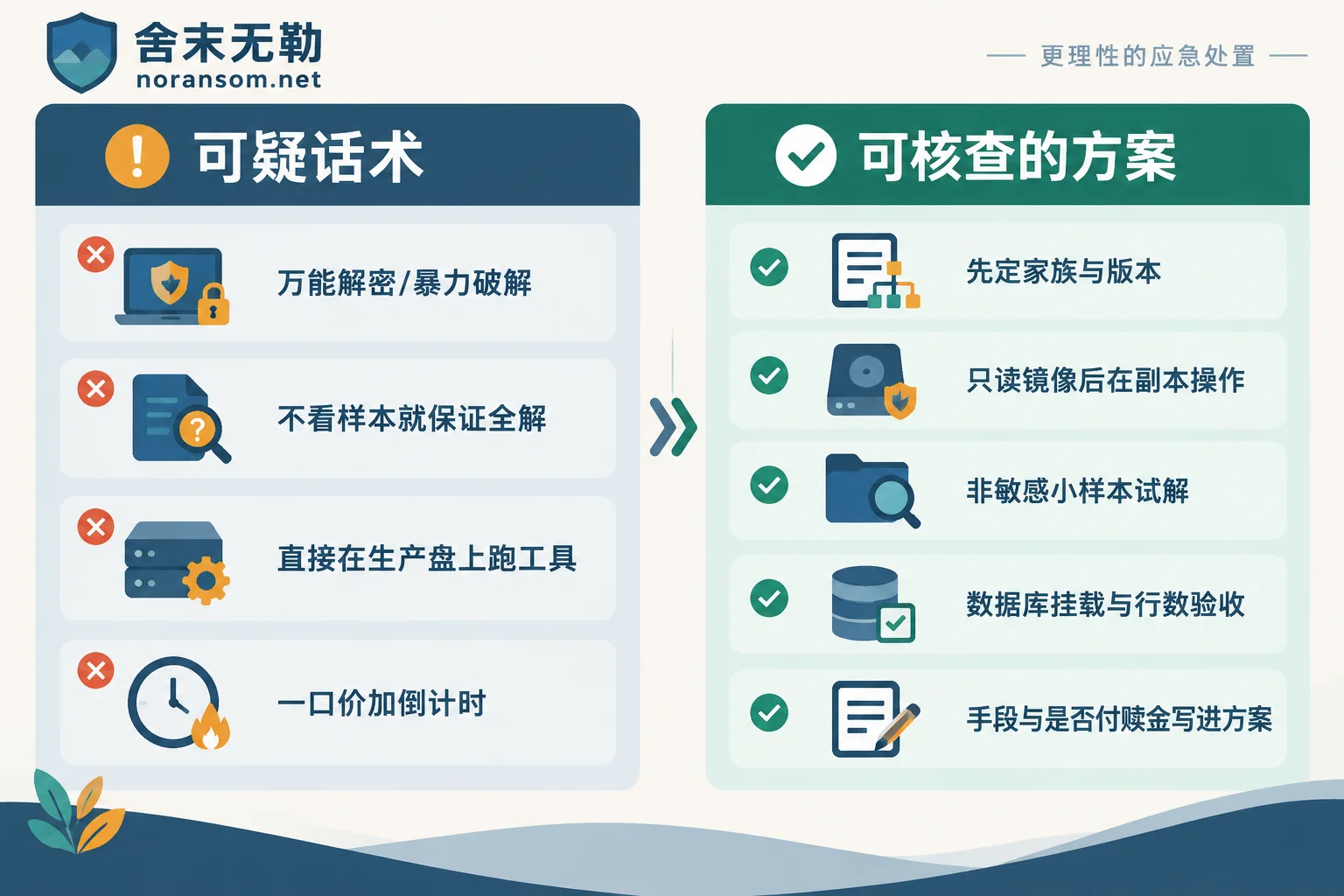
Mainstream ransomware families generally use a hybrid of symmetric and asymmetric encryption (for example, AES to encrypt files and RSA to protect the file keys). When the attacker's private key hasn't leaked and the implementation has no flaws, "calculating" the key by brute force is mathematically infeasible. So if someone answers you with "universal decryption," "brute force," or "we have a supercomputer cluster," you can basically end the conversation.
A reliable answer will always point to a specific path, roughly these categories:
- After confirming the family and version, match a publicly released decryptor or leaked key. This path only works for specific versions of specific families. Public tool libraries (such as No More Ransom) only cover a portion of them, and the version must match first.
- Implementation flaws or key reuse in certain versions. These exist, but they're the result of version-by-version analysis, not a general capability.
- Recovery paths that don't involve decryption. Backups and off-site copies, remnant volume shadow copies, virtual machine snapshots, large files with only headers encrypted, and database page extraction plus log replay. In real successful cases, this category accounts for a significant proportion.
- Fragment extraction and reconstruction for databases and accounting systems. The result is often "partially usable." A reliable vendor will clearly state upfront how far recovery can go and which tables may be missing, rather than vaguely saying "we can fix it."
Danger signs are easy to spot: guaranteeing full decryption based only on the file extension you mention, without looking at a sample or the ransom note; or giving a nice success rate number but being unable to say which family and version that number applies to. The real process is to sample and assess first, then say whether it's possible and roughly to what extent. If all you have is a ransom note, you can do an initial screening yourself—see https://noransom.net/blog/28.html.
Second checkpoint: how the original media is protected
This is the most easily overlooked point, but the damage it causes is often irreversible.
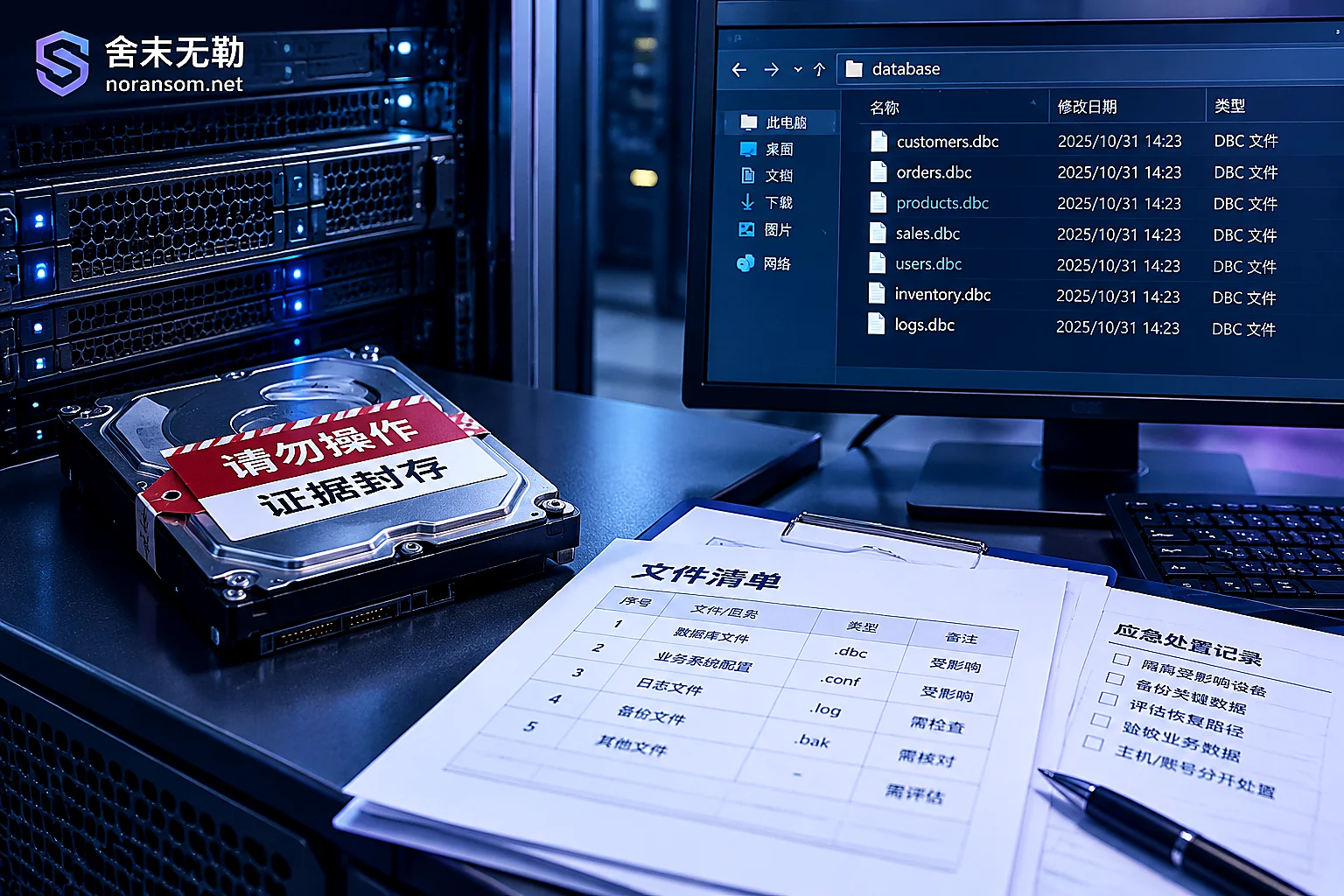
A proper process is: upon arrival, first make a low-level read-only image of the affected disk or data files, and perform all subsequent test decryption, fragment reassembly, and database repair on the copy. The reason is straightforward—decryption tools and repair scripts write to disk. If something goes wrong midway or the wrong tool is used, the overwritten underlying data is gone forever.
So you need to ask: Will you make an image first? Which disk will the image be stored on, and is there enough capacity? How will it be verified afterward? Will decryption attempts be done on the image or on the production disk? If their answer is "just run it directly on the server" or "let's take that mdf file and try fixing it with a tool," that's not efficiency—it's treating your only fallback as a test subject.
Two related common pitfalls: First, switching to another tool as soon as one reports an error and continuing to try—see https://noransom.net/blog/52.html. Second, if the system has already been reinstalled, how much residue remains depends on which disk was formatted at the time. You can first check https://noransom.net/blog/48.html.
Third checkpoint: how acceptance criteria are defined
"It's recovered" must have a verifiable definition, otherwise it's the starting point for disputes.
Before paying a large sum, demand a small-sample test decryption. Pick a few files that don't contain sensitive information (ordinary images, text, non-core documents) to test first. If they open and the content is complete, then discuss the formal plan. If they refuse any form of test verification, judge the risk yourself.
For databases and virtualized environments, acceptance can't just be checking that file extensions are back to normal. It's not uncommon for filenames to return to normal but the content to be garbled. What you actually need to verify is:
- Whether the database can be attached/mounted normally, and whether logs start correctly;
- Whether core business table row counts, document counts for key periods, and balances match up;
- Whether virtual machines can boot into the system normally—not just whether vmdk files are present;
- Whether the business system can log in, query accounts, and generate reports.
Financial accounting systems especially need to reach the "can reconcile accounts" stage before it's considered done. For handling order, see https://noransom.net/blog/44.html and https://noransom.net/blog/32.html. Also, don't rush to clean up the scene before this—the file types listed in https://noransom.net/blog/56.html are truly gone if deleted.
Fourth checkpoint: is the money flow transparent
This is the most practical risk in the industry. Overseas law enforcement has prosecuted the head of a ransomware recovery company, accusing him of defrauding clients during service. Media have also previously investigated multiple companies claiming to have "proprietary decryption technology and never compromise with hackers," when in reality they secretly contacted attackers, paid ransom for keys, and resold them to clients at several times the price.
This kind of subcontracting brings at least several problems: you pay several times more for the same key; if the attacker doesn't provide the key after payment or provides an incomplete key, it's hard to pursue liability; your company information is handed to the attacker without your knowledge, increasing the probability of secondary extortion; and at the compliance level, the risk of paying entities on sanctions lists falls on you.
So the plan should specify which type of recovery method is used, and whether it involves contacting the attacker or paying a ransom on your behalf. The difference in credibility between those willing to put this in writing and those who are vague is significant. This site's approach is not to pay ransoms and not to negotiate on your behalf. What we can do is first assess the recovery scope, then provide a handling plan and quote. The sequence from assessment to delivery https://noransom.net/process/ is public.
How they quote is also a signal. A flat price without looking at samples or confirming encryption coverage, or a countdown like "the key will be destroyed in 24 hours" to pressure you into paying a deposit on the spot, are both worth being wary of. Costs indeed can't be standardized, but the reasons for variation should be explainable. A reliable vendor will proactively ask about the factors listed in https://noransom.net/blog/46.html.
Don't mistake "cleaned the malware" for "recovered the data"
These are two different things, and some quotes deliberately conflate them. Killing the virus and clearing startup items won't bring back a single byte of encrypted files. Conversely, rushing to recover data before cleaning up can result in newly restored files being re-encrypted quickly.
Before recovery, confirm: persistence mechanisms (scheduled tasks, services, startup items, remote tools) are removed; weak passwords used for lateral movement, internet-exposed remote desktop and database ports are changed; accounts and public keys left by the attacker are removed. Discussing recovery before this step is done is a waste of effort.
If your situation is actually remote control or SilverFox-type malware—files aren't encrypted, but the finance computer behaves abnormally and online banking is at risk—then the handling logic is completely different: the host, account sessions, and fund channels must be handled separately. You can't assume you're safe just because antivirus didn't flag anything. See https://noransom.net/blog/38.html and https://noransom.net/blog/50.html. For abnormal transfers, promptly use the proper bank and police channels, and retain transfer records, call screenshots, and suspicious program paths.
Questions you can ask directly
After calling or connecting with a contact person, asking these questions will basically filter out most unreliable vendors:
- Based on the sample and ransom note I provided, which family and version do you initially identify? What's the basis?
- Which path do you plan to take: decryption, backup restoration, or low-level database extraction?
- Will you make a read-only image before operating? Where will it be made, and who verifies it?
- Can we first test-decrypt a few non-sensitive files?
- What exactly are the acceptance criteria for completed recovery (database can mount? key table row counts? business can log in?)
- Does the entire process involve contacting the attacker or paying a ransom? Can this be written into the plan?
- Is post-recovery cleanup and hardening included, and to what extent?
- What do you need me to provide during the assessment, and what do you not need?
One final note: no vendor should ask you during the assessment stage to upload production databases, customer data, or system passwords to public forums, cloud drives, or any random online scanning site. Assessment typically only requires a few encrypted samples, the ransom note, and necessary environment information. If what you need now is to confirm whether recovery is possible and what paths remain, you can submit incident information with samples and environment details https://noransom.net/contact/. Determine the scope first, then decide whether and how much to spend.


Comments(0)