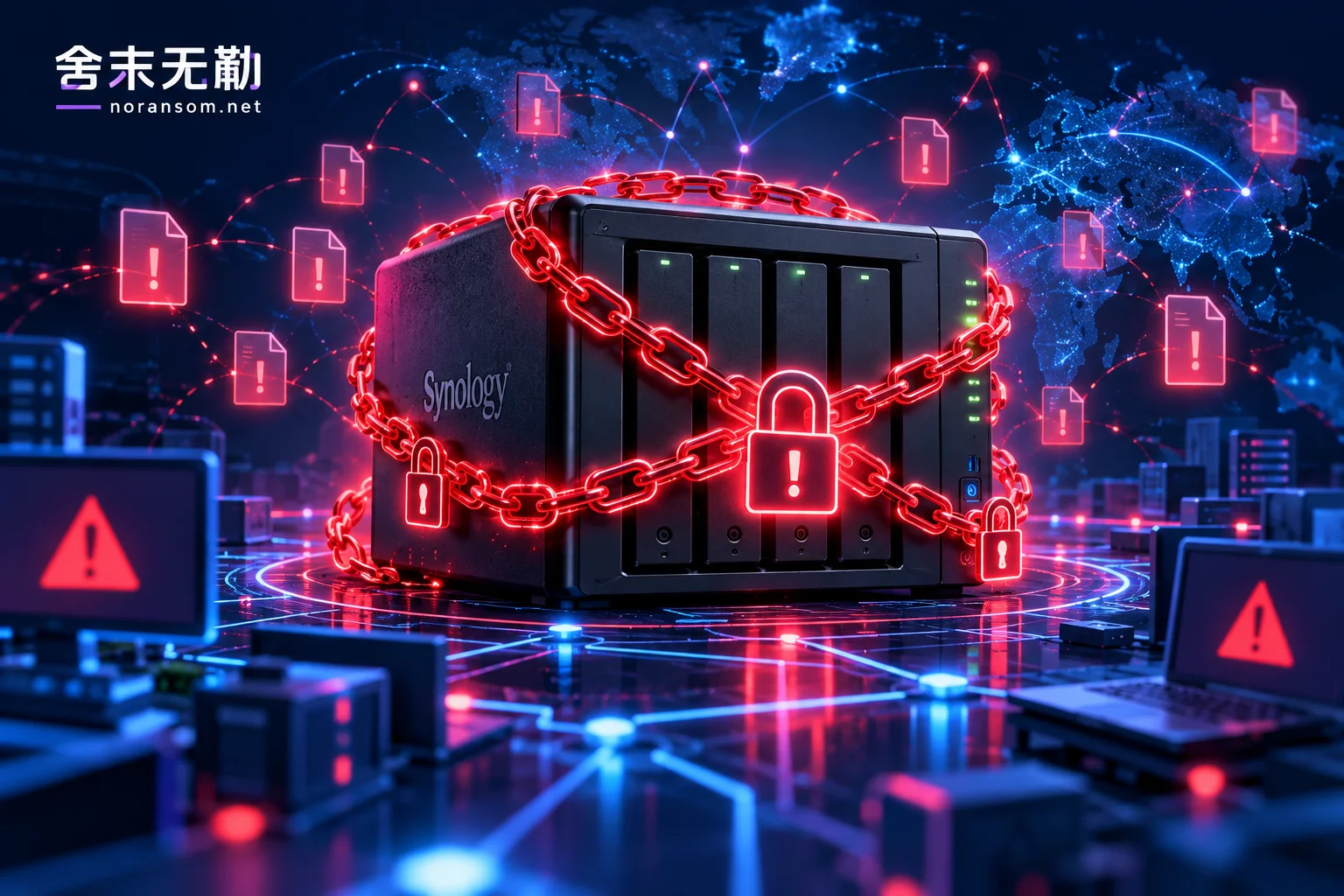
In today's digital office and home data storage, where NAS (Network Attached Storage) is heavily relied upon, cyber attackers have long shifted their focus from traditional Windows servers to these 'high-performance data warehouses'. Recently, a large-scale L0CK3D ransomware attack targeting Synology NAS has once again sounded the alarm: Your NAS may be exposed naked on the internet.
1. Why Has Synology NAS Become L0CK3D's 'ATM'?
L0CK3D ransomware is not new, but its attack strategies against NAS devices are constantly evolving. Unlike common lateral movement within intranets, attacks against NAS typically have the following notable characteristics:
- Direct exposure attack: Many NAS administrators enable QuickConnect or manually map the management backend to the public internet for remote access convenience. Once the system has an unpatched vulnerability, attackers can easily gain administrator privileges.
- Brute force: Weak passwords remain the main cause of defense collapse. In the face of automated scanning tools, unprotected or simply-passworded NAS devices are like open doors.
- Targeted encryption logic: L0CK3D ransomware not only encrypts user data but also often attempts to destroy the NAS snapshot mechanism and recycle bin, trying to force victims to choose between 'paying the ransom' and 'complete loss'.
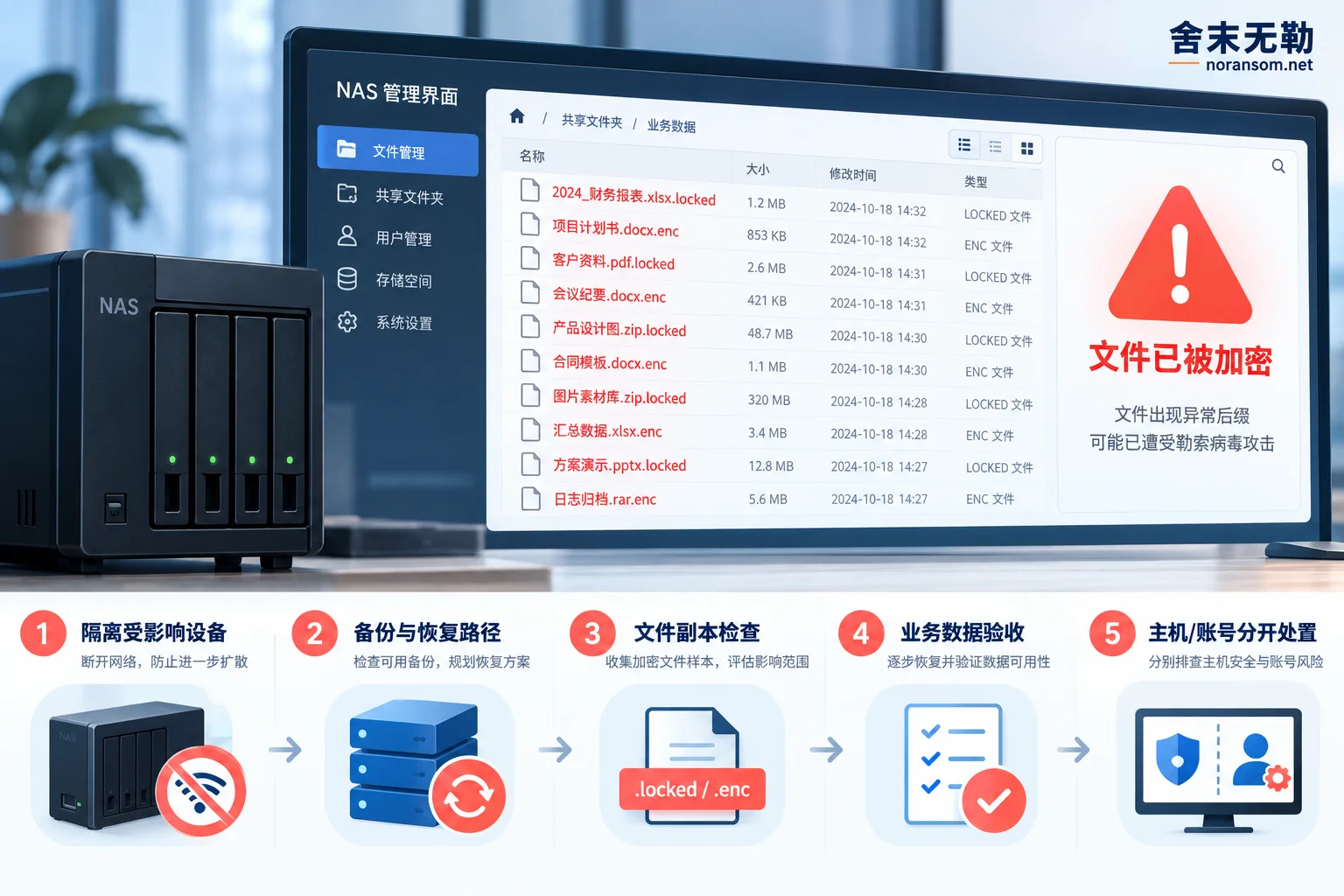
2. When Hit by Ransomware, Your First Reaction Determines the Upper Limit of Recovery
Many administrators, upon discovering file extensions changed to .L0CK3D or seeing the ransom note, first react by 'rebooting' or 'blindly trying to run unknown decryption scripts'. In Shemowule's emergency practice, we have found that these actions often lead to irreversible disasters:
- Wrong action 1: Repeated reboots/forced shutdowns. This may cause the loss of critical metadata in the cache, increasing the difficulty of subsequent database-level repairs.
- Wrong action 2: Blindly paying the ransom. Even after paying the ransom, attackers may not provide effective decryption tools, and may even conduct secondary extortion because of your demonstrated 'ability to pay'.
- Wrong action 3: Blind operations in an infected environment. If you do not first conduct security emergency response to remove the attacker's persistence methods, even if you successfully recover some data, it may be encrypted again because the backdoor has not been cleaned.
3. Shemowule: Scientific Emergency and Recovery Path
Facing L0CK3D, we need a complete logic from loss mitigation to hardening. Our core strategy is always: First mitigate loss, then assess, then recover.
1. Rapid Identification and Assessment
If you are unsure of the infection type, please use our free online identification tool to confirm the family. For L0CK3D or other common NAS ransomware (such as some highly targeted encryption variants), we have accumulated rich response experience through our ransomware database.
2. Professional Decryption and Data Recovery
In the assessment phase, we will determine whether to take the data recovery path based on the encrypted file structure. Often, after a NAS is encrypted, the underlying file system still contains fragments that have not been completely destroyed, or the backup mechanism has not been completely emptied; these are golden clues for rescuing data.
3. Eradicate Hidden Dangers: Security Hardening Protection
Data recovery is only the beginning of business resumption. We will assist customers in implementing security hardening protection:
- Reduce exposure surface: Forcefully disable NAS public internet mapping and use secure tunnels such as VPN for remote access.
- Credential governance: Reset all NAS account permissions and enable two-factor authentication (2FA).
- Rebuild backup architecture: Establish backup copies that cannot be directly deleted, with 'write protection' or 'offsite offline' attributes.
4. Special Advice for Enterprise IT: Don't Wait Until Loss to Prevent
If your NAS stores critical SQL Server databases or hosts virtualization platforms, please be sure to check our virtualization environment recovery solutions. For NAS users, be sure to check the following two points:
- Are snapshots enabled and not tampered with?
- Is there a backup machine that is completely isolated and cannot be directly accessed via the network?
The fight against ransomware is essentially a test of enterprise IT security compliance. Facing viruses like L0CK3D, panic solves nothing. If you are facing data encryption difficulties, please follow the standardized emergency process and contact professional security technical forces for assessment. Don't let hackers' greed destroy your data assets accumulated over years.
Note: Shemowule provides ransomware emergency response services; we do not pay ransoms on behalf of clients. For inquiries, please visit the official website contact page.


Comments(0)