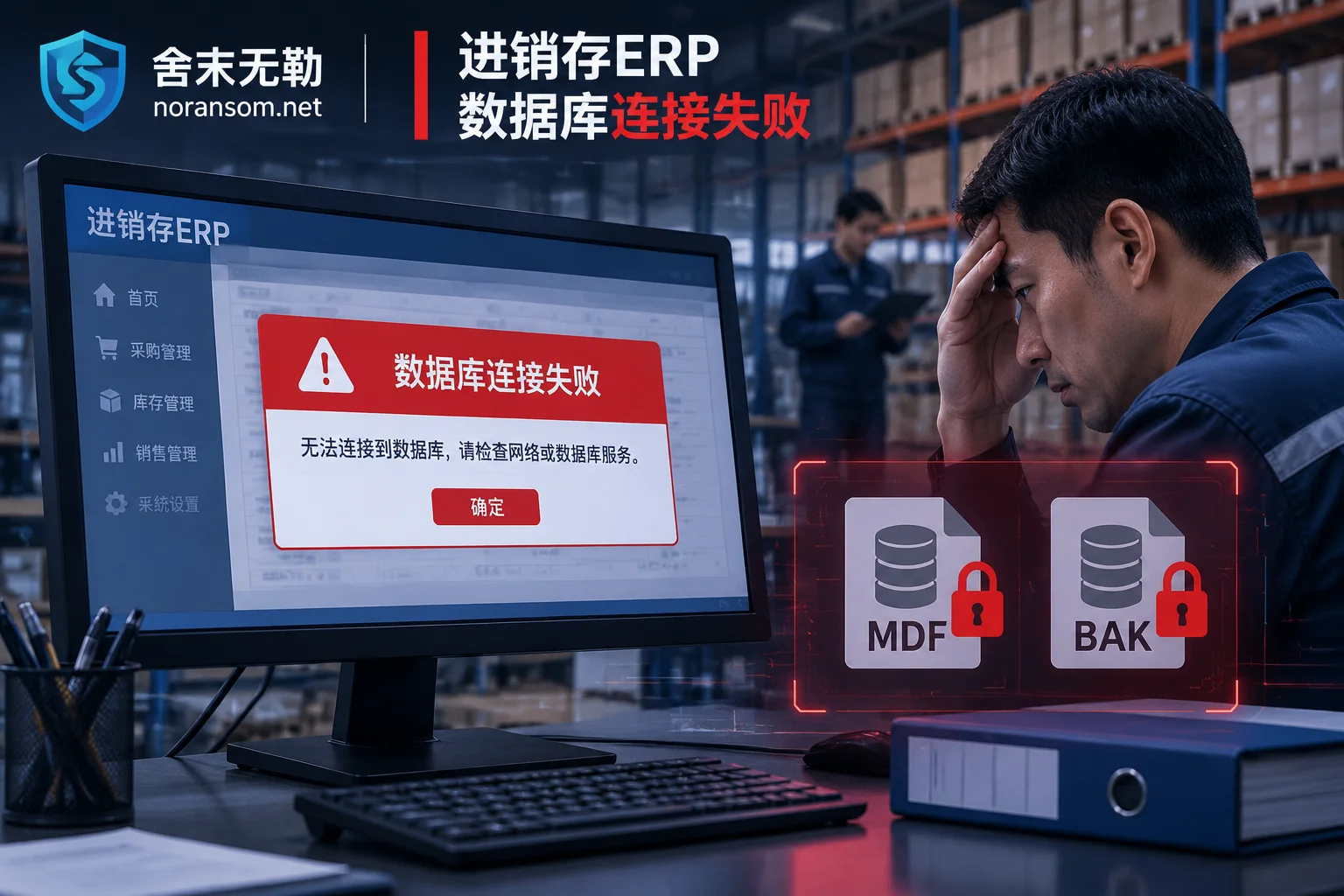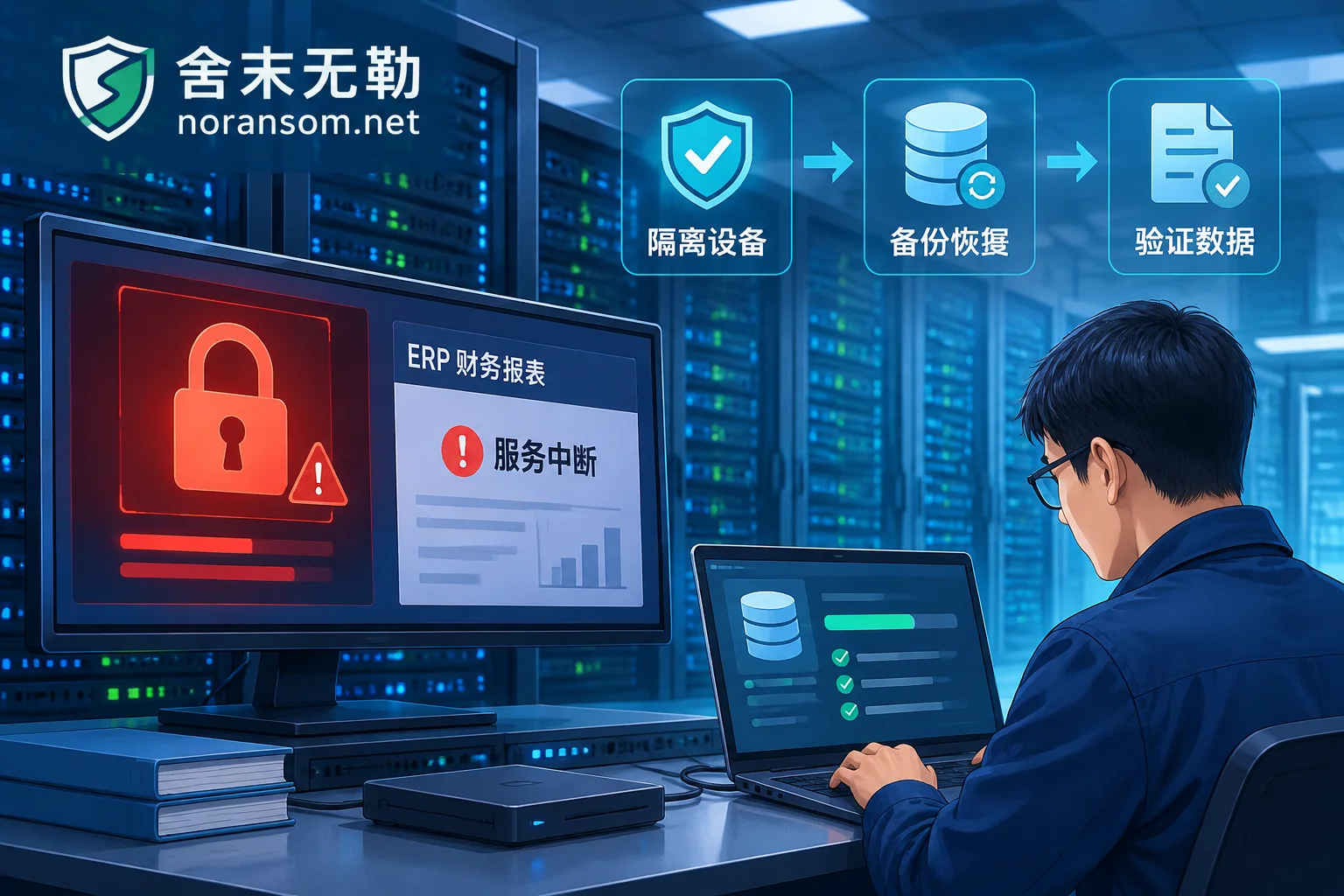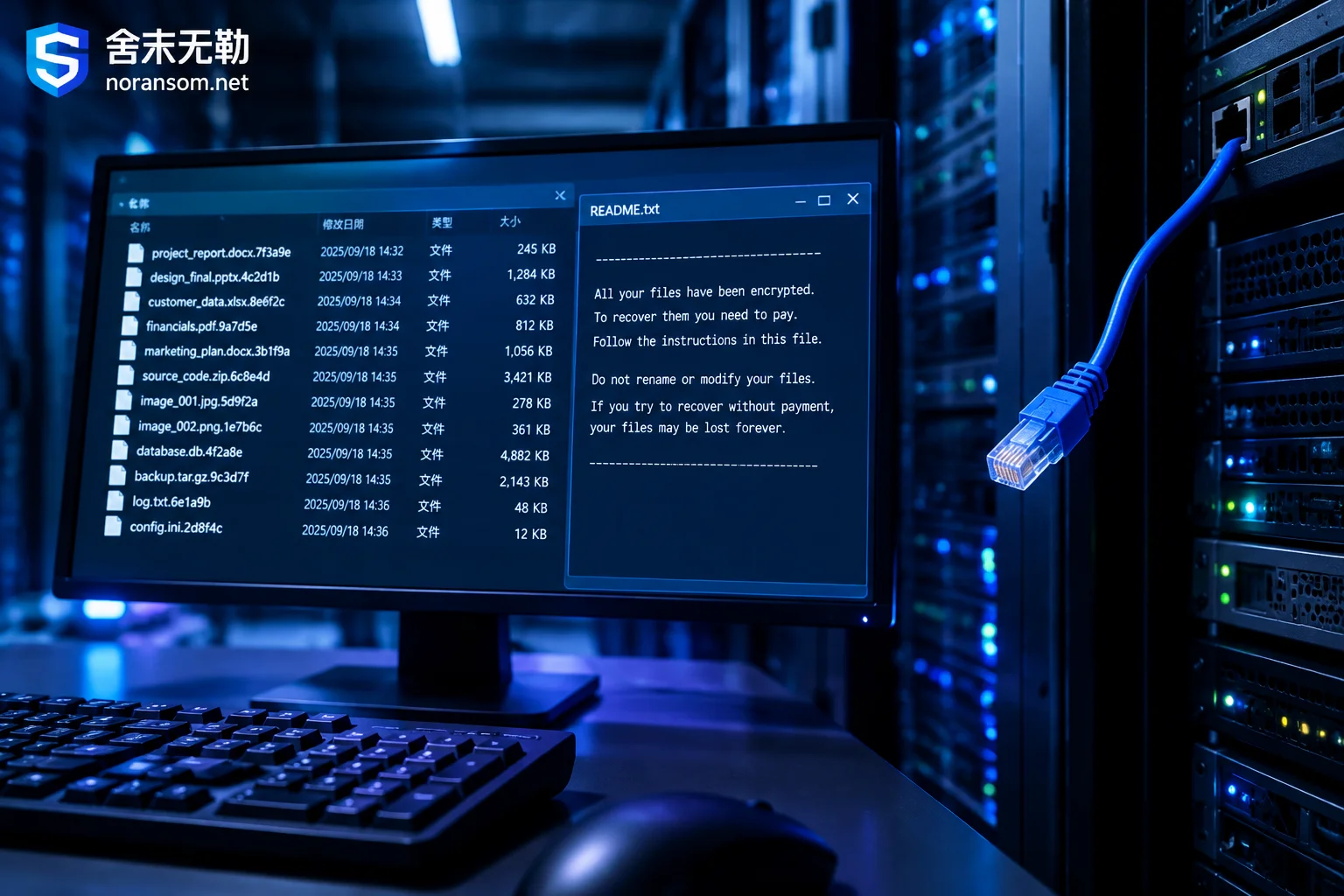
LockBit Ransomware: How to Confirm, Can It Be Decrypted, and What Recovery Paths Remain Without a Key Match
Identify LockBit and its version from file extensions and ransom note traits, explain what deleting shadow copies, clearing logs, lateral movement through domain controllers, and encrypting ESXi virtual disks mean for recovery, clarify the real scope of the No More Ransom decryption checker after Operation Cronos, and outline what to inventory for backup, database, and VM image recovery when no key match is found.
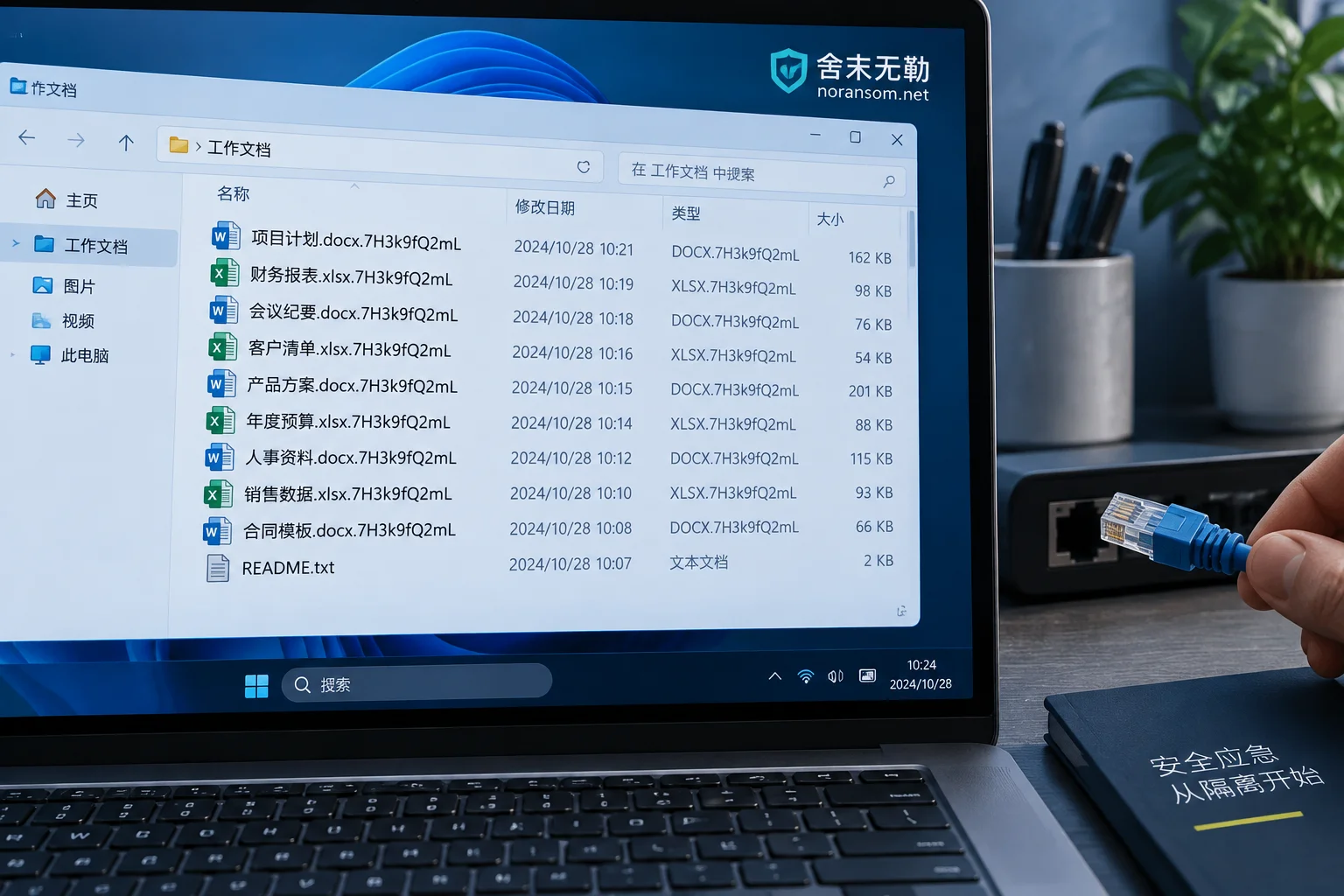
How to Tell If a Strange New File Extension Is Ransomware: 4 Checks and What to Do First
A sudden unfamiliar file extension isn't always ransomware—it may be an incomplete download, a temporary file, or an enterprise encryption software glitch. This article explains four self-checks, the correct first steps of isolation and evidence preservation after confirming an infection, and why 'antivirus cleaned it' and 'files can open' are two different things.
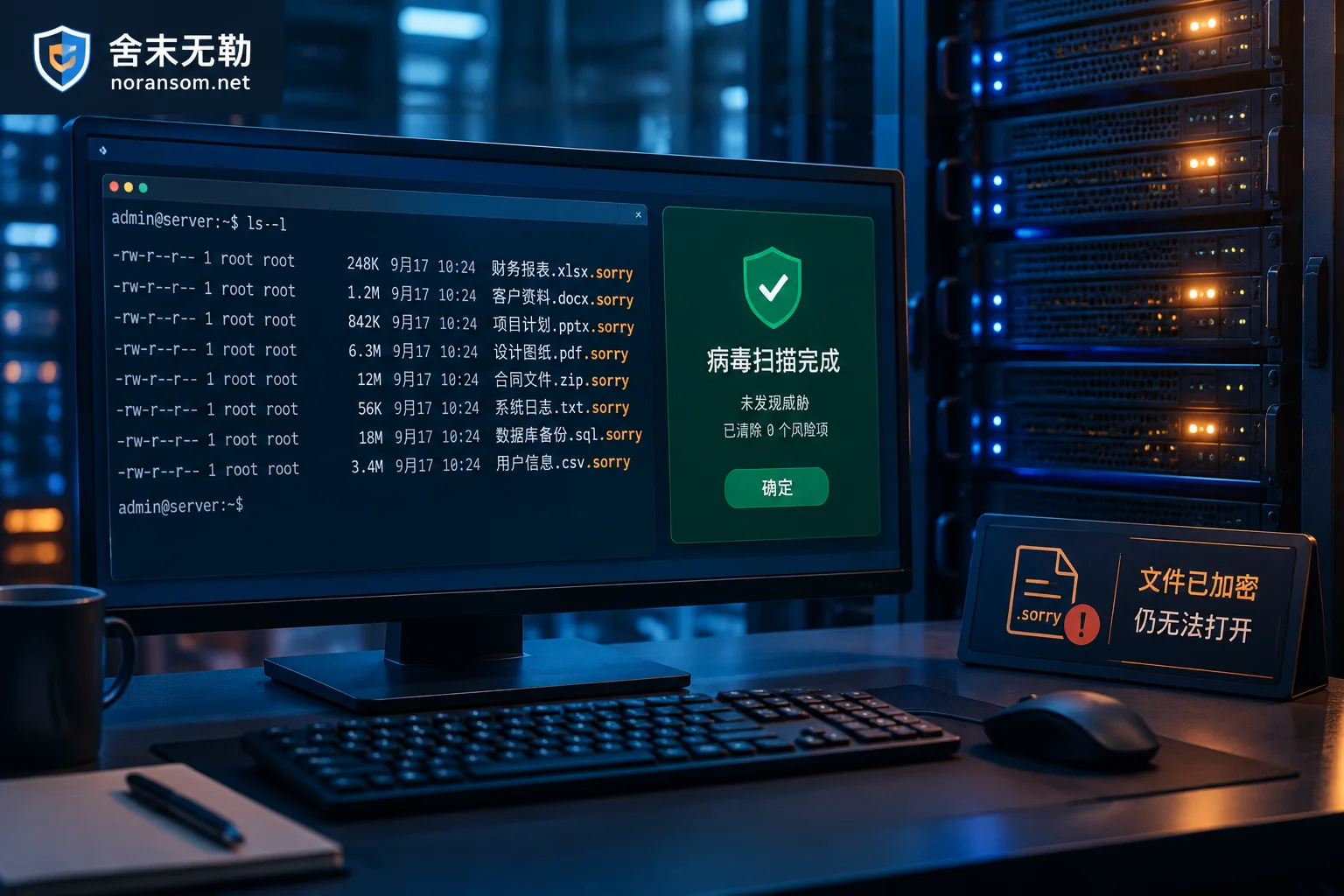
Antivirus Says "Removed," but .sorry Files Still Won't Open: Sorry Ransomware Symptoms and Real Recovery Paths
Antivirus can delete the ransomware program, but it cannot decrypt the encrypted files. This article explains the typical symptoms of Sorry ransomware, why antivirus only solves half the problem, which recovery paths may still be viable, and the tracing and hardening steps required after removal.
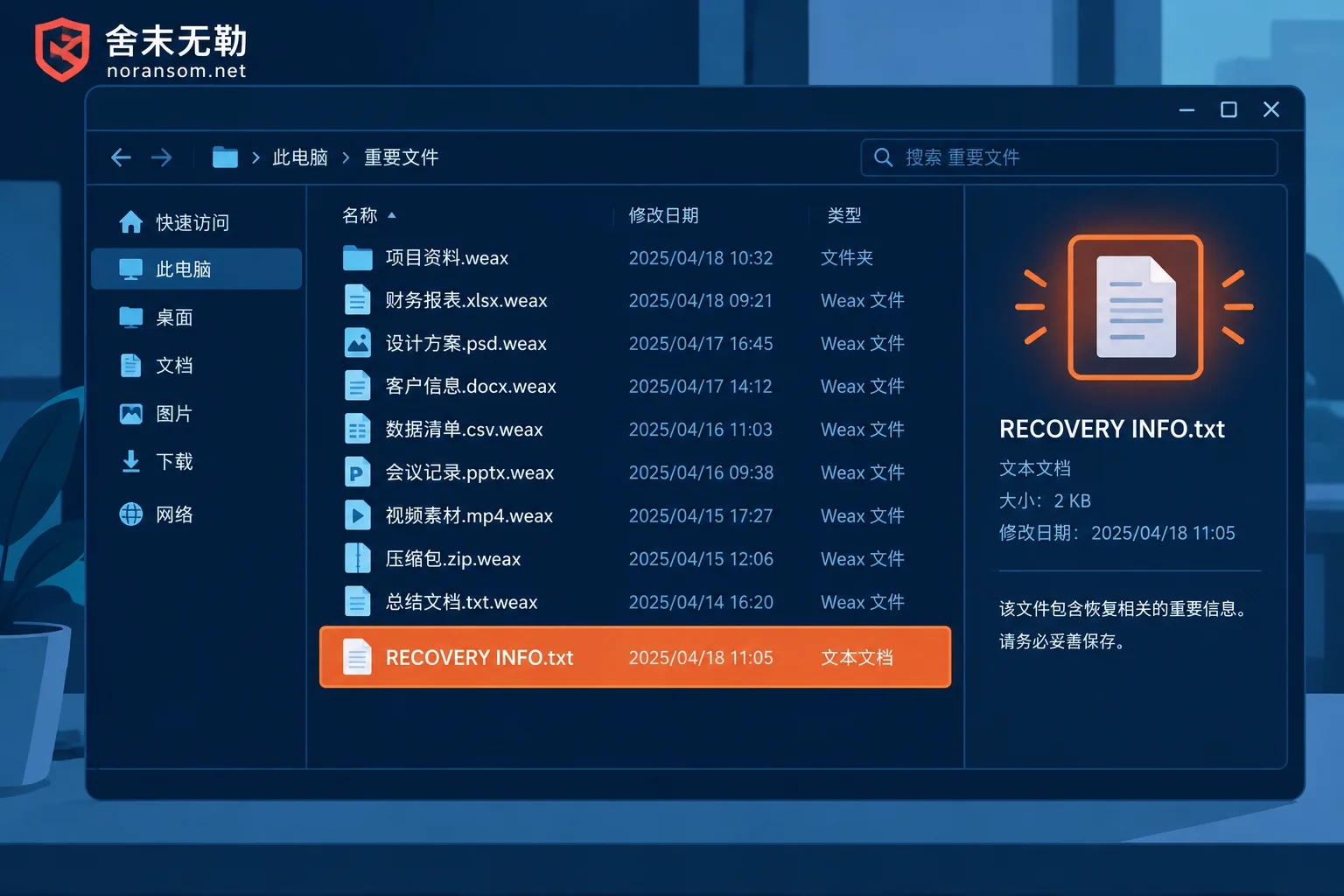
File Extensions Changed to .weax: The Antivirus Cleaned It, So Why Can't I Open My Files?
Starting from the typical symptoms of the .weax ransomware, this article explains why files remain encrypted after antivirus removal, whether any free decryptor exists, and what recovery paths are available without paying the ransom.

Files Given a .sorry Extension: Stop the Bleeding First, Then Assess What Can Be Recovered
When files are renamed with a .sorry extension and a ransom note appears, the first priority is isolation and preserving evidence rather than hunting for a decryption tool; this article lays out the first-hours response order, how to identify the family and judge decryptability, which recovery paths are still worth inventorying without backups, and the re-encryption risks from leaked credentials and unpatched entry points.