If file extensions on your server have suddenly gained .weax and text files like RECOVERY INFO.txt have appeared in directories, the three most important things right now are:
- Disconnect this machine from the network (unplug the cable or disable the switch port), not just disable the network adapter in the OS; also check the status of other machines on the same subnet, shared drives, and backup servers.
- Do not format, do not reinstall, and do not repeatedly run various "decryption tools" on the only copy of the original data. The encrypted files themselves are often the only usable recovery material later.
- Do not delete the ransom note and virus samples. They are key evidence for identifying the family, version, and encryption method; without them, even "whether recovery is possible" cannot be assessed.
Whether to shut down immediately depends on the situation. If the encryption process is still running and physical isolation is not possible, cutting power can indeed stop the spread; if the network is already disconnected and encryption has finished, keeping the machine on actually facilitates forensics and investigating in-memory clues. If the network is disconnected but files are still changing extensions, refer to Emergency handling when encryption continues after disconnection.
How to confirm it is .weax
.weax comes from the Weaxor ransomware family, which most security research organizations consider a derivative or renamed variant of the Mallox (TargetCompany) family. The same attackers have also used extensions such as .rox, .wxx, with essentially the same behavior.
Several relatively stable characteristics:
- Filenames are appended with a suffix; for example,
账套备份.bakbecomes账套备份.bak.weax, and office documents, archives, and database files are indiscriminately processed. - A ransom note appears in every affected directory, commonly named
RECOVERY INFO.txtorFILE RECOVERY.txt, instructing victims to contact the attackers via Tor browser or anonymous email. - Volume Shadow Copies (VSS) are cleared, leaving "Previous Versions" empty.
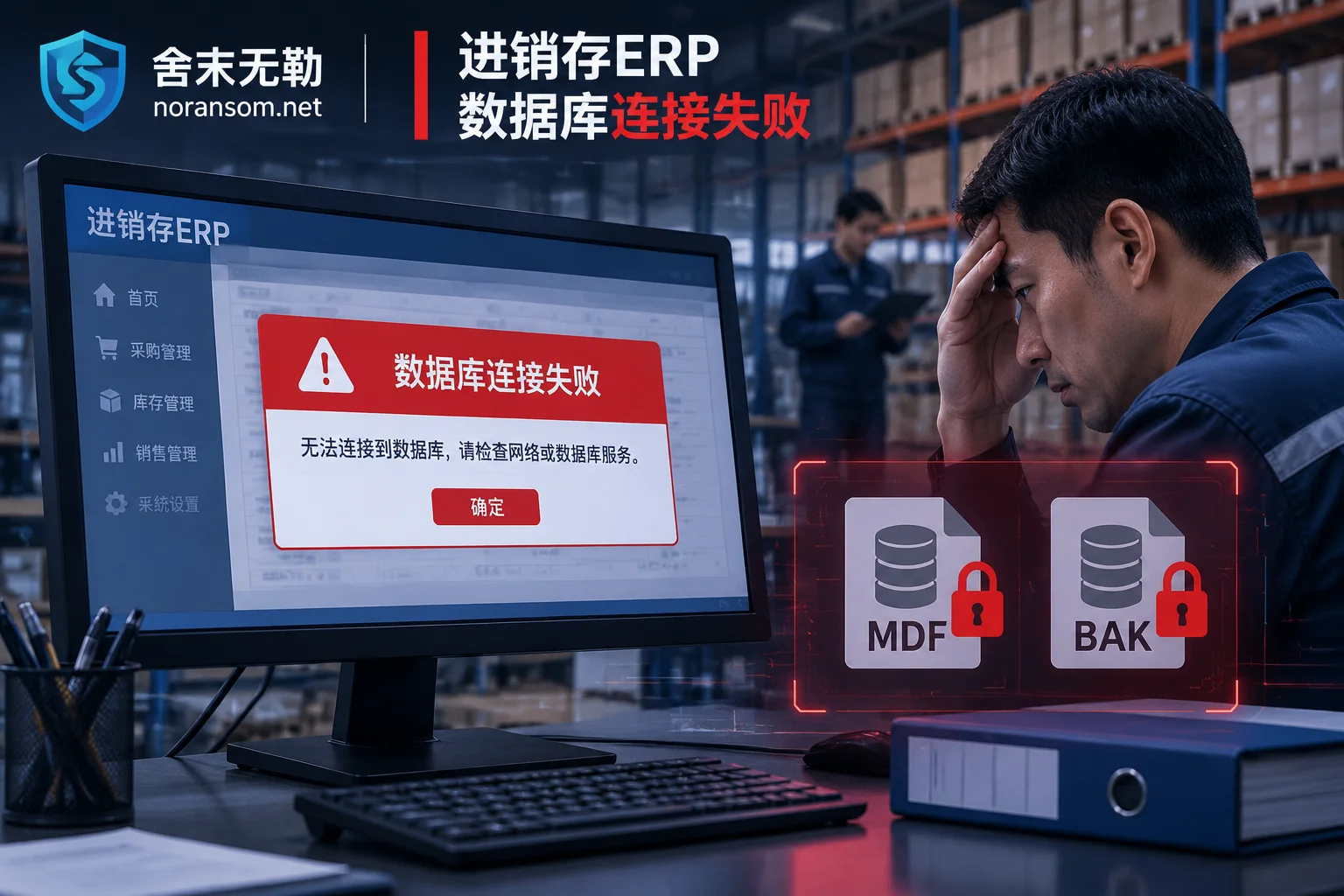
- Database and backup-related services are forcibly stopped; SQL Server services exit abnormally, and event logs show a wave of service stop records.
- The intrusion entry point is mostly public-facing exposure: weak passwords on SQL Server exposed to the internet, RDP brute force on port 3389, and unpatched system vulnerabilities. Victims are often government, enterprise, financial, and production business servers, not random personal computers.
One reminder: A single extension cannot identify the family with 100% certainty. Some groups reuse others' extensions, and some variants change only the key scheme without changing the name. True identification requires combining the ransom note format, structural characteristics of encrypted files, and the sample itself. If uncertain at this step, you can first perform family identification and recoverability assessment, then decide on next actions.
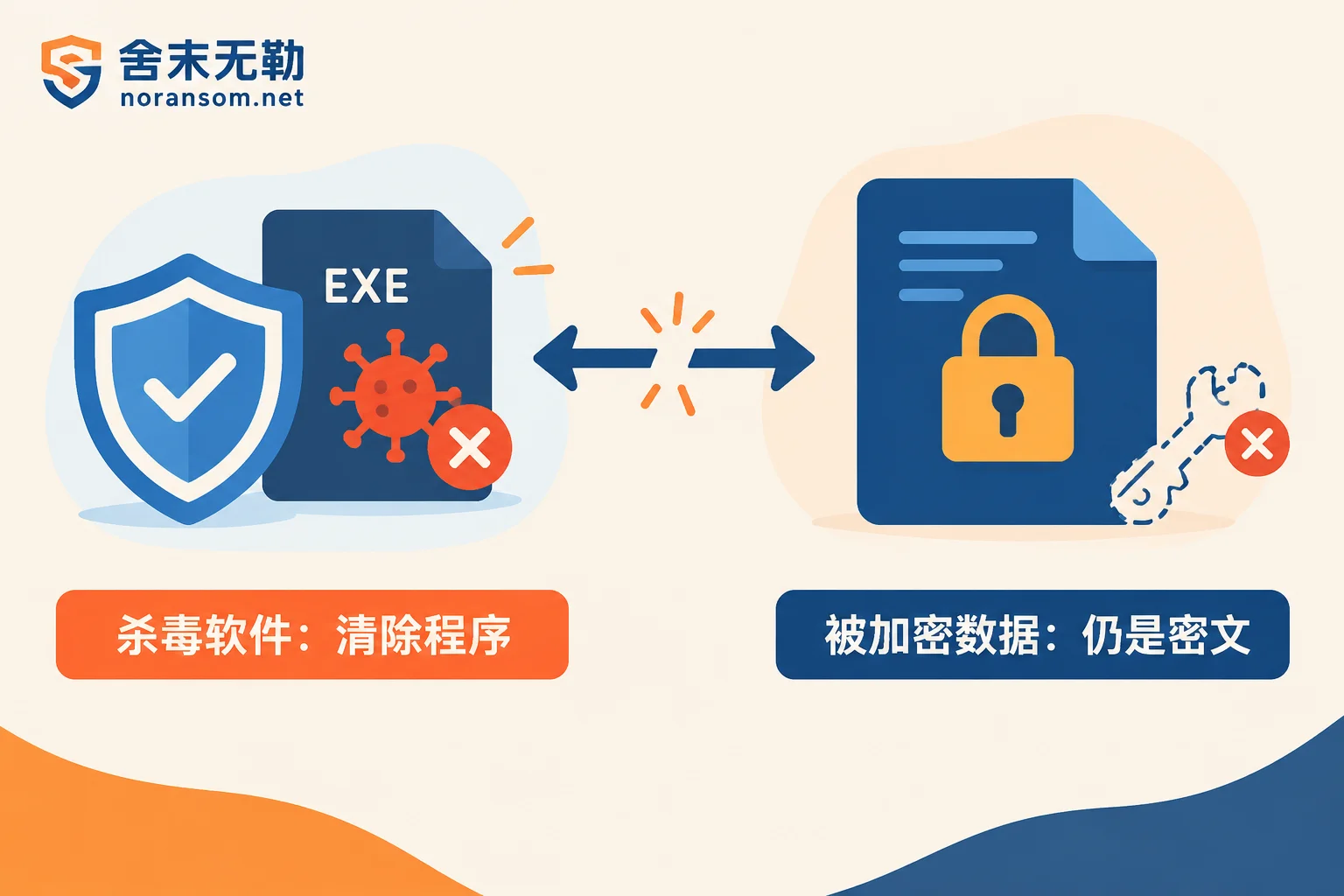
The antivirus cleaned it, so why can't I open my files?
This is the most frequently asked question, and the answer is straightforward: Antivirus deals with "programs," while ransomware damages "data"—these are two different things.
Antivirus capabilities are limited to comparing malicious code signatures, intercepting process behavior, and removing residual executable files and persistent scripts from disk. Once done, it can prevent the virus from continuing to run and spread, but it has no effect on already encrypted files—the contents of those files have been mathematically transformed into ciphertext, regardless of whether the virus program is still on the computer.
Think of it as lock picking: Antivirus is like chasing the thief out and repairing the door, but before leaving, the thief changed the lock on every cabinet and took the keys. Fixing the door is not the same as making keys.
Weaxor variants generally use modern symmetric algorithms like ChaCha20 and AES to encrypt file contents, then protect the symmetric key with an asymmetric key system. This means:
- Decryption requires the attacker's private key; no complete extractable key exists locally;
- Brute force is engineering-infeasible; it's not a matter of a bit more computing power;
- Therefore you see a typical scenario: Antivirus reports "threat removed," the system is clean after reboot, but file extensions are still
.weaxand none can be opened. This is not because antivirus failed to clean thoroughly—it was never responsible for this.
Is there a free decryptor? As of current public information, there is no free decryptor for .weax in public decryption tool libraries such as No More Ransom. Early Mallox decryptors circulating online (for older versions like .mallox, .bitenc) do not apply to this new variant; running them not only fails but may also overwrite original files. Be extremely wary of download links claiming "one-click weax decryption"—such tools are often secondary infections themselves.
What can still be recovered without paying the ransom
It is worth clarifying: Data recovery and file decryption are not the same path. Even if the key is unavailable, usable data is not necessarily all gone. In practice, several lines are usually investigated simultaneously:
1. Overlooked copies. Attackers clear shadow copies and stop services, but they may not cover everything. Items worth checking one by one: offline external drives and tapes, independent permission snapshots on NAS, storage snapshots at the virtualization platform level, historical versions in cloud sync, manual exports on finance staff's local computers, and copies previously taken on other machines. Many cases of "no backup at all" end up recovering most of the accounting data from such peripheral copies. Note: Before investigation, ensure these media are not connected to the infected network, otherwise they may be compromised as well.
2. Un-overwritten portions of encrypted files. Many ransomware families, for speed, encrypt only headers or block-encrypt at intervals, leaving large data blocks in plaintext. For structured files like SQL Server MDF/NDF and Yonyou/Kingdee accounting sets, this is crucial—data can be extracted at a low level, bypassing "decryption."
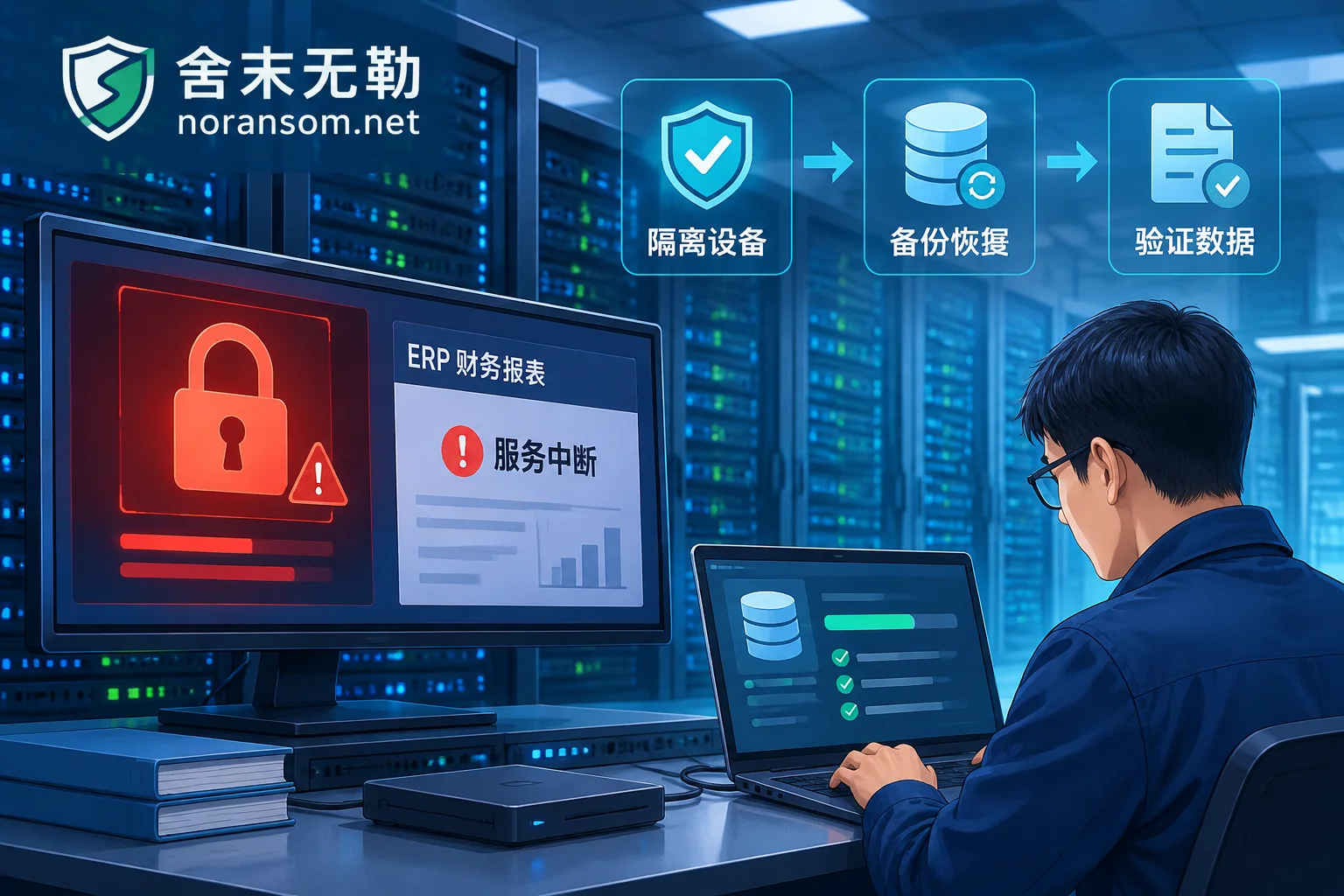
3. Engineering-level database reconstruction. This is also the main technical path for Shemowule in such cases: parse the underlying page structure of MDF/NDF, scan data page fragments not fully overwritten, rebuild B-tree indexes, combine with transaction log remnants to restore core business tables, and finally import into a clean database instance for validation. This path does not rely on the attacker's key, but results depend heavily on the extent of damage—full-disk encryption versus header encryption, file size, and whether page corruption is concentrated or scattered directly determine how much can be extracted. Therefore, any claim of "100% recovery" before seeing the files is untrustworthy; the normal order is to first conduct a recovery scope assessment, understand the actual data state, and then discuss solutions.
4. If a decryption path is indeed needed, first confirm whether the version and key system have known solvable conditions, rather than directly buying tools. This falls under what ransomware decryption solutions need to determine.
Before recovery, close the entry point
Many cases involve recovering data, getting business running, and then being encrypted again days later—because the credentials and vulnerability used by the attackers are still there.
Therefore, before putting data back into production, at minimum: close publicly exposed ports 3389 and 1433; reset all local administrator, domain account, and database account passwords (from a confirmed clean device); check for newly created hidden accounts, scheduled tasks, and service entries; patch exploited vulnerabilities; and validate recovered data in an isolated environment for integrity before going live.
If multiple machines are still being infected or you are unsure whether attackers are still on the internal network, this is no longer a single-machine recovery issue and should be handled as a spreading incident, prioritizing cutting off lateral movement paths.
When to seek help
In the following situations, the risk of continuing on your own outweighs the benefits: production databases or financial accounting sets are encrypted with no usable backup; multiple servers and virtual machines are simultaneously infected; someone has already tried repair tools and you are unsure whether original files were overwritten; or you need to give management a clear statement of "how much can be recovered and how long it will take."
When contacting, prepare these materials for efficiency: two or three small encrypted file samples, the complete ransom note text, affected system and database types and versions, total data volume, existing backup situation, and the approximate timeline of the incident. Do not upload database files, customer data, production credentials, or virus sample executables to public forums or arbitrary cloud drives.
For specific assessment, see assessment and delivery sequence, or directly submit incident information. Assessment precedes quotation; deciding whether to proceed after the recovery scope is visible is a more reliable order.
Finally, one more note: In incidents like .weax, the malicious program on the host is only a symptom; credential leakage and entry exposure are the root causes. Antivirus can address the former; the latter and the data itself require two other approaches.


Comments(0)