If your server files have been uniformly appended with the .sorry extension, and antivirus scans found a few malicious processes and reported "handled," but business files, accounting packages, and databases still won't open—this is a normal outcome, not a sign that antivirus wasn't installed properly or didn't scan thoroughly.
Antivirus does program removal; ransomware causes file encryption. These are two unrelated matters: the program is deleted, the encryption stops, but files that have already been altered won't restore themselves. So after scanning and removal, what really needs to be determined is "what can still be recovered and from where," not running another antivirus scan with a different tool.
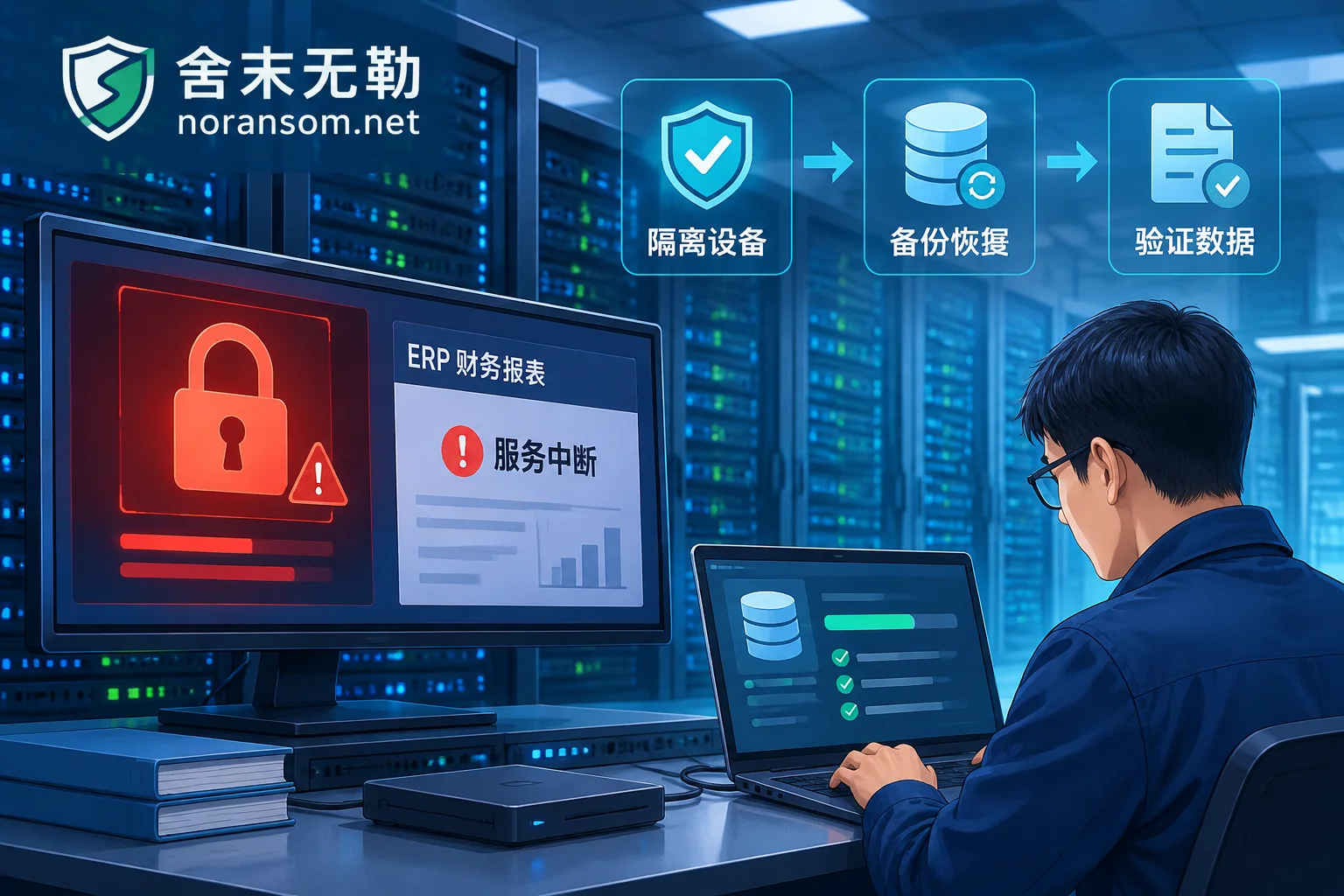
The top three priorities right now: disconnect the affected host and other machines on the internal network (unplug the network cable or isolate at the switch/security group level), do not perform any write operations on the original disk, and preserve the ransom note, samples, encrypted file samples, and system and login logs as-is. If encryption is still ongoing, or multiple machines have already been compromised, first see Emergency Response When Files Are Still Being Encrypted After Disconnection and Stop-Loss Sequence for Files Appended with .sorry Extension. This article focuses on the latter half of the problem.
First Confirm Whether Symptoms Match
The National Computer Virus Emergency Response Center has issued a warning about the "Sorry" ransomware, with multiple attack incidents occurring in China. According to currently public analyses, its typical characteristics are concentrated in these points:
- Written in Go, mainly targeting Linux web servers exposed to the public internet, with common entry points being vulnerabilities in components like cPanel (e.g., the authentication bypass in CVE-2026-41940) followed by privilege escalation;
- After entering the system, disguises itself as system processes like sshd, making it hard to spot in the process list;
- Before encryption, forcibly terminates database, backup, and protection services; many people's first impression is that "the database suddenly crashed" rather than being infected;
- Exfiltrates sensitive data before and after encryption, used for secondary pressure;
- Uses AES + RSA hybrid encryption; encrypted files are uniformly appended with the
.sorryextension, ransom notes are left in directories, and contact is demanded via encrypted communication software; - Scans common SSH ports like 22, 2222, 22222, and uses weak passwords for worm-like lateral spread across the internal network.
If most symptoms match upon comparison, you can basically proceed in this direction. But leave some room: a single extension or a single detection name cannot determine the family and version. The same extension being reused by different variants or even different families has always existed, and version differences directly determine whether a decryptor is available and how much residual data can be extracted. To settle on a specific response plan, you still need to combine the ransom note text, samples, and encrypted file header structure for Family Identification and Recoverability Assessment.
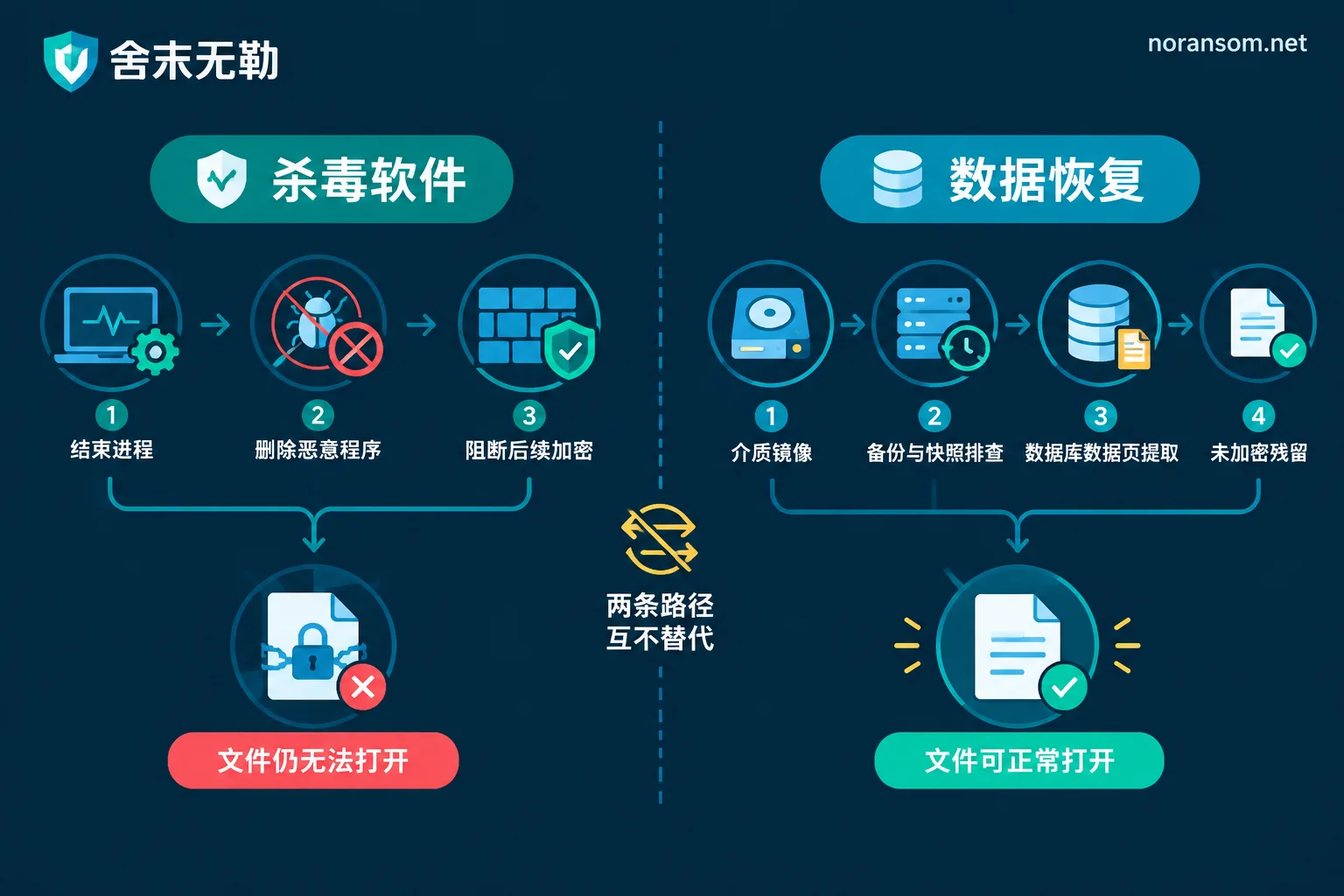
Why Antivirus Only Solves Half the Problem
Antivirus capabilities have clear boundaries: identifying signatures, blocking execution, terminating processes, deleting files, and stopping further encryption. It is a program-level tool.
File encryption, however, is a cryptographic-level alteration. Families like Sorry generate symmetric keys for AES encryption of files, then encapsulate the symmetric key using an RSA public key held by the attacker. Decrypting it requires the private key that only exists in the attacker's hands. The files have been completely scrambled at the binary level, and no usable key is stored locally. This is the fundamental reason files still won't open after antivirus clicks "remove"—it never had this capability.
More importantly, note that scanning and removal sometimes inadvertently erase recovery clues:
- Ransom notes and sample files are quarantined or deleted, removing the basis for family and version determination;
- System logs, temporary files, and paired remnants of encrypted files are cleaned up, reducing reference material for later low-level data extraction;
- Automatic "repair" actions create new writes to the disk, overwriting unallocated sector content that might have been recoverable.
There is another layer easily overlooked: antivirus won't handle intrusion entry points and persistence for you. If the cPanel vulnerability isn't patched, SSH management ports are still exposed to the public internet, weak passwords aren't changed, and scheduled tasks or SSH public keys left by the attacker aren't removed, then days after the program is deleted, the same path can be used to get back in. The words "removed" do not mean the attack chain has been broken.
Without the Decryption Private Key, What Can Still Be Recovered?
Based on currently public intelligence, no industry-verified key generation flaw has appeared in the Sorry family, nor is there a publicly available universal decryption private key. This means you cannot pin all hopes on "waiting for a decryptor." At the same time, paying the ransom is not recommended: payment neither guarantees a usable key nor prevents already-exfiltrated data from being misused. We do not pay ransoms and do not negotiate on behalf of victims.
The remaining paths are engineered recovery, each with prerequisites that need on-site verification:
1. First inventory all possible copies. Many people say "there's no backup," but something actually remains: the last successful product from a stopped backup job, old backups on another machine or offsite, snapshots on virtualization platforms deemed invalid, NAS recycle bins and previous versions, accounting package backups exported locally by finance staff, database copies in development or test environments. Don't rush to delete backup files that are encrypted or truncated—partially damaged backups may still be repairable and usable.
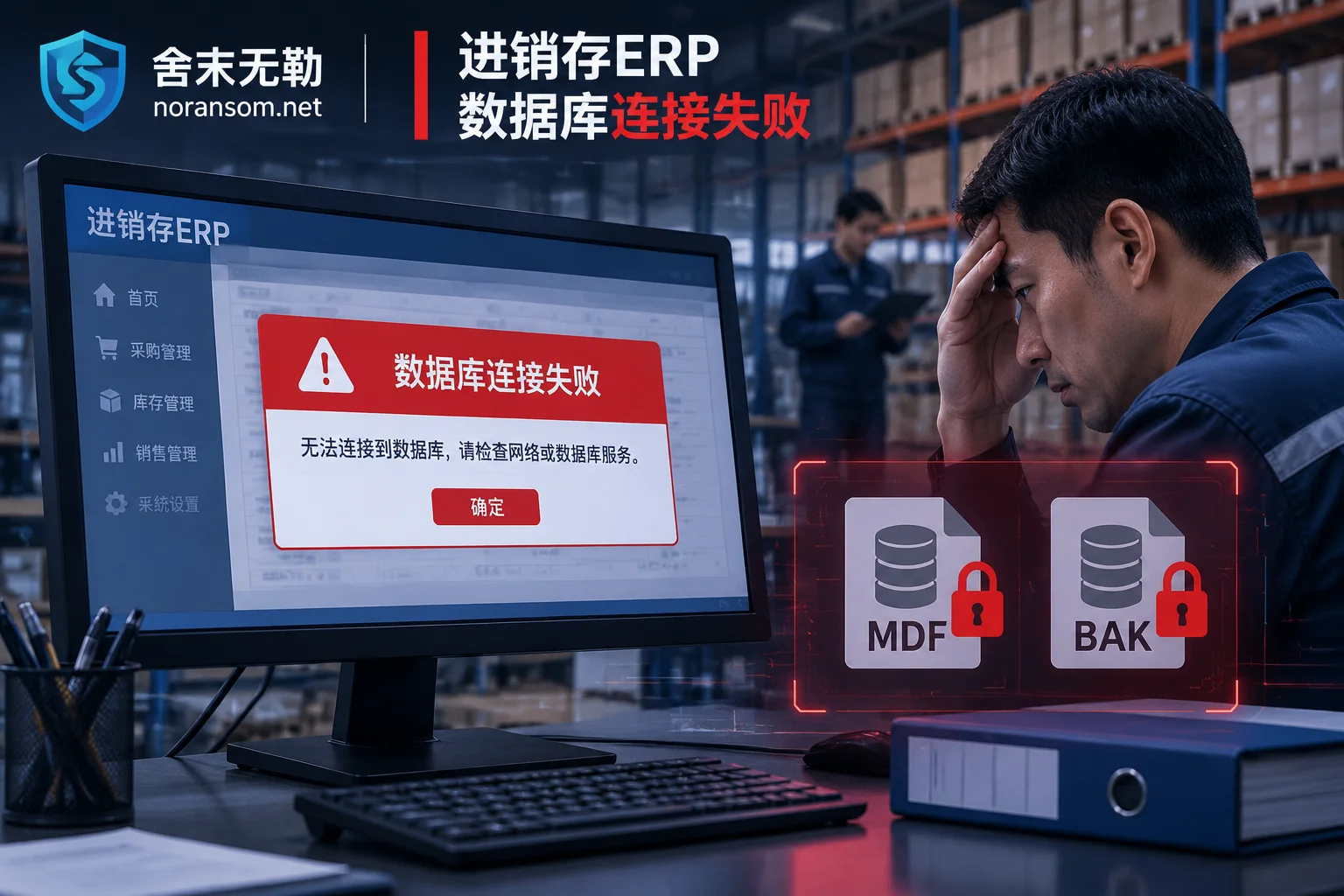
2. Database low-level extraction and reconstruction. For databases like MySQL and SQL Server, even if the main data files are encrypted, data pages and unallocated sector fragments not yet overwritten may remain on the disk. A feasible approach is to first image the media, then extract residual records from the image copy and rebuild table structures, piecing back as much usable business data as possible. Such operations are extremely sensitive to writes on the original media, which is why it's repeatedly emphasized not to tinker with the original disk.
3. Look for unencrypted remnants. Interruptions during encryption, files being in use, skipped paths, or only the header of very large files being encrypted can all leave usable portions. For files like reports, attachments, and image materials, even partial recovery has practical value.
The extent of recovery ultimately depends on the actual media overwrite situation—this can only be tested on an image, and any completeness figure given before seeing the site is untrustworthy. Our approach is first conduct a recoverability assessment to confirm what can be recovered, then discuss the plan and cost. The specific sequence is written in Recovery Assessment and Delivery Process, and Backups, Databases, and Other Recovery Paths lists the conditions required for each path.
These Actions Will Eliminate Any Remaining Options
- Repeatedly running "decryption tools" or "data recovery software" of unknown origin on the sole original copy—repeated writes will overwrite remnants;
- Formatting, reinstalling the OS, rebuilding RAID, or running disk check repairs on affected disks;
- Redeploying services on the original machine and disk to "quickly restore business," overwriting old data areas;
- Deleting ransom notes and samples, or emptying the quarantine in antivirus software;
- Continuing to log into email, online banking, or backend systems from the affected machine—credential changes should be done on a trusted device.
Regarding "whether to shut down immediately," there is no one-size-fits-all answer. The basis for judgment is: whether effective isolation is possible, whether encryption is still ongoing, and how important the in-memory evidence is. If physical network disconnection is already possible and encryption has stopped, preserving the running state is better for forensics; if encryption is still progressing and no effective isolation method is available, early power-off to stop the loss takes priority. This judgment is best confirmed together with response personnel after isolation is complete.
Two Things to Address After Recovery
Data rescue is only half. The other half is tracing and hardening: fix exposed vulnerabilities in external components like cPanel, pull SSH, databases, and management backends from the public internet or restrict source access, investigate and change all weak passwords and reused credentials, remove scheduled tasks, backdoor accounts, and SSH authorized public keys left by the attacker, and then verify which machines lateral spread actually reached. Without this step, recovered data may be encrypted again within weeks.
If multiple machines are affected simultaneously, encryption is still spreading, or databases and accounting packages are the only original copies and you don't dare touch them, you can bring this information to Emergency Response Support: affected systems and business types, approximate time of encryption, extension and ransom note content, backup status, and whether scanning/removal or reinstallation has already been performed. For communication about the incident itself, use the channels on the Contact Page. Do not send database files, customer data, production passwords, or executable samples to public comments or any upload site.
In one sentence: antivirus is responsible for stopping the encryption; recovery depends on item-by-item assessment of copies and media remnants. Do these two things separately, and don't get the order wrong.


Comments(0)