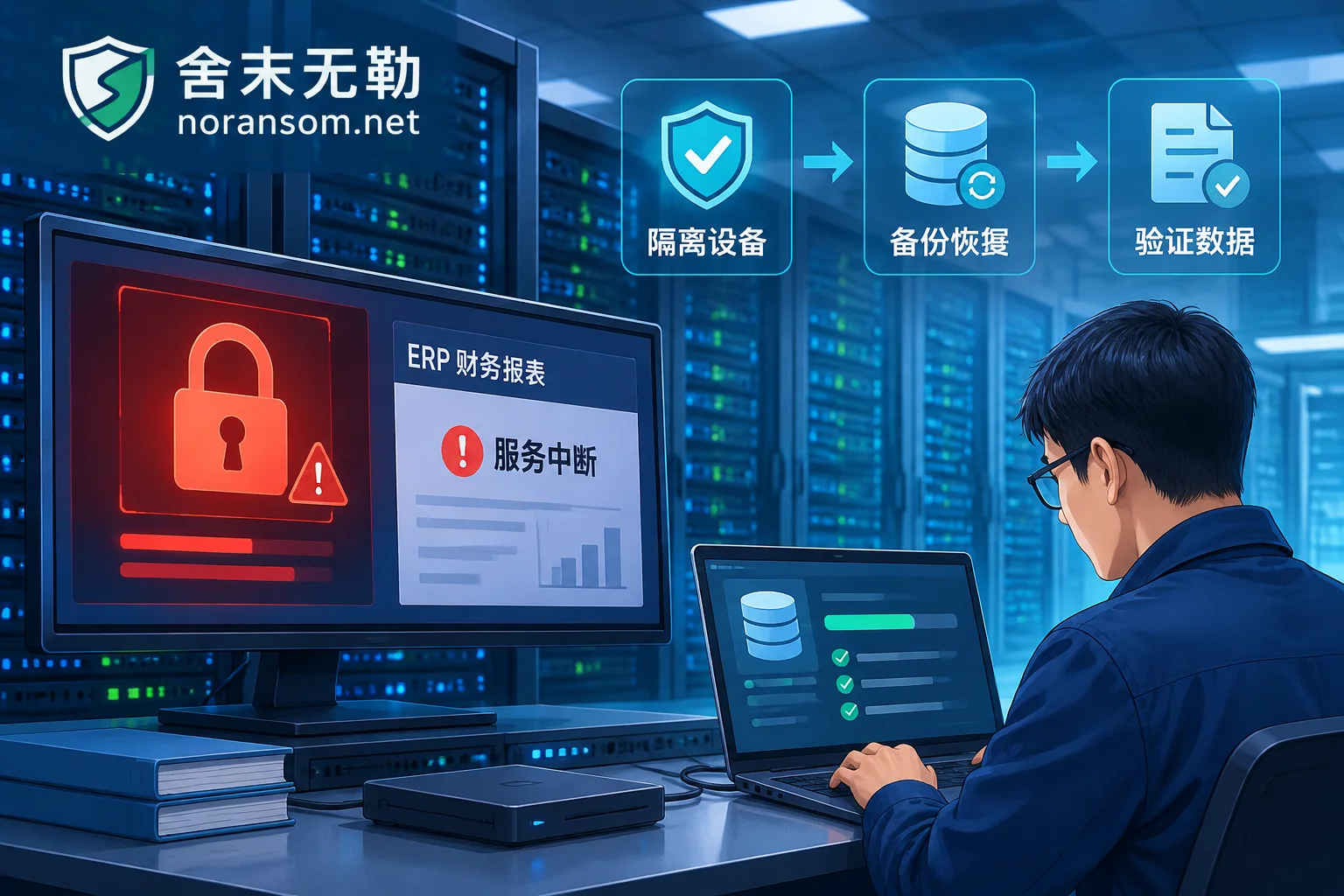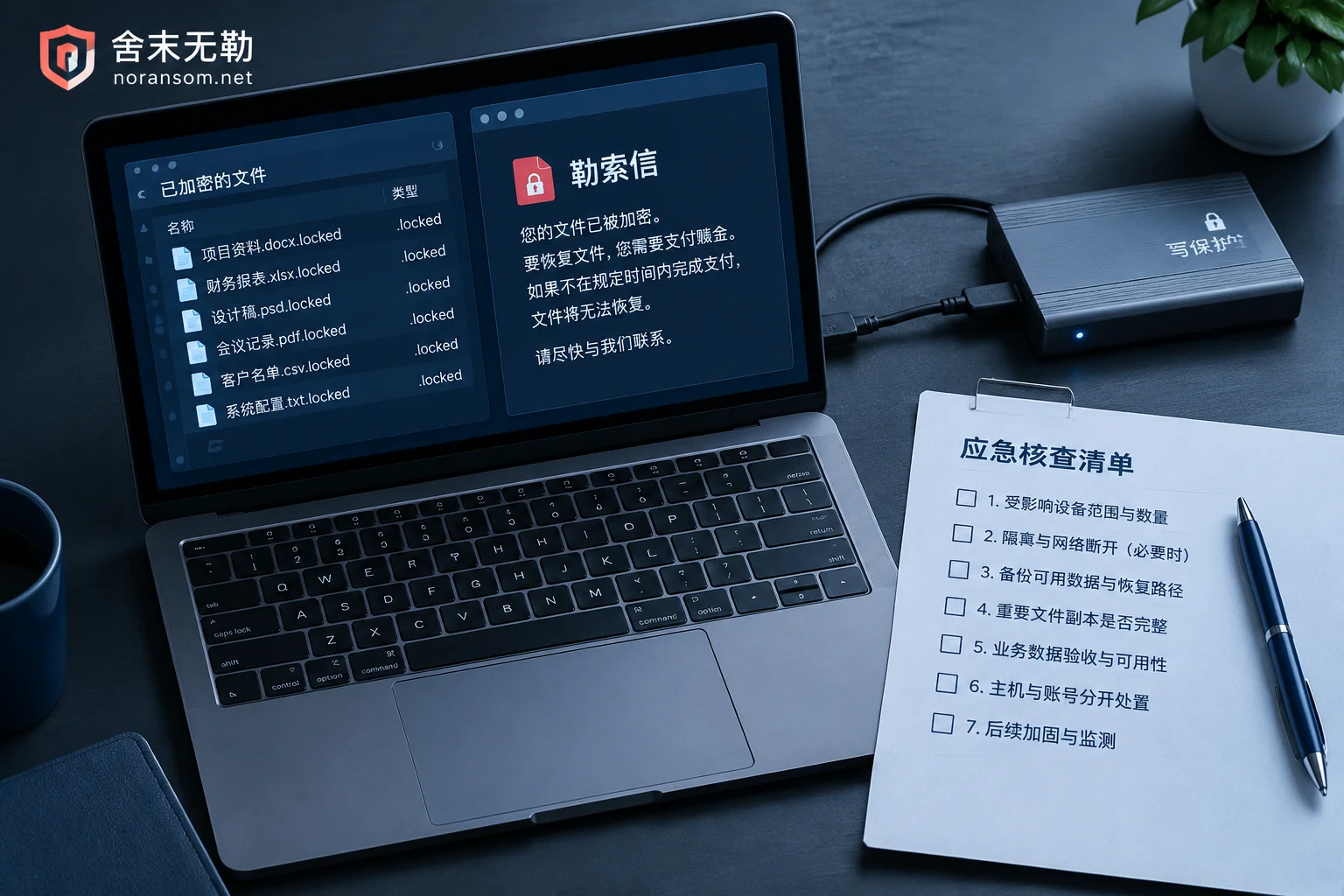
Choosing a Ransomware Decryption Company: How to Tell If Their Plan Is Reliable
After a ransomware attack, the biggest risk when choosing a third-party recovery vendor isn't the price—it's vague technical claims, operating directly on your only original disk, unclear acceptance criteria, and disguised ransom payments. This article covers four checkpoints and questions you can ask directly.
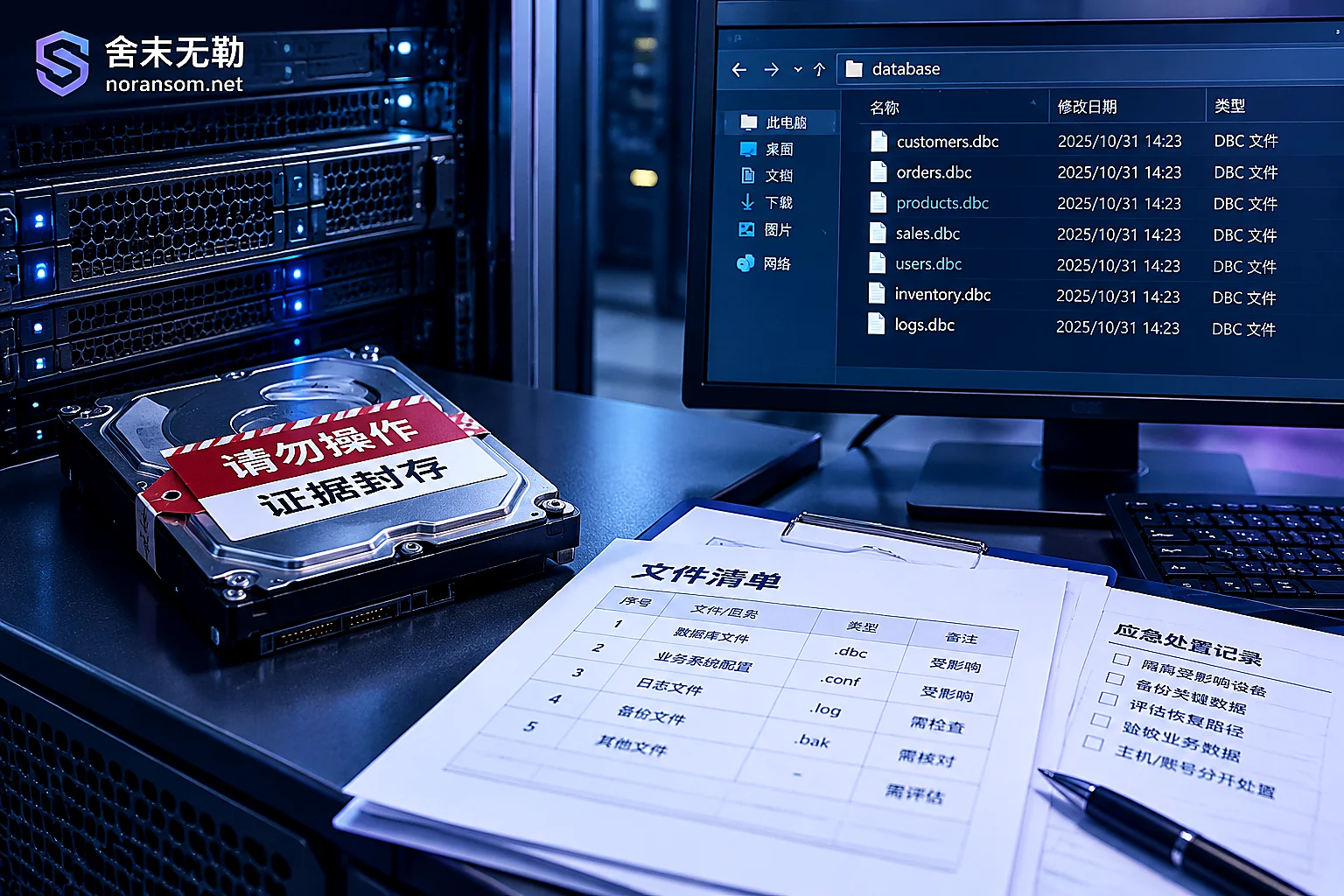
Which Files to Keep After a Yonyou Database Is Encrypted: Delete These and They're Gone for Good
After a Yonyou account set is encrypted by ransomware, what determines how much can be recovered is often not antivirus software but whether you kept the right files. This article provides a checklist of files that must be preserved (data files, logs, UFSystem system database, historical backups, ransom notes and sample pairs, system and database logs), explains correct preservation methods, several actions that directly destroy recovery chances, and how to determine the recovery path after preservation.
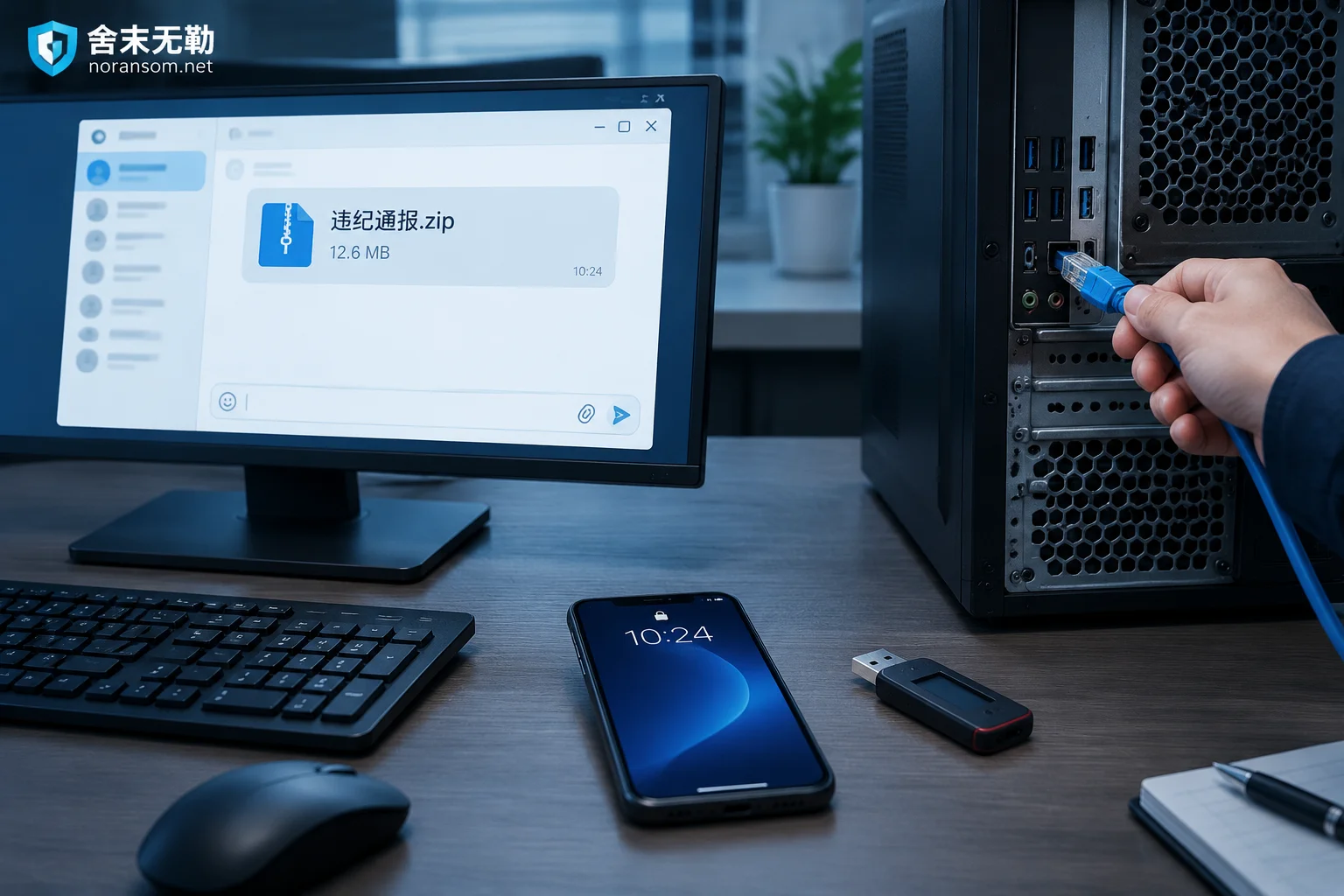
Suspected Silver Fox Trojan After Opening a Group 'Disciplinary Notice': Do These Five Things First, Antivirus Last
If you double-clicked a 'disciplinary notice' archive shared in a group chat and suspect a Silver Fox Trojan infection, your first move isn't to run antivirus—it's to disconnect from the network, force-log out all PC sessions from a trusted device and change passwords, have finance staff unplug USB banking keys and pause payments, then warn the group through other channels. This article covers the emergency response order, how to tell if you're actually infected, why a clean antivirus scan isn't reassuring, and when to bring in professionals.
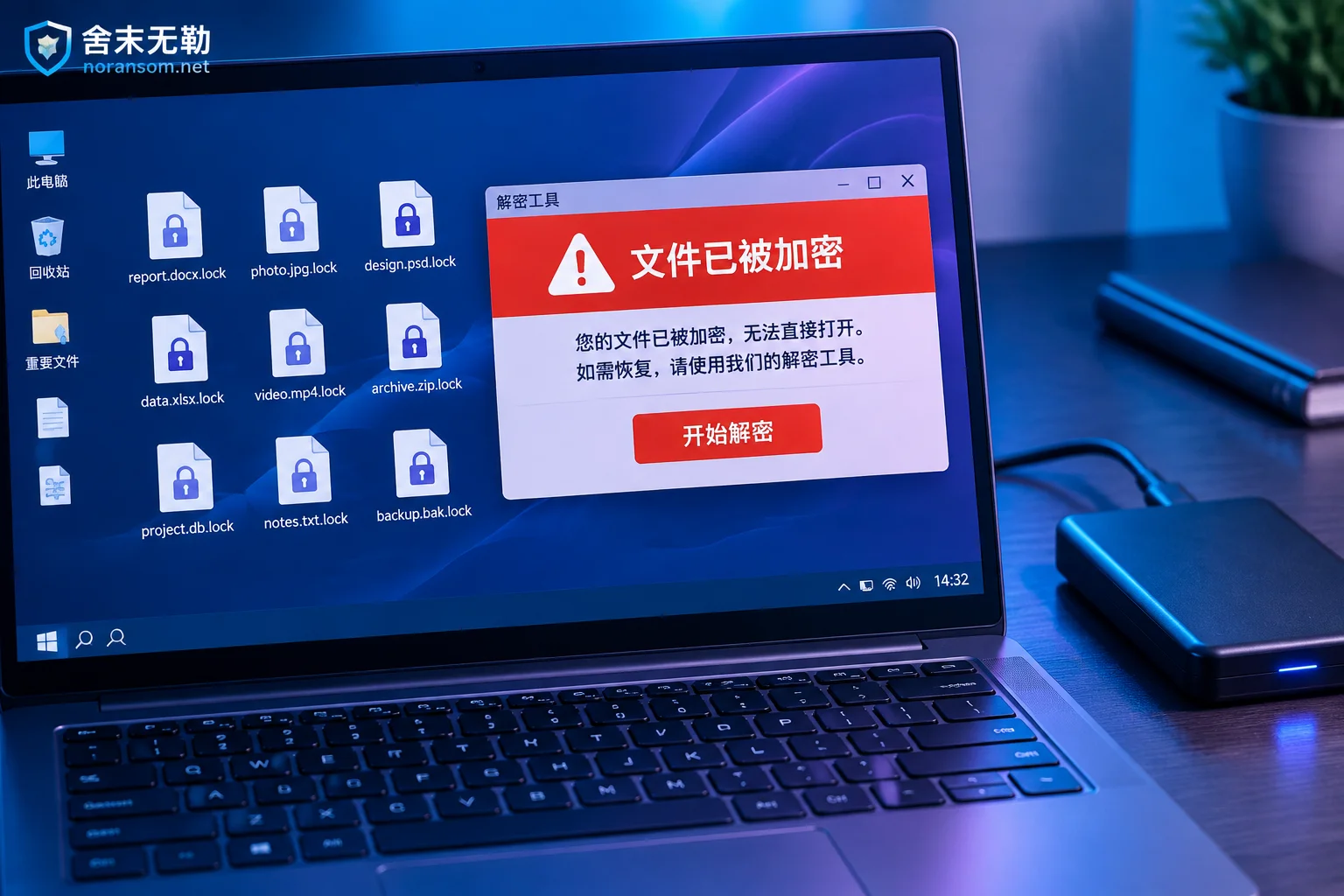
Decryption Tool Says 'Unsupported File': Stop First, Then Troubleshoot These Causes
When a decryptor reports 'Unsupported file', it usually means the tool's conditions aren't met—not that you made a mistake. This article covers the first actions to take, how to self-check four common causes, and what recovery paths remain if the tool truly doesn't support the file.
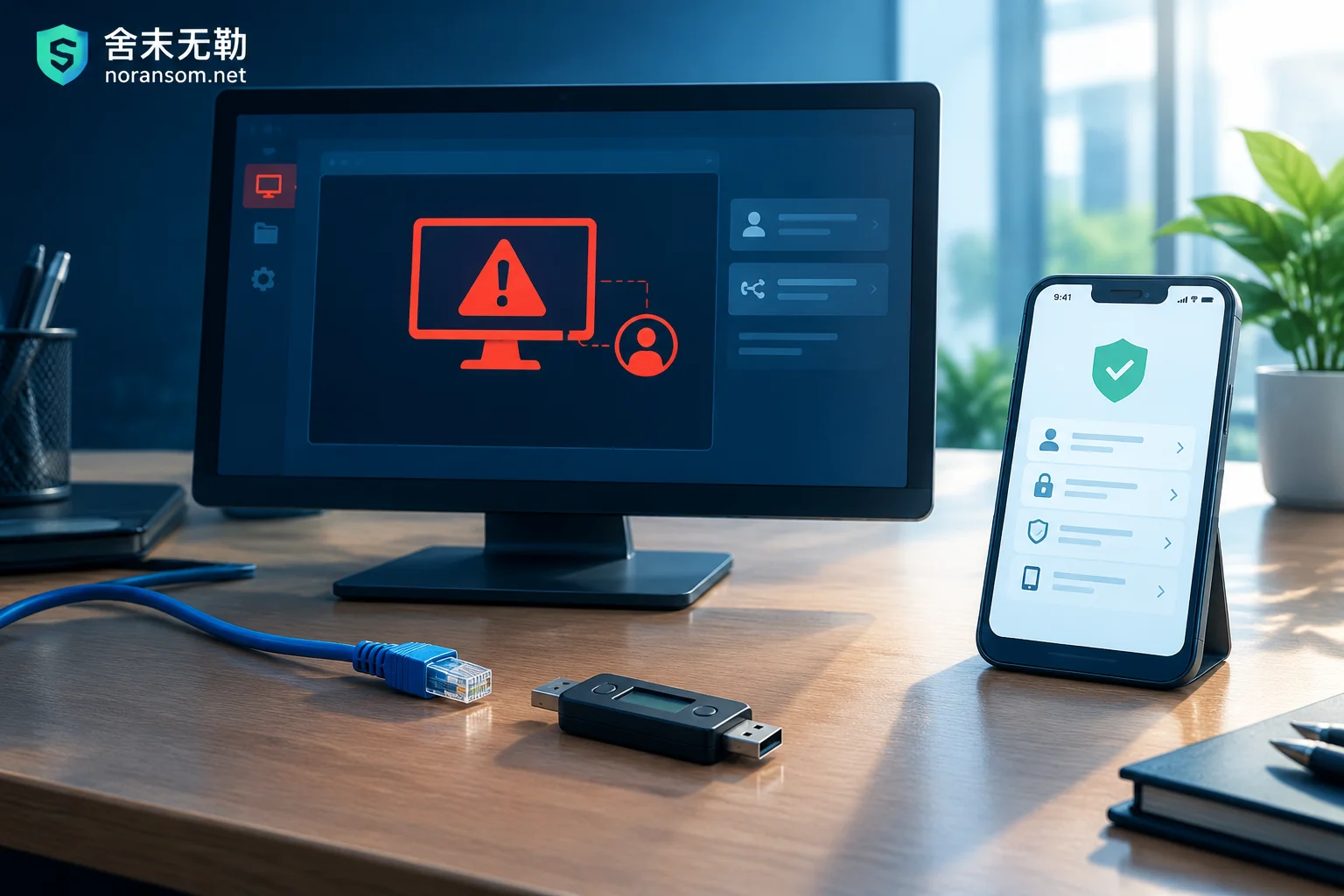
Which Account Passwords to Change After Finding a Silver Fox Trojan: Don't Change Them on That Computer
The Silver Fox Trojan logs keystrokes, grabs clipboard data, and dumps browser-saved passwords and cookies, so changing passwords on the compromised machine hands the new credentials straight to the attacker. This article gives the correct order: disconnect from the network and unplug USB keys first, switch to a clean device, then reset credentials layer by layer across chat/office accounts, every site saved in the browser, online banking and accounting systems, email, and domain/intranet passwords—and explains why each layer must also force-log-out all historical sessions.