只是一个默认分类

The Scope of a Silver Fox Trojan Cleanup: Seven Check Dimensions Plus Account and Financial Response
Silver Fox trojan cleanup is not just a full antivirus scan. This article explains the seven check dimensions a thorough investigation should cover—persistence, process and memory injection, C2 outbound connections, security software tampering, messaging app sessions, financial credentials and shadow accounts, and lateral spread—and why host remediation and account/fund response must be two separate, parallel tracks.
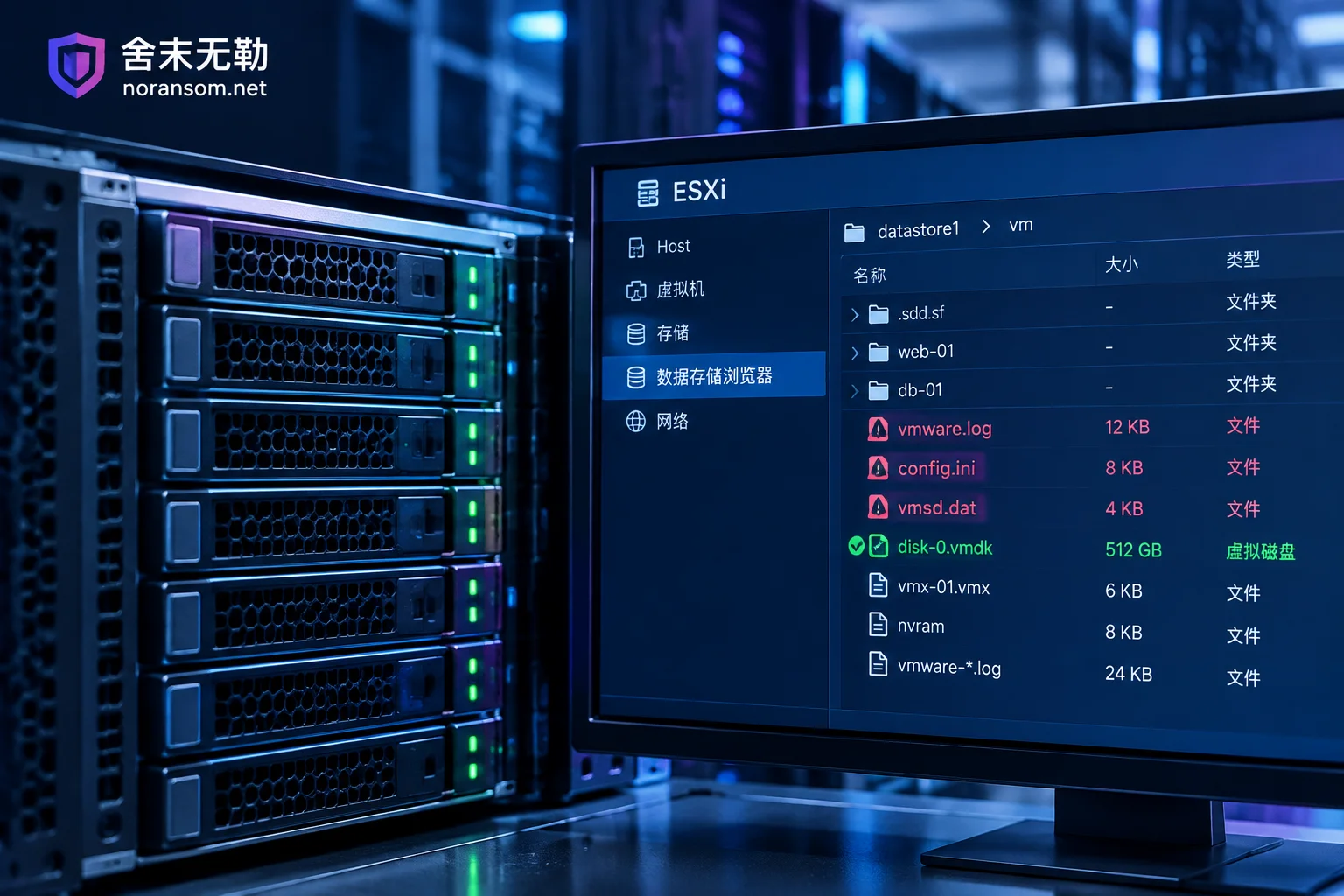
ESXi VM Encrypted with No Snapshot: Don't Touch the Original Storage—Assess What's Recoverable in This Order
When an ESXi VM is encrypted by ransomware with no snapshot or usable backup, first stop all writes to the datastore, then determine whether the VM config files or the underlying -flat.vmdk data disks are damaged.
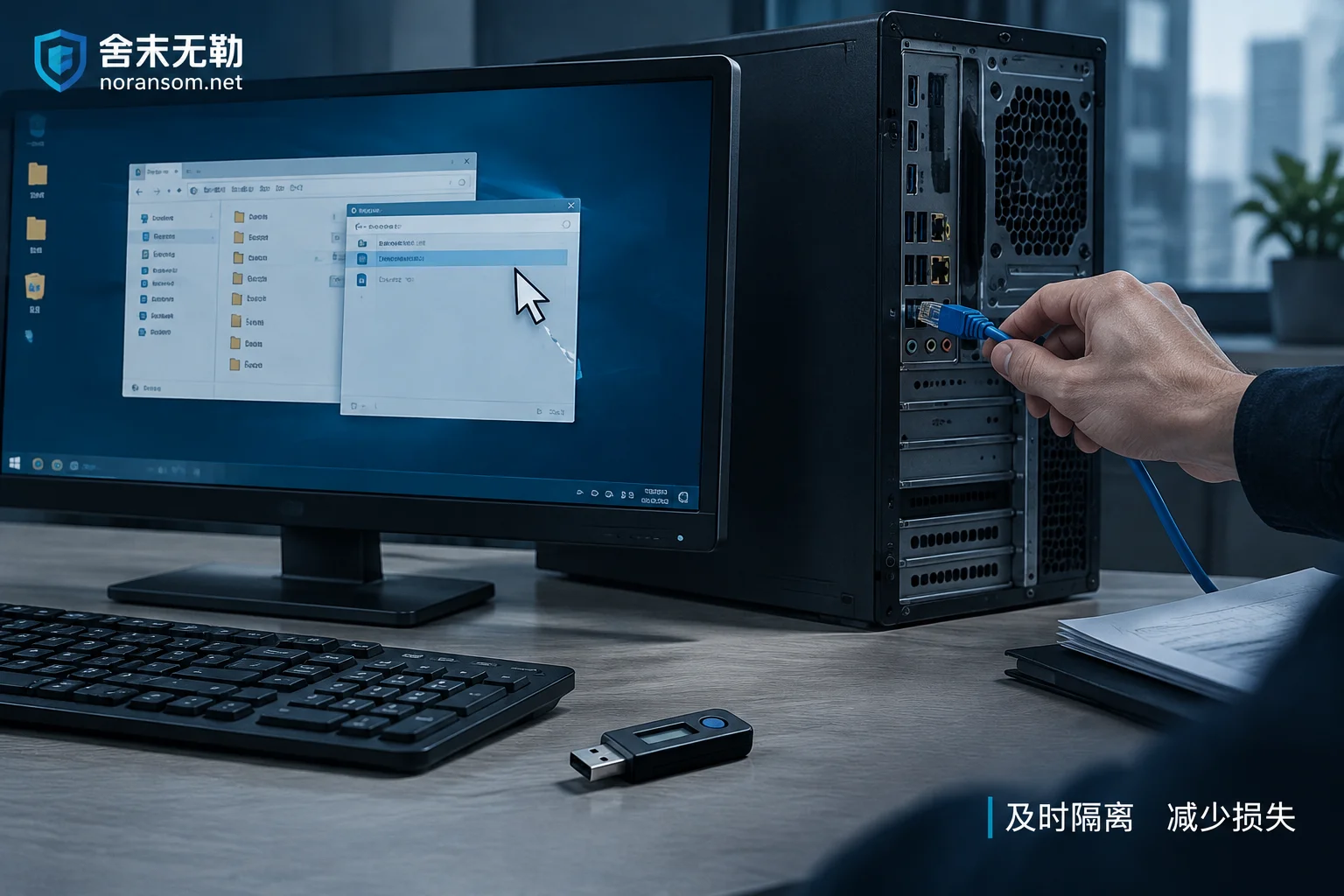
Mouse Controlled Remotely but Antivirus Reports Clean: Disconnect Network, Remove USB Shield, Then Handle Accounts on Another Device
When the mouse moves on its own and antivirus finds nothing, it's often a remote-access trojan using signed loaders or legitimate remote tools. This article gives the immediate action order: disconnect the physical network, pull the USB shield, change passwords and terminate sessions on another trusted device, then investigate persistence such as scheduled tasks.
Ransomware Decryption Files Won't Open: Determine If They're Undecrypted or Corrupted
When decrypted files won't open, it's often not a simple 'decryption failure.' This article outlines the first forensic steps after stopping, teaches you to use file headers to determine if files were truly restored, and explains what to do in cases of tool mismatch, decryptor flaws, interrupted encryption, multiple encryption, and database corruption.
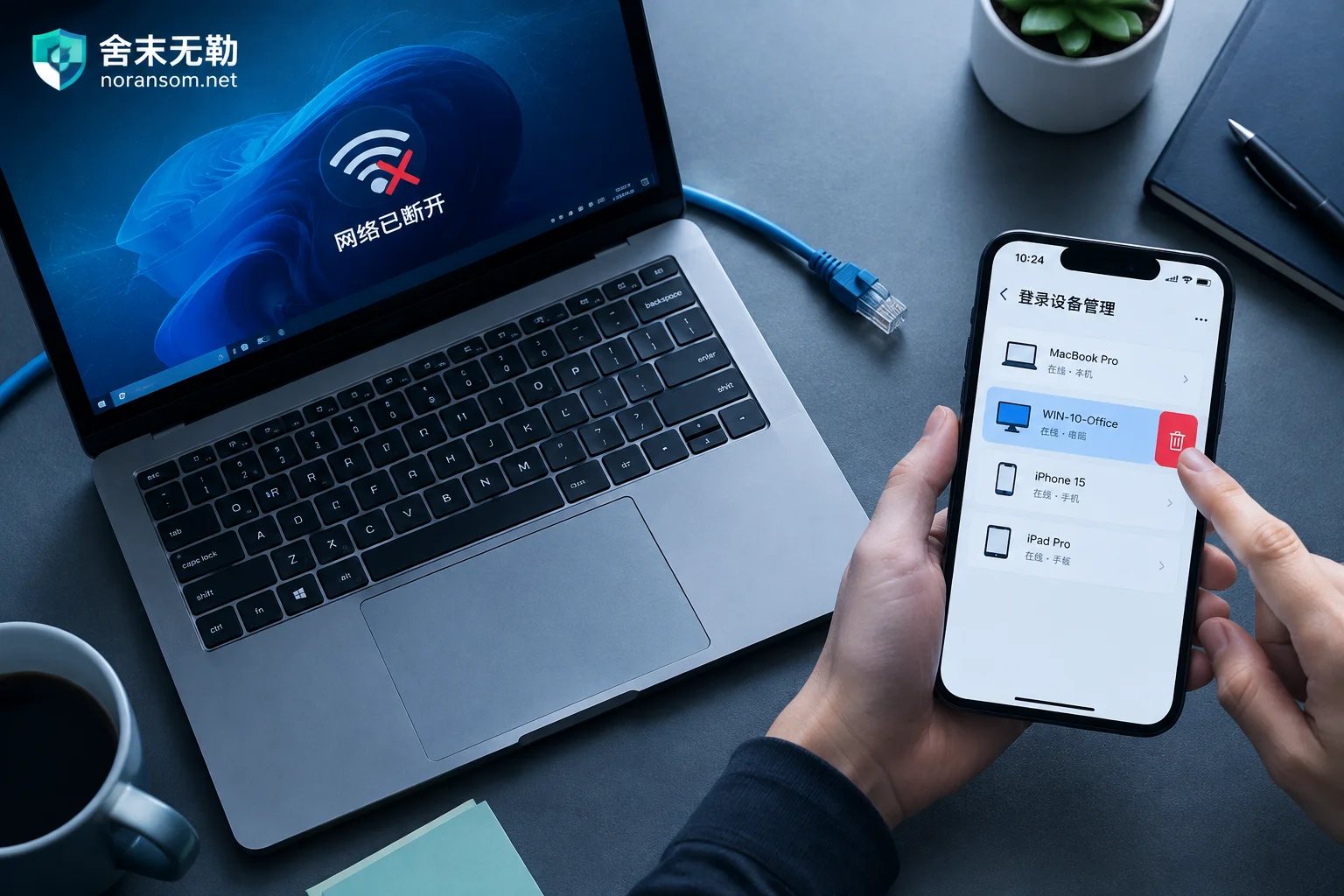
Hit by Silver Fox Trojan: How to Handle WeChat and QQ Accounts — Disconnect First, Then Kick Logins from Another Device
After a suspected Silver Fox Trojan infection, handle WeChat and QQ in this order: physically disconnect the infected PC, use a trusted device like your phone to remove PC logins, change passwords, and enable login protection, then notify contacts to prevent fraud, check financial channels, and finally clean the host.